
WEEK 1: INTRO TO ZOOM
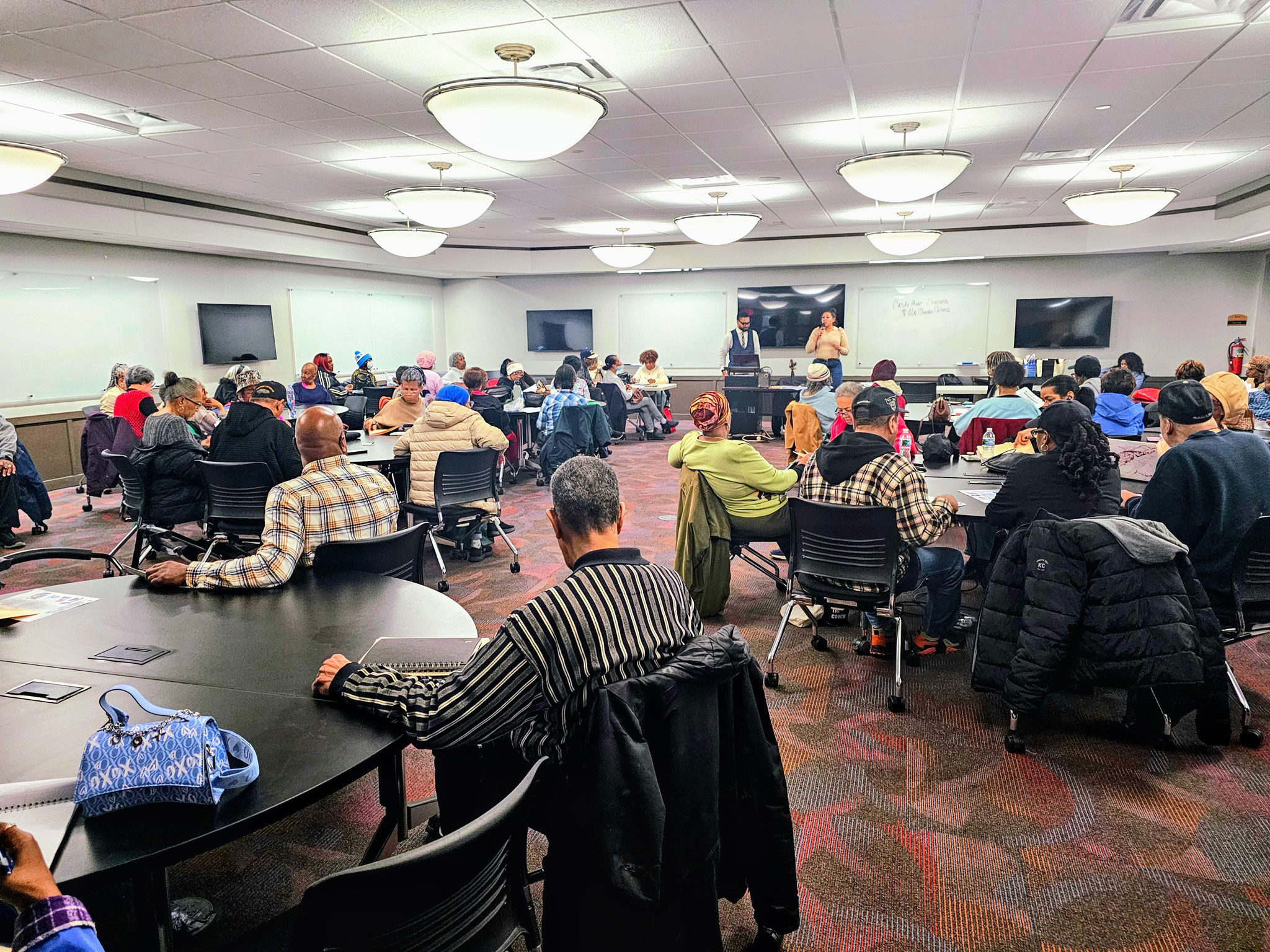
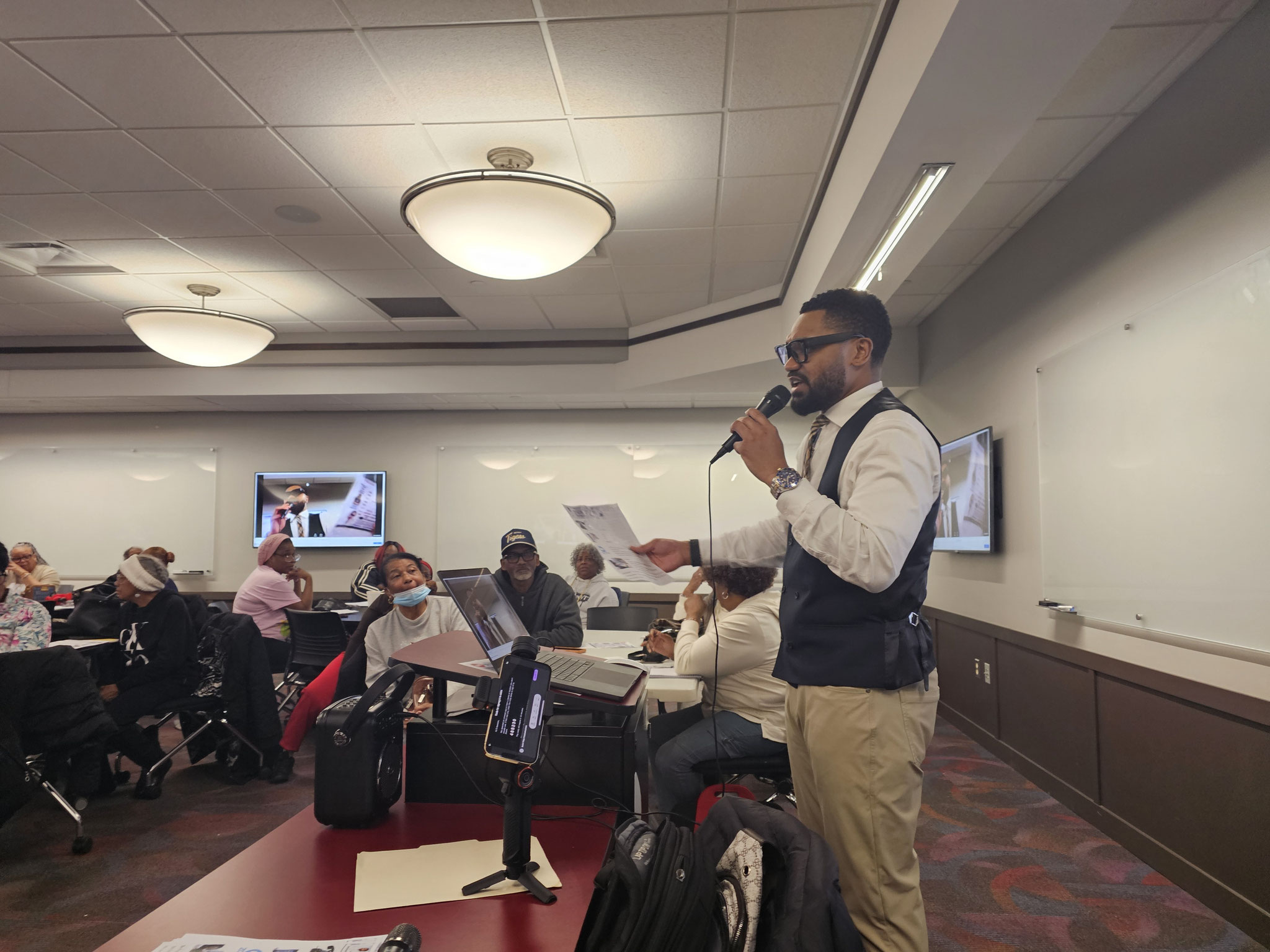
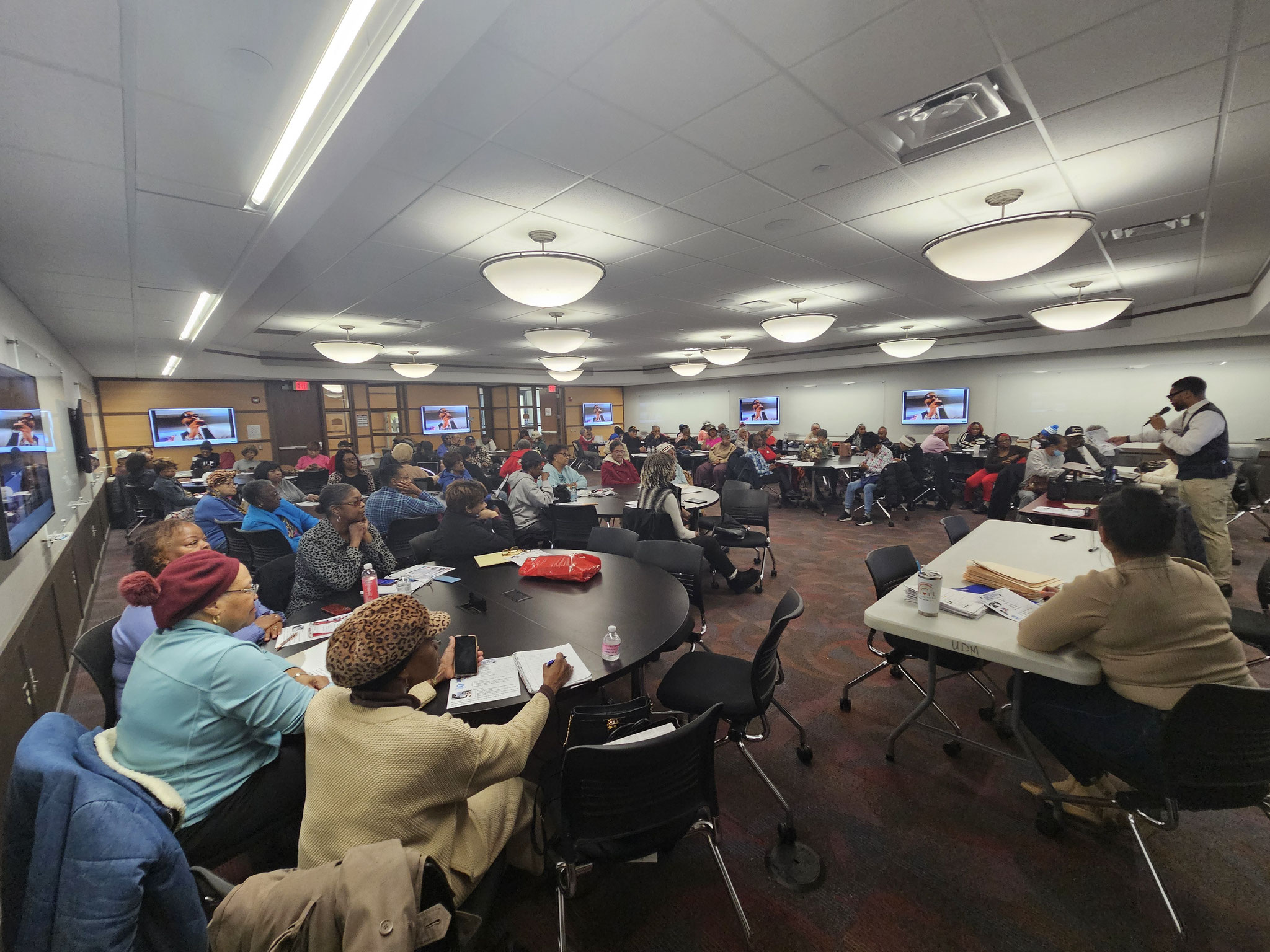
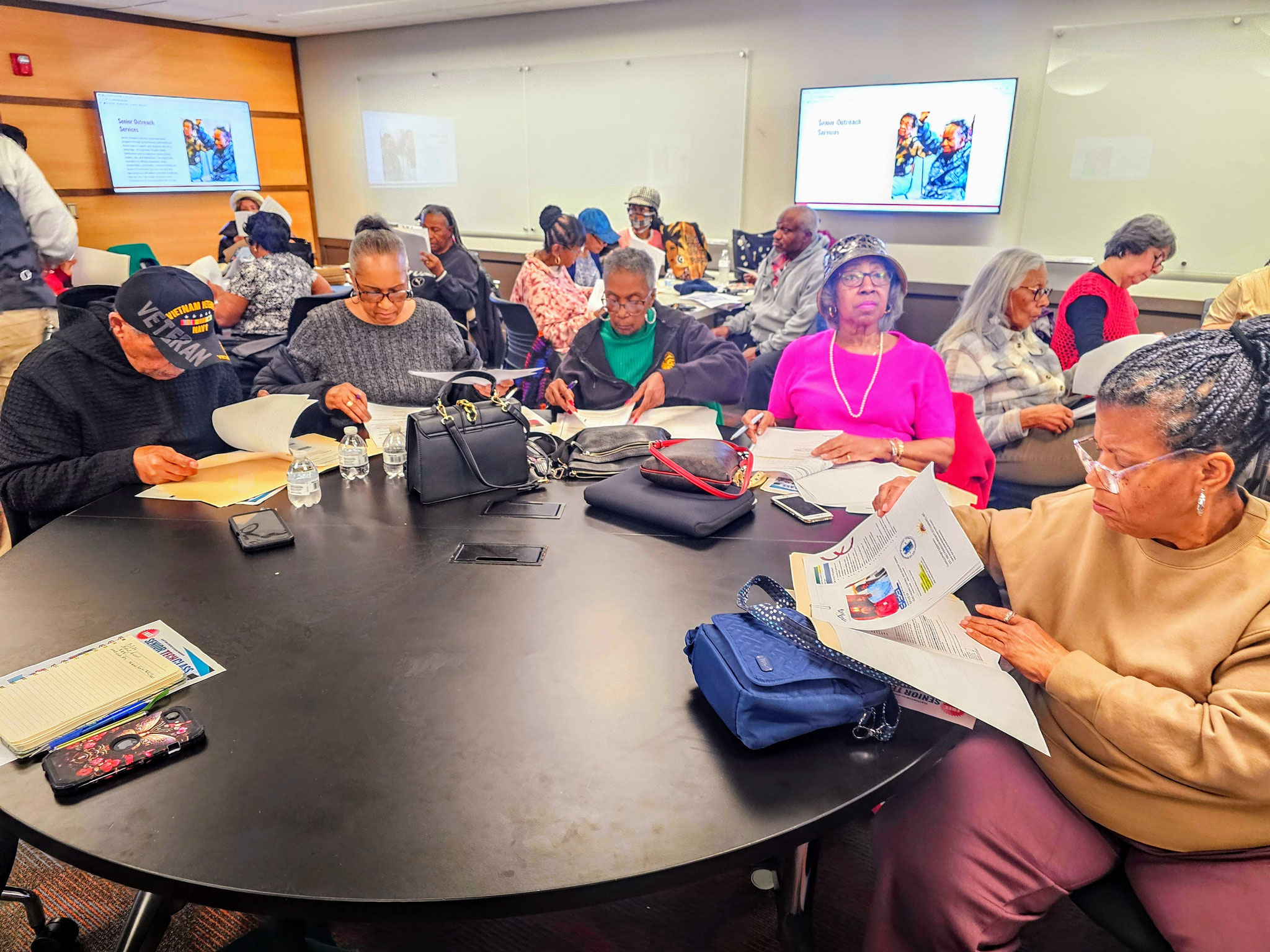
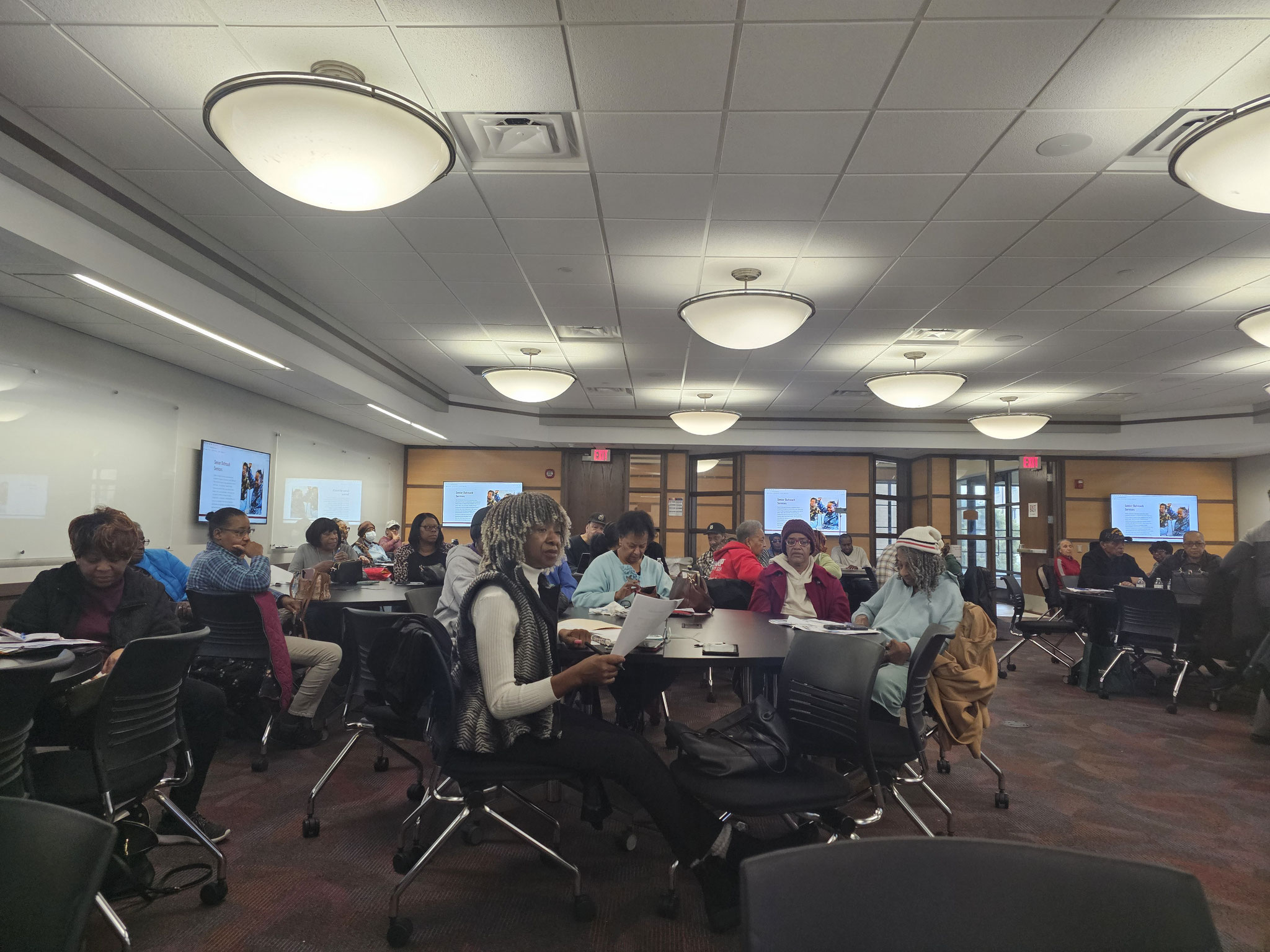
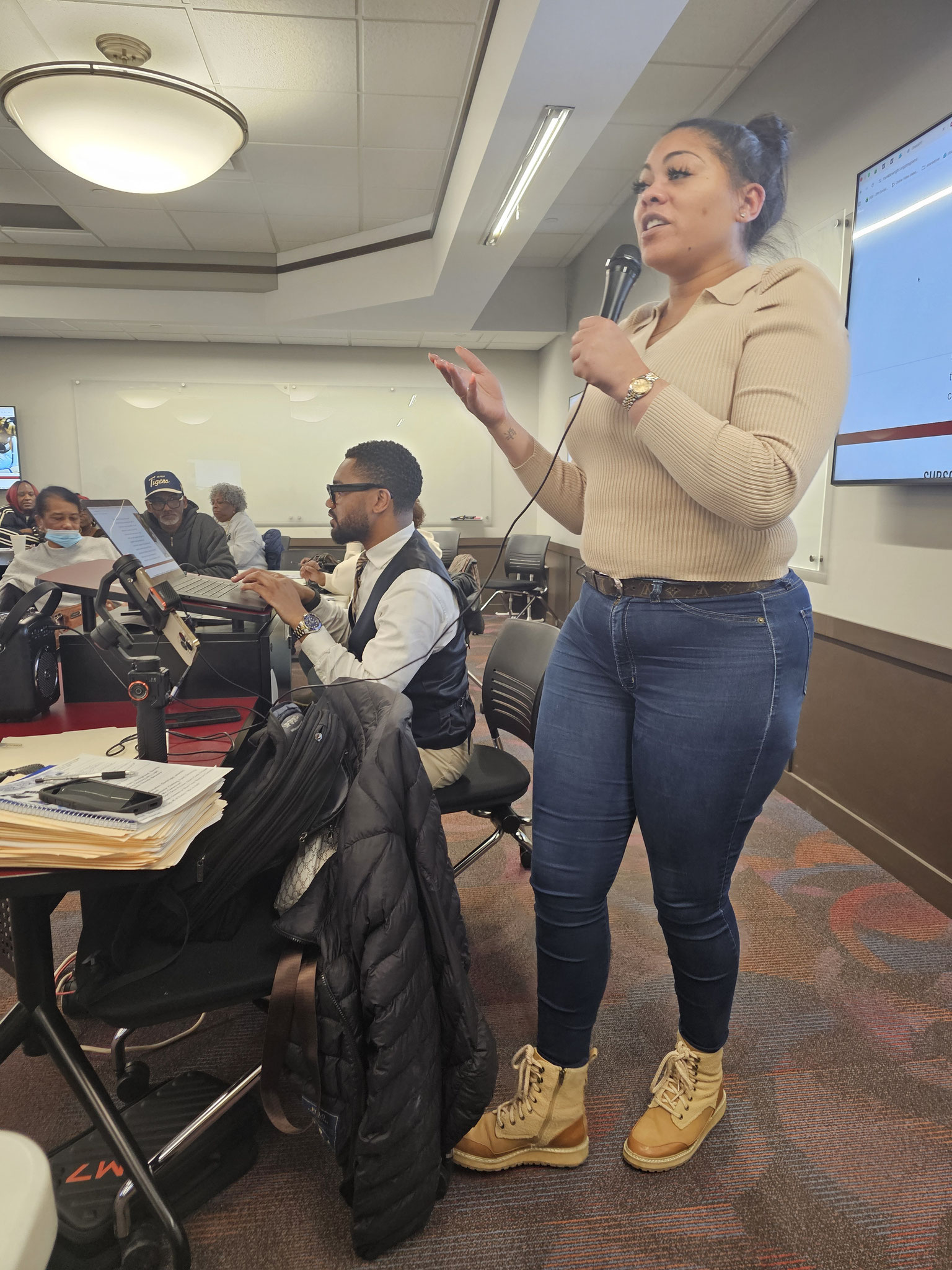
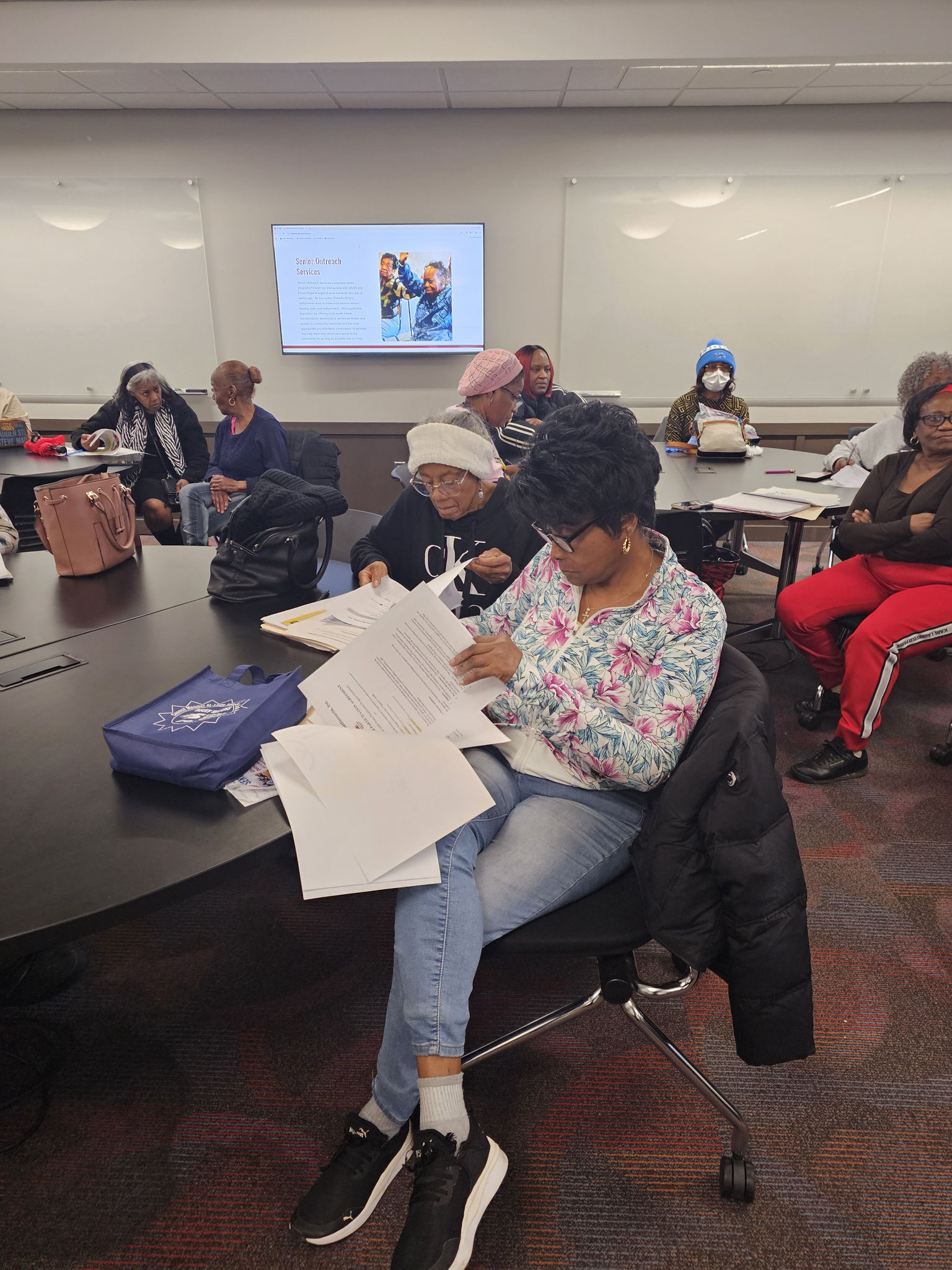
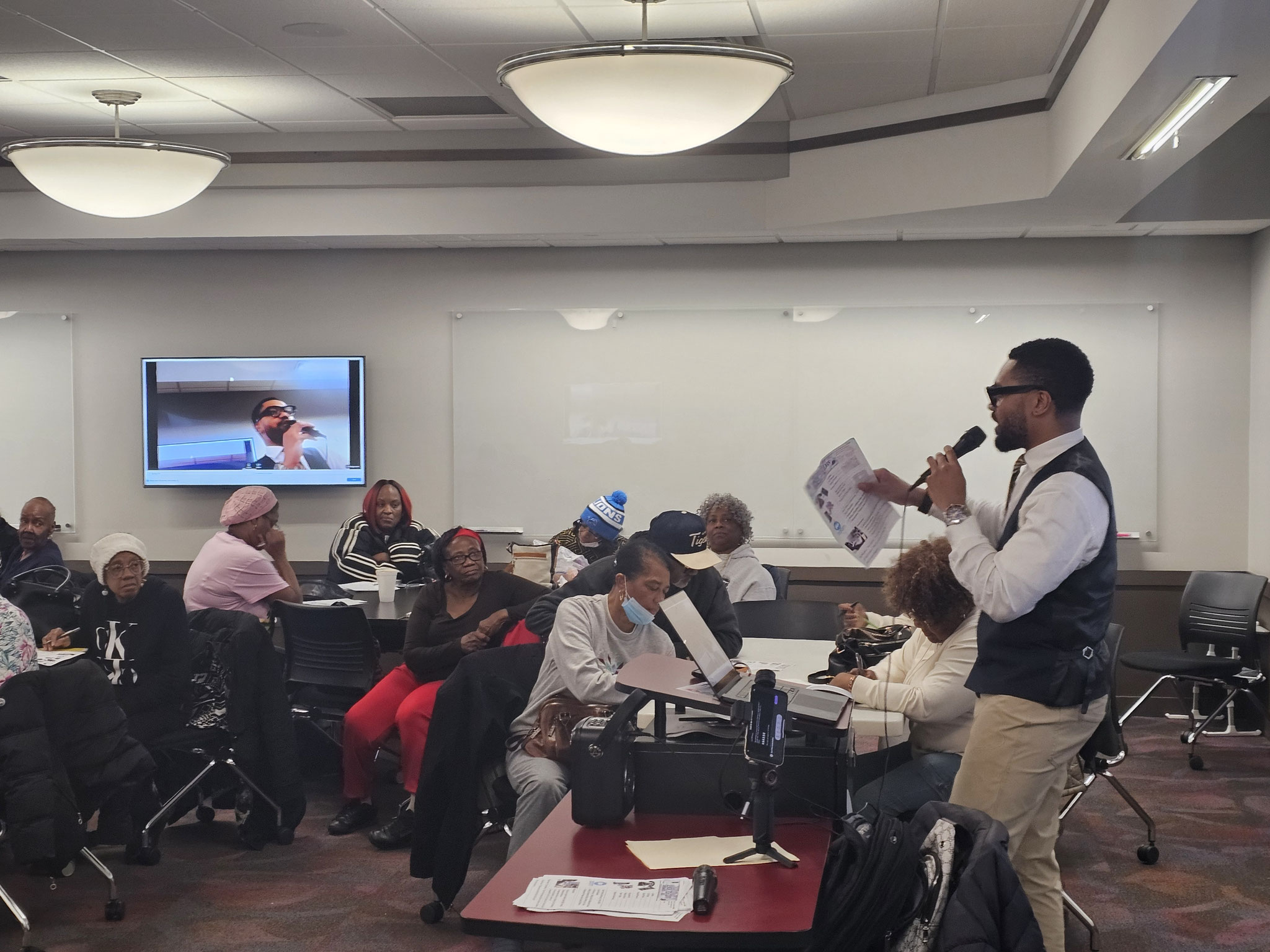
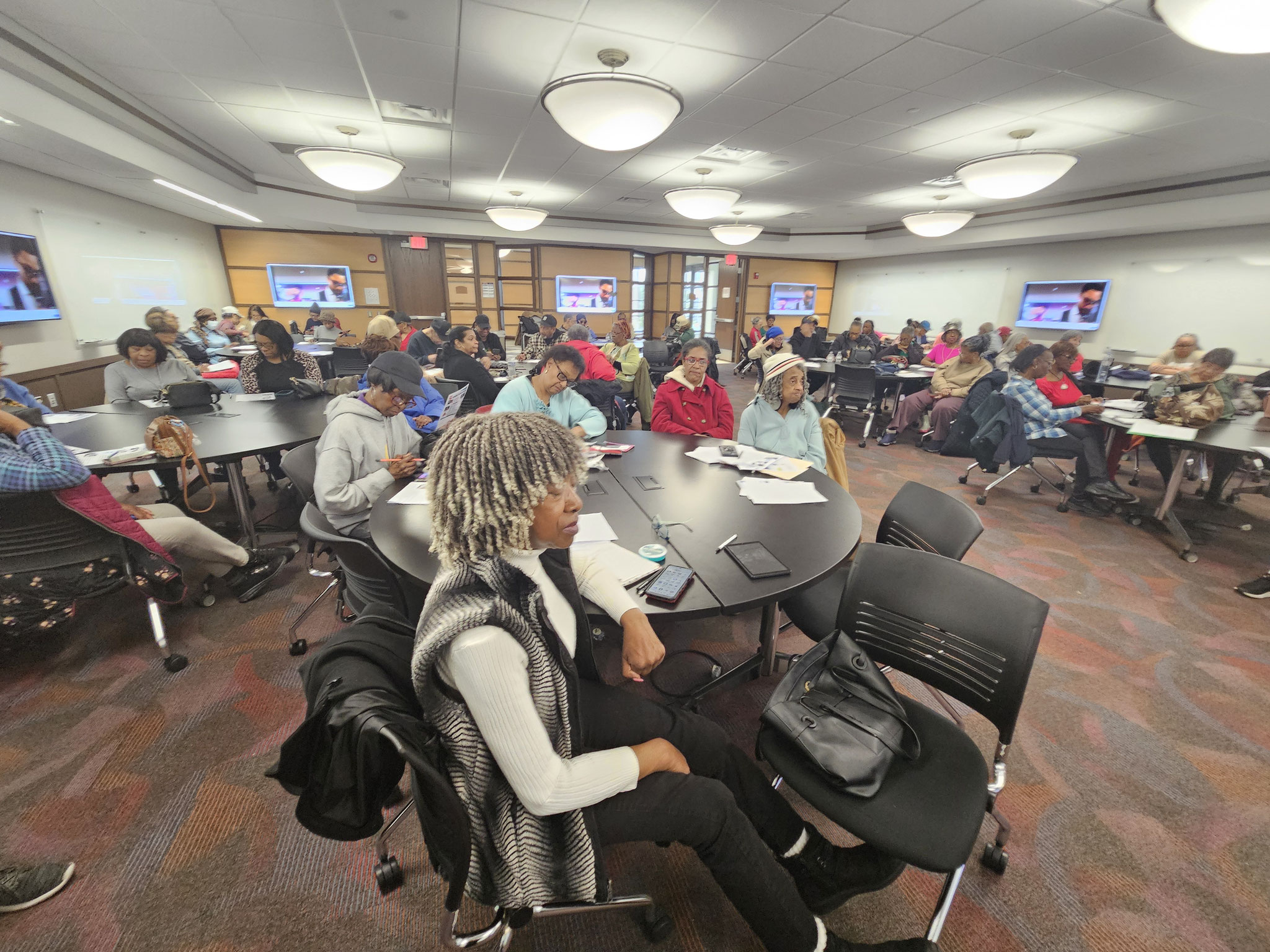
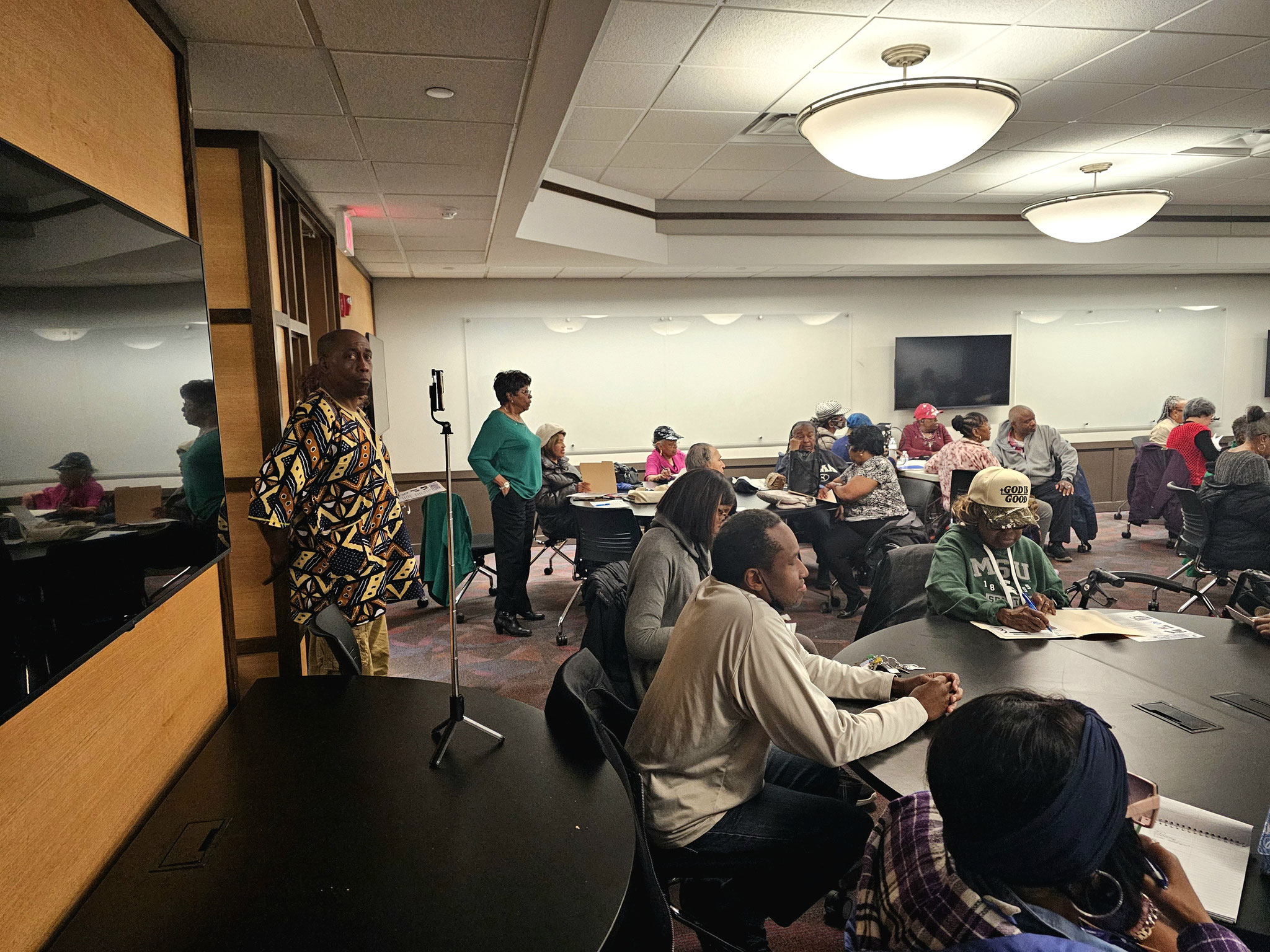
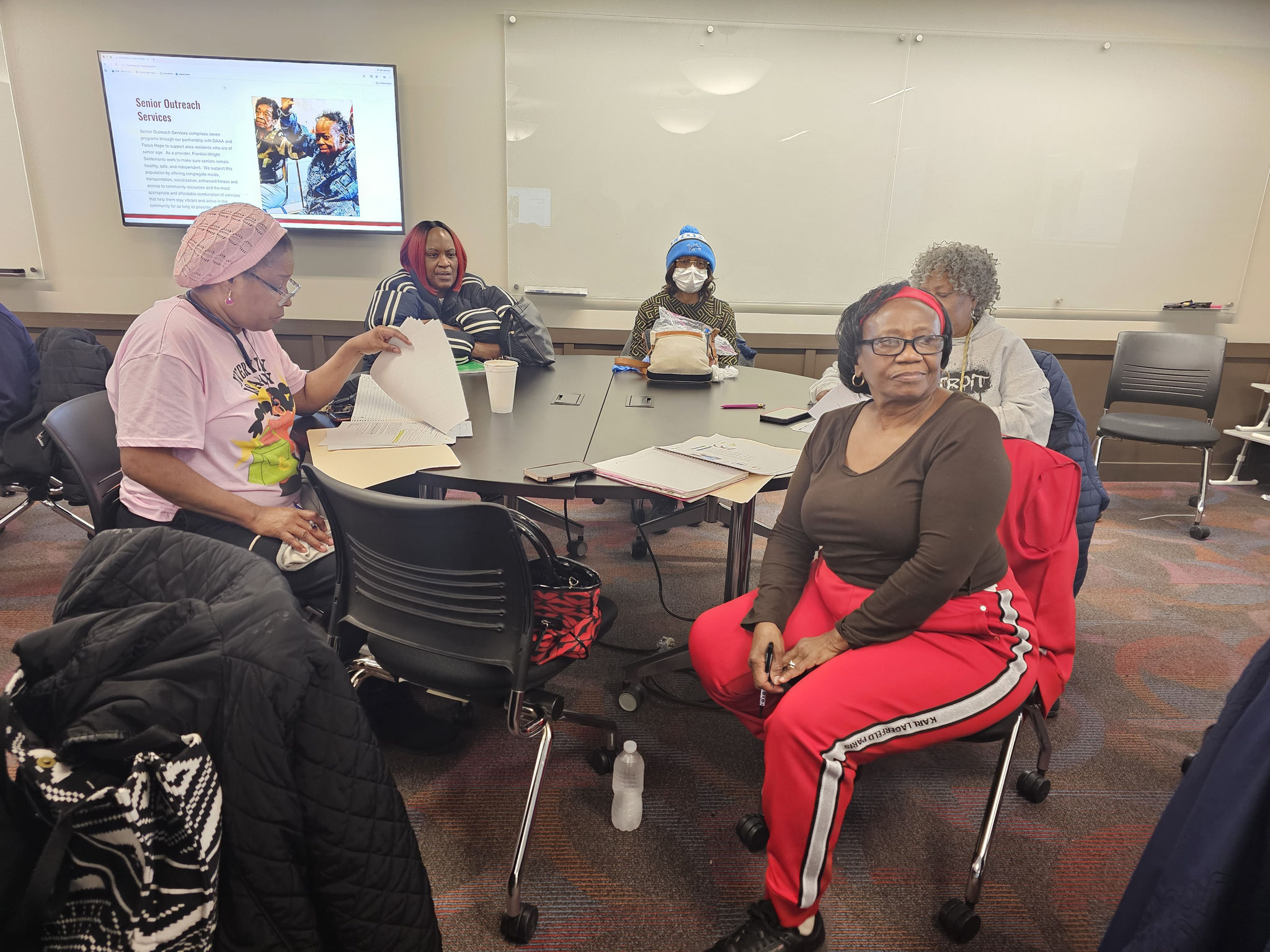
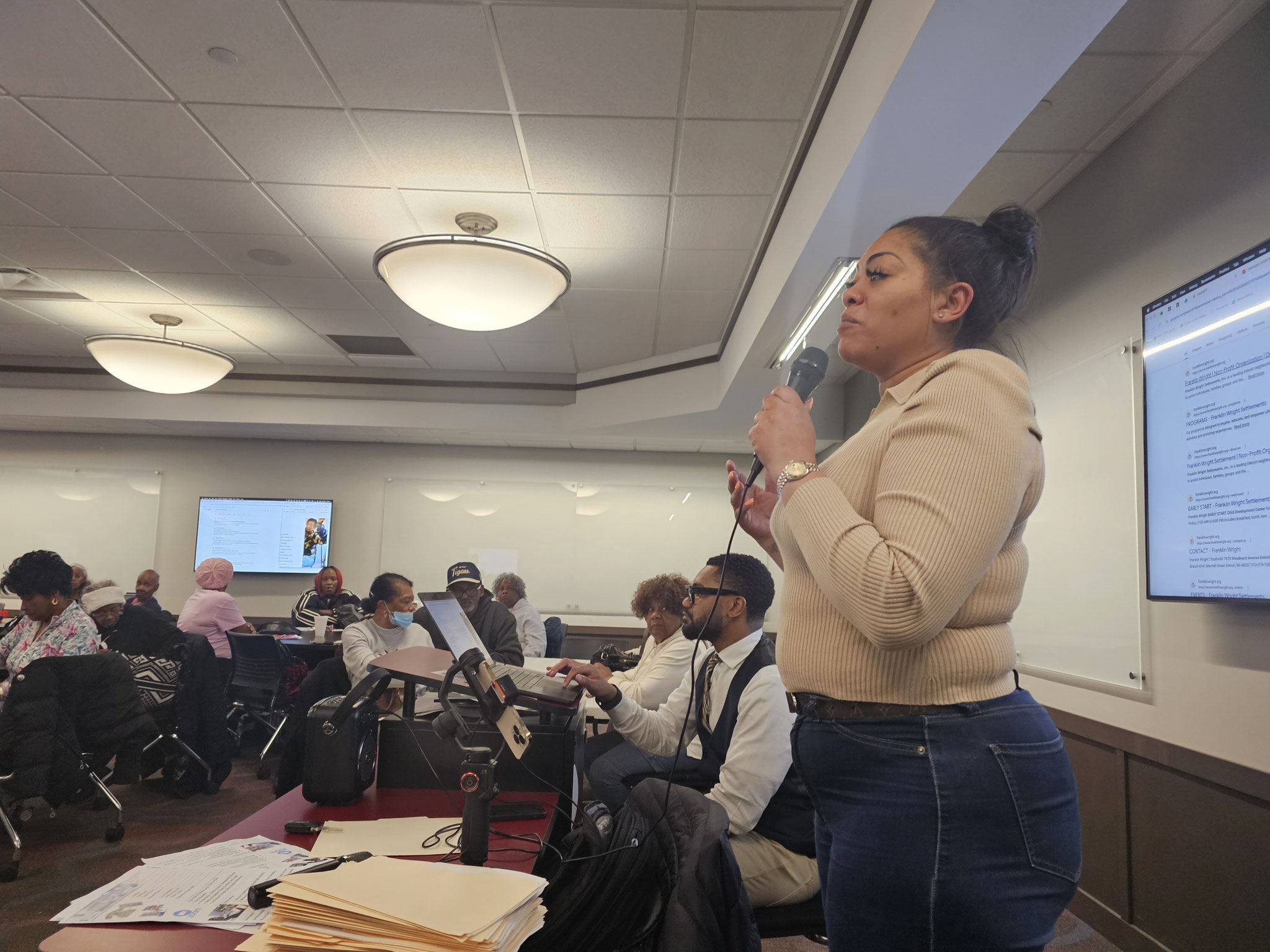
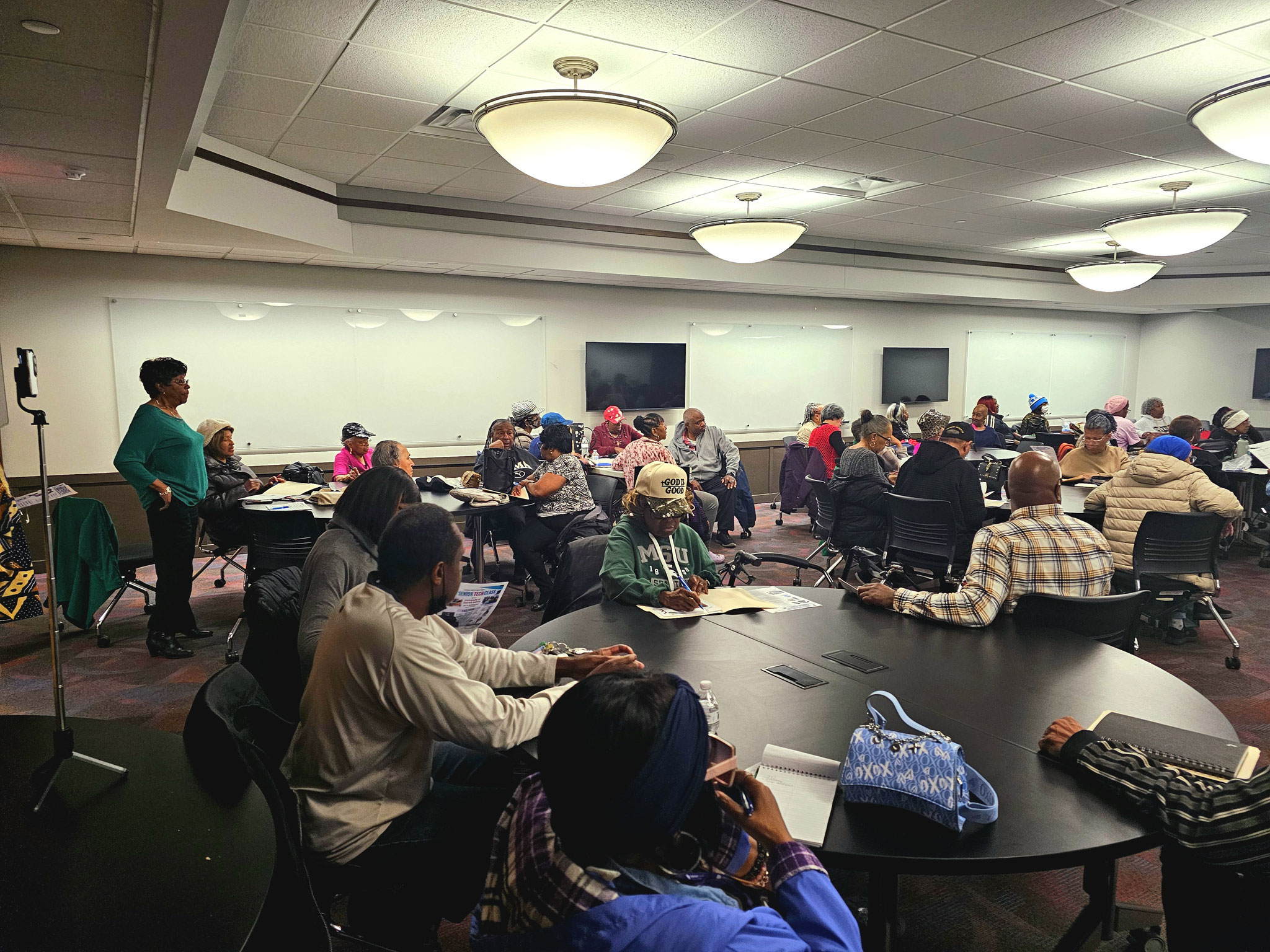
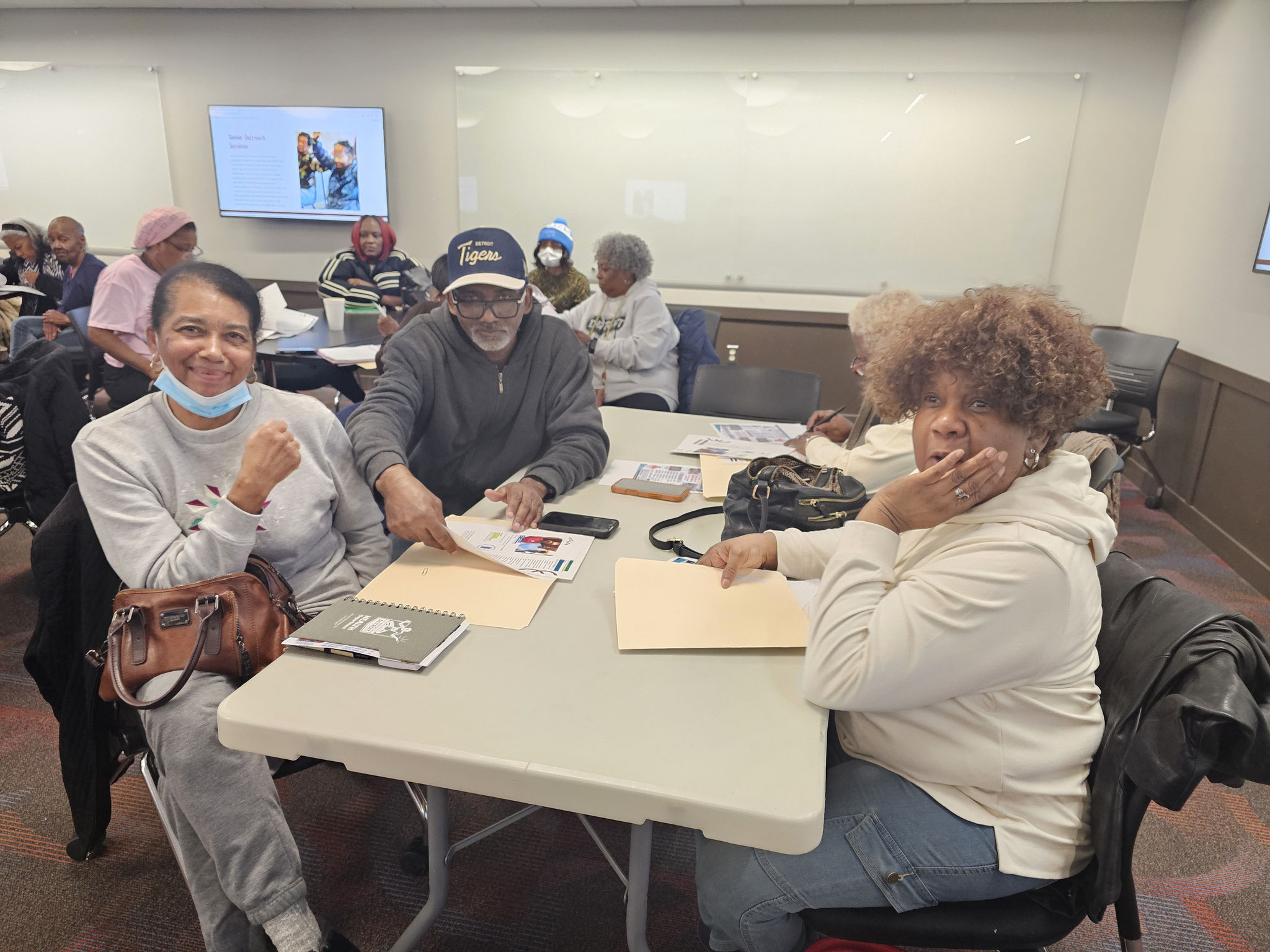
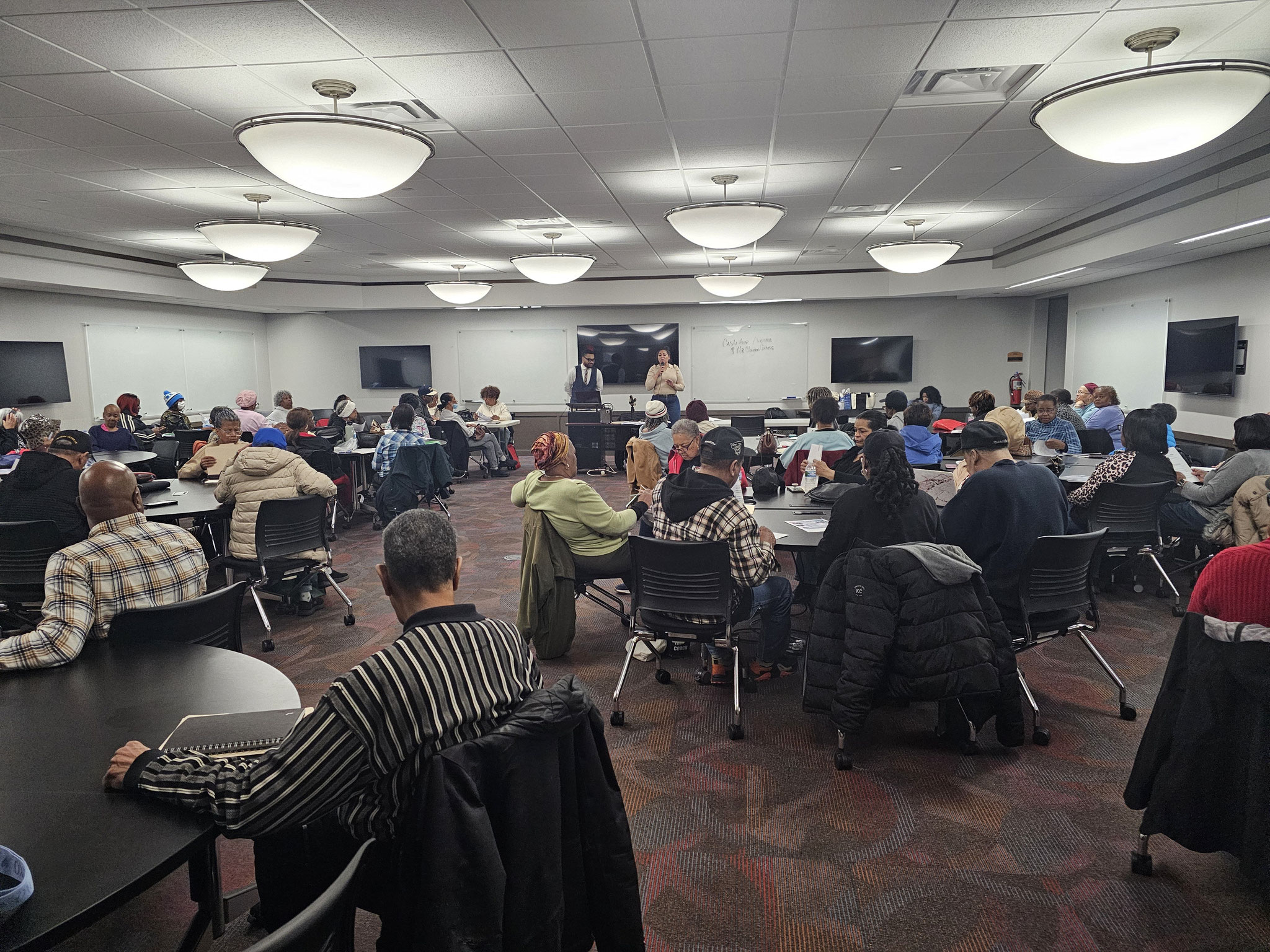
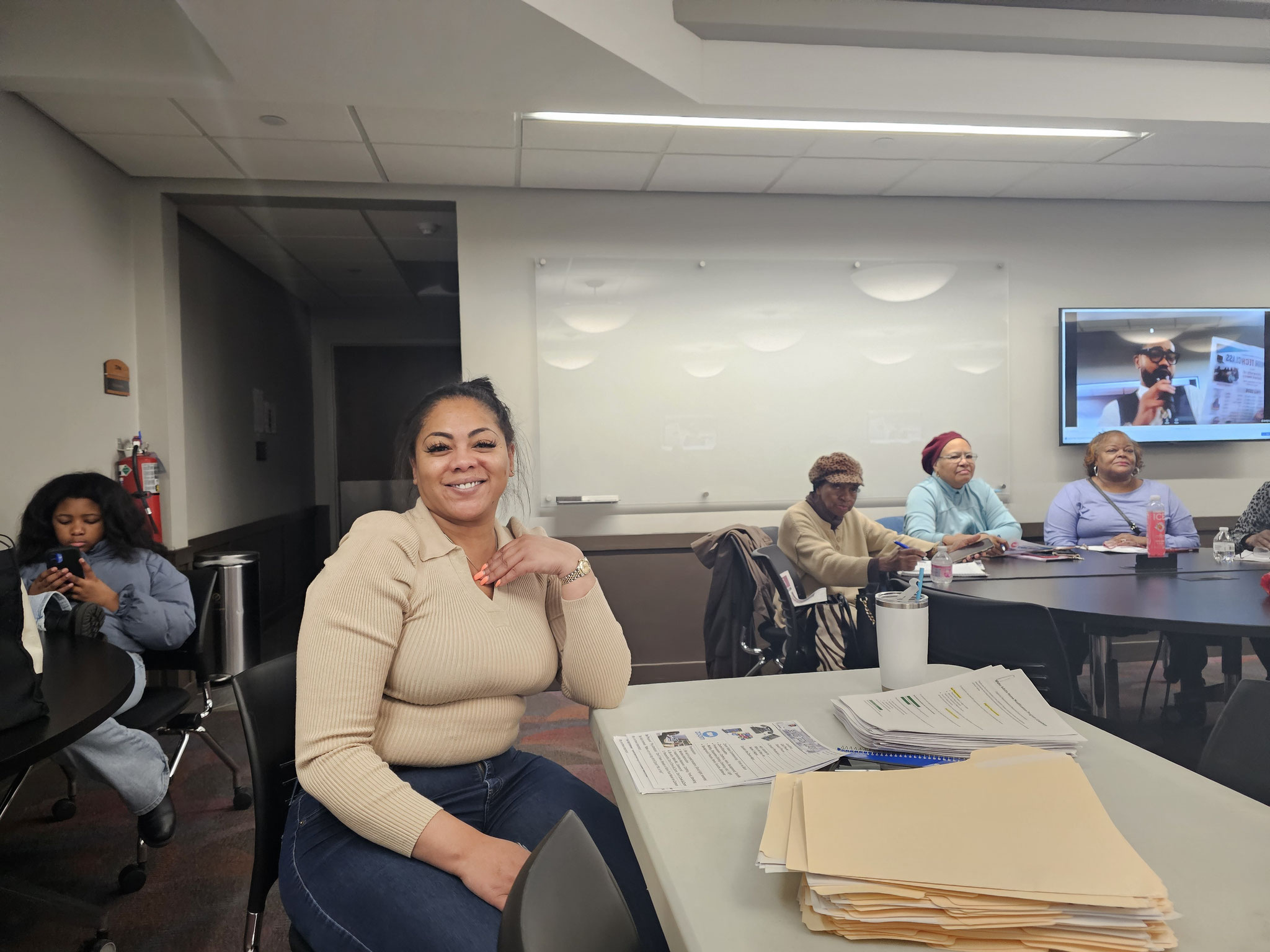

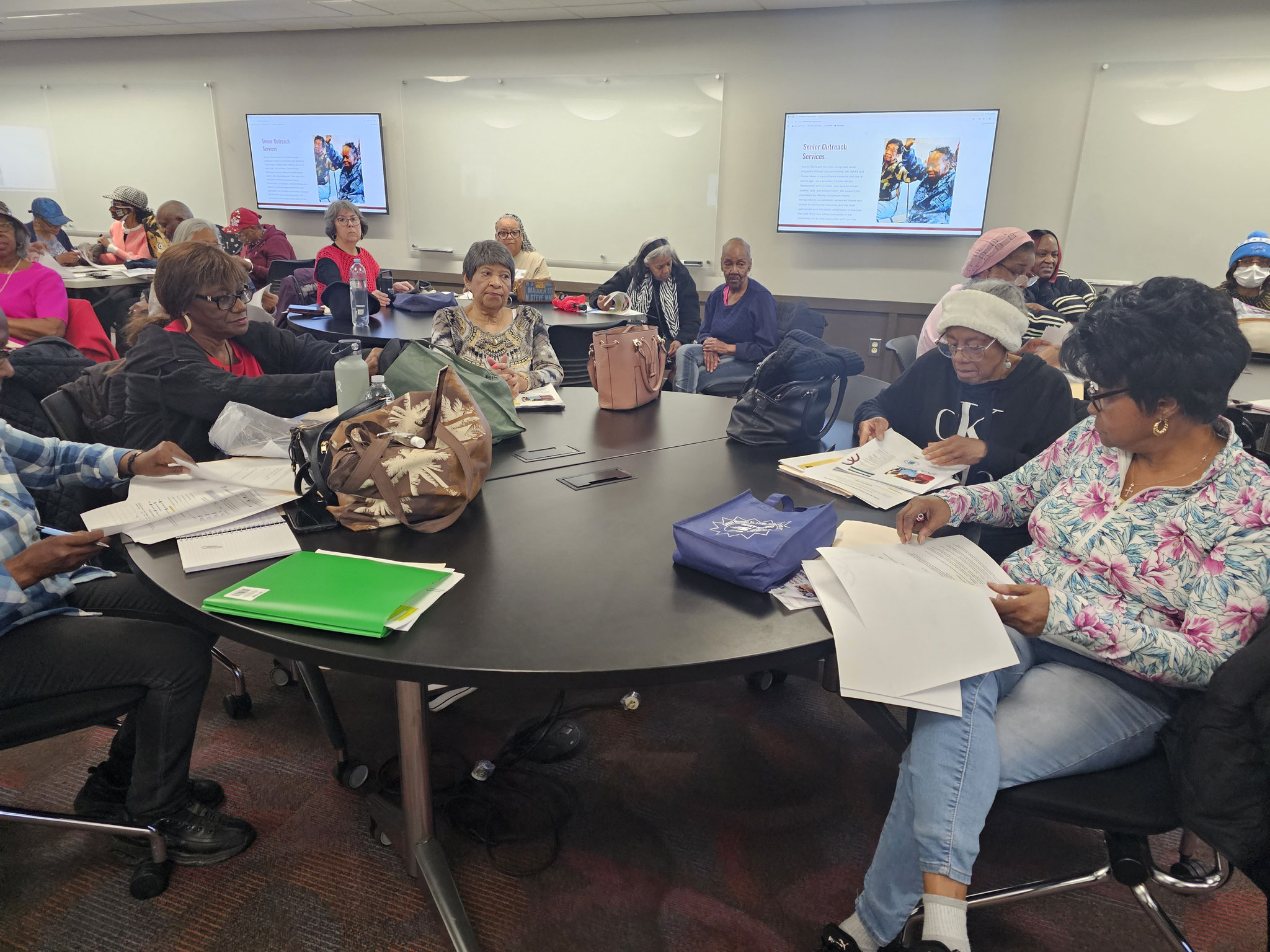
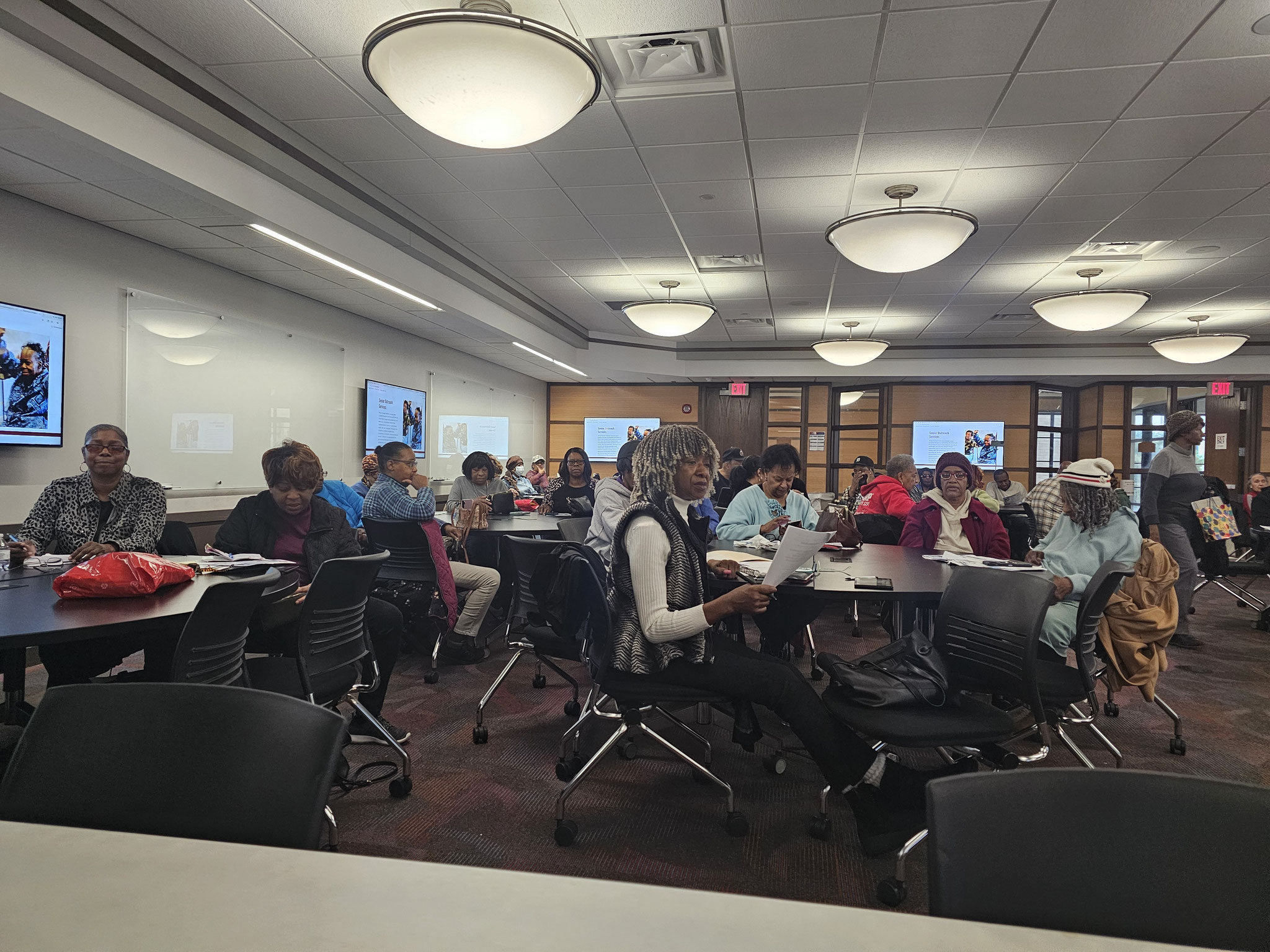
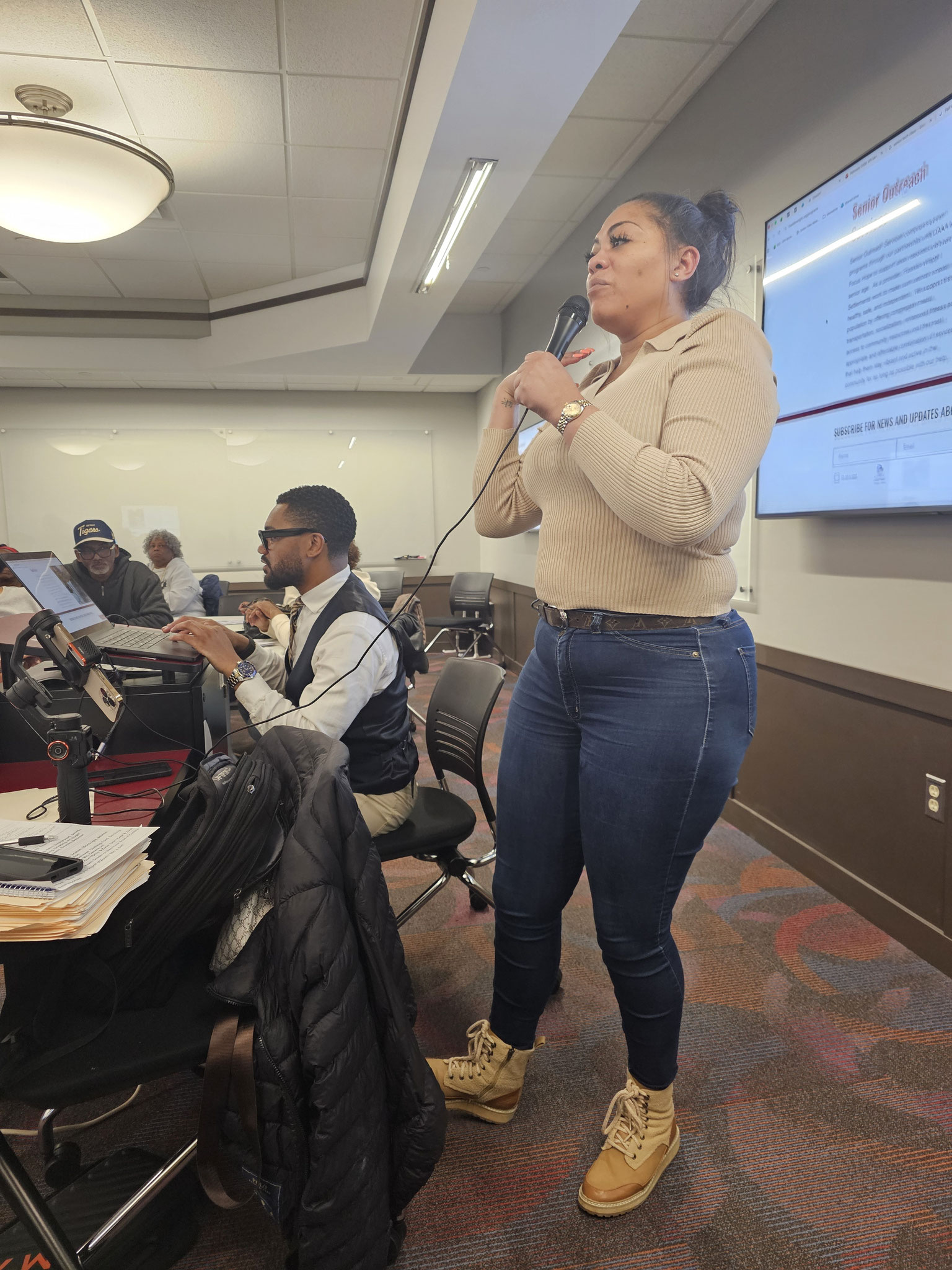
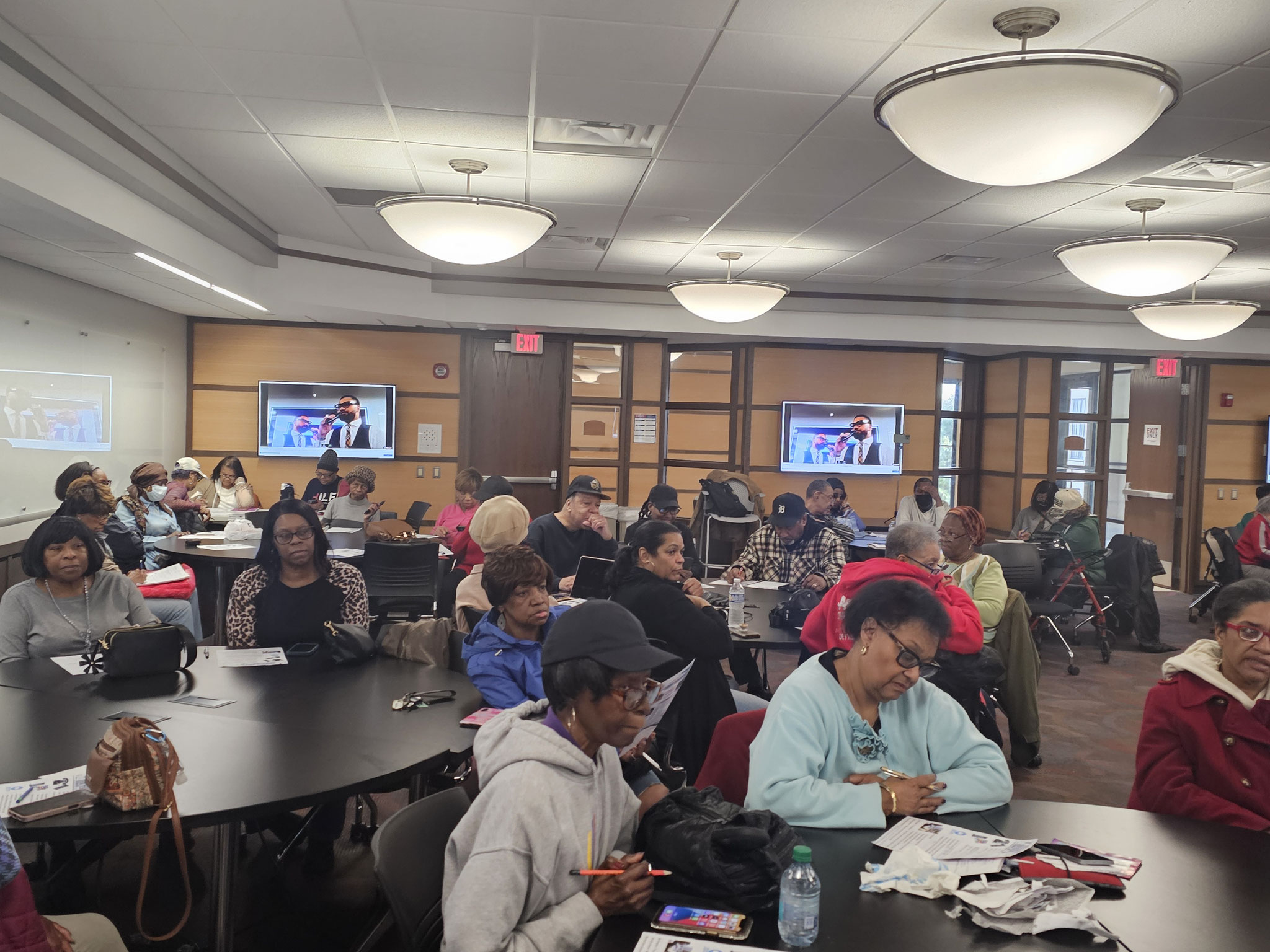
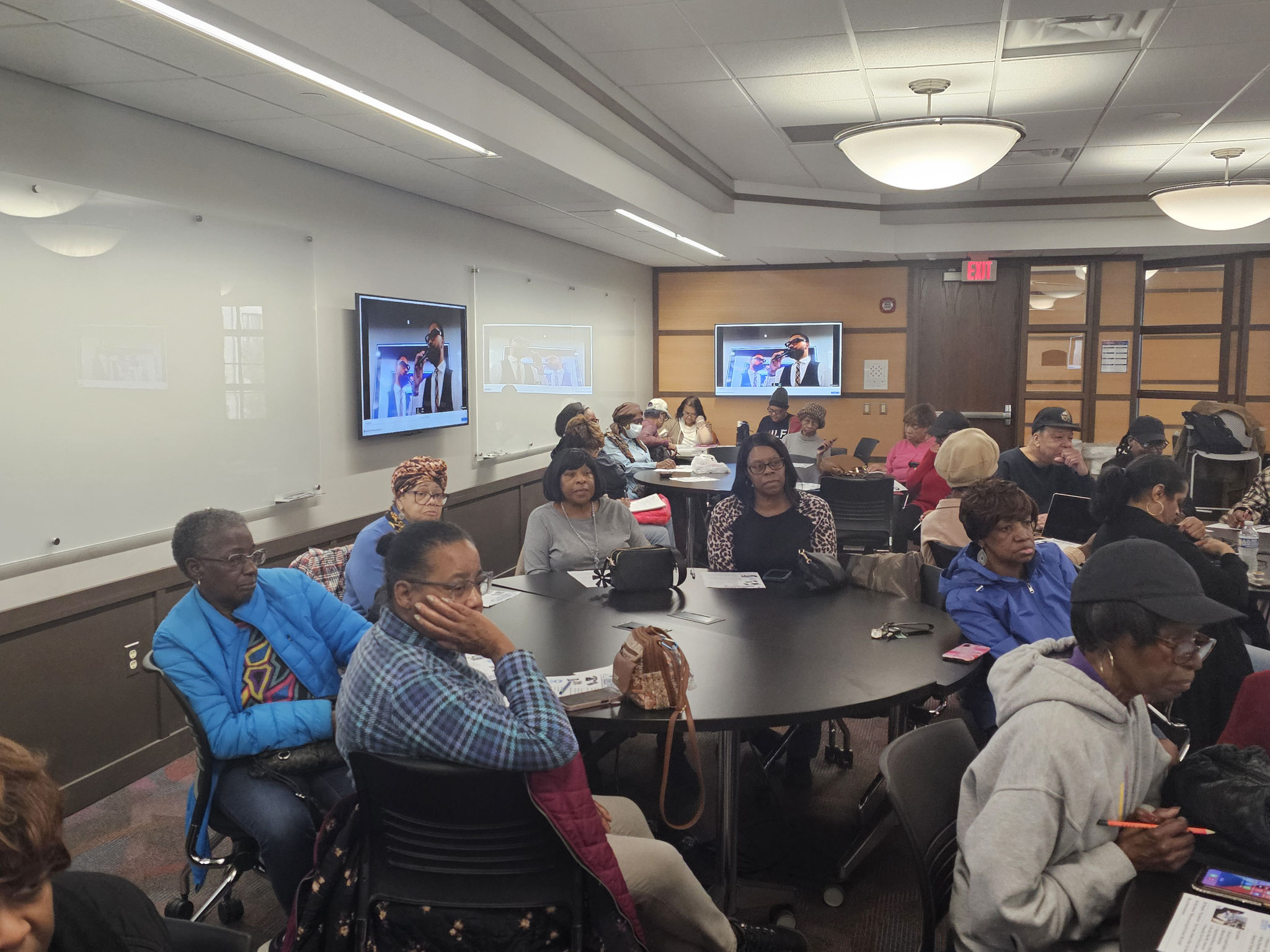
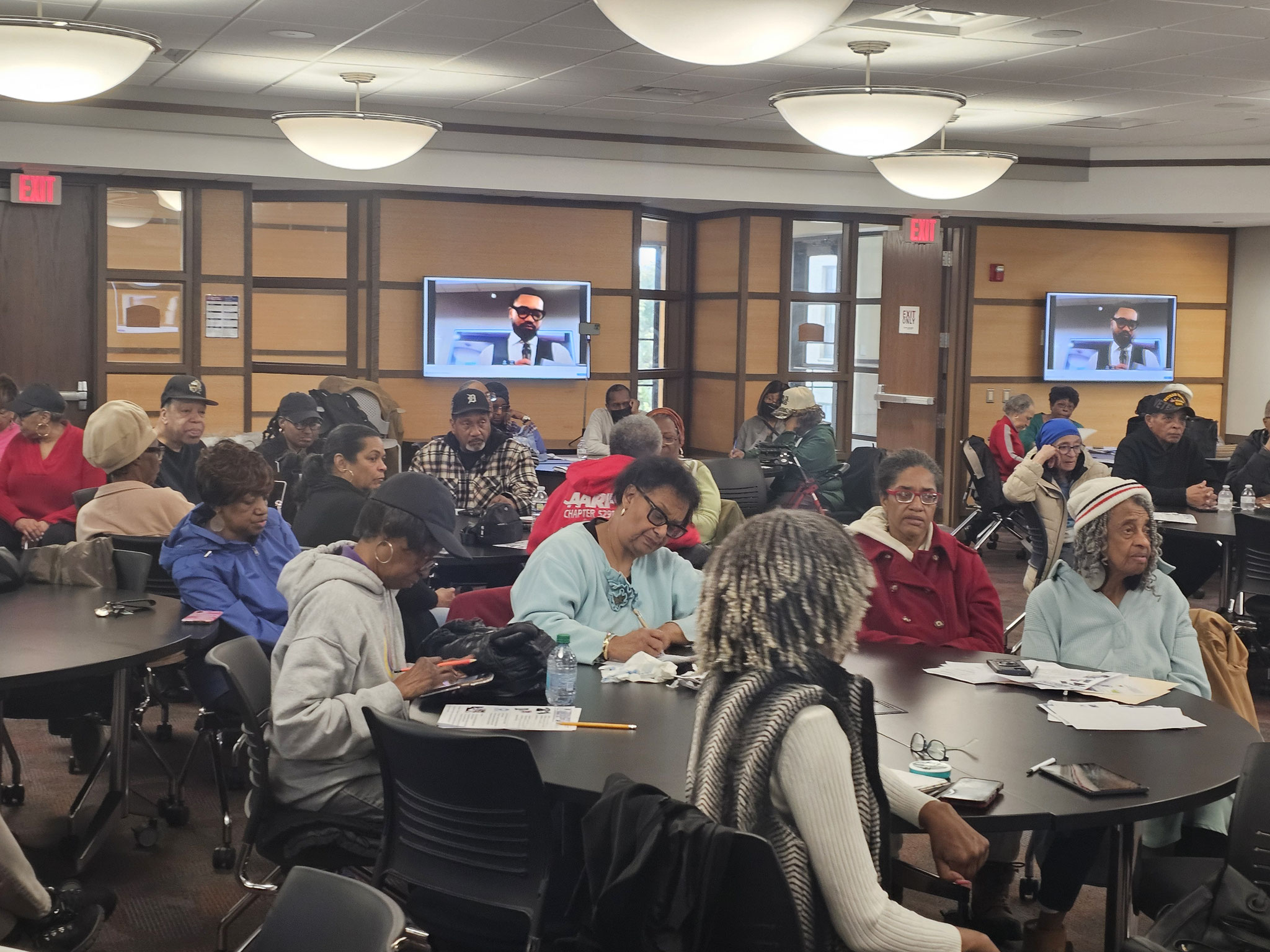

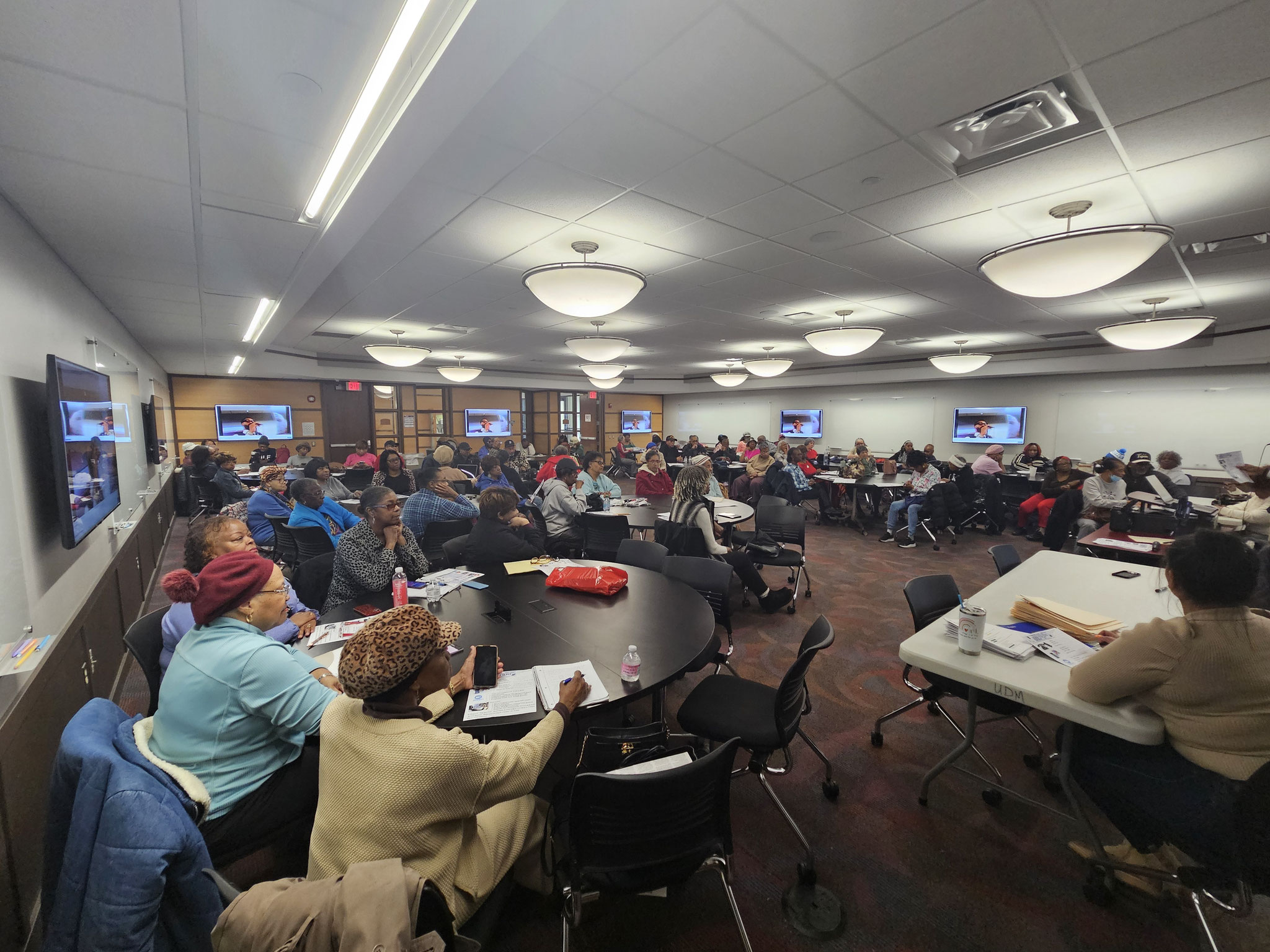
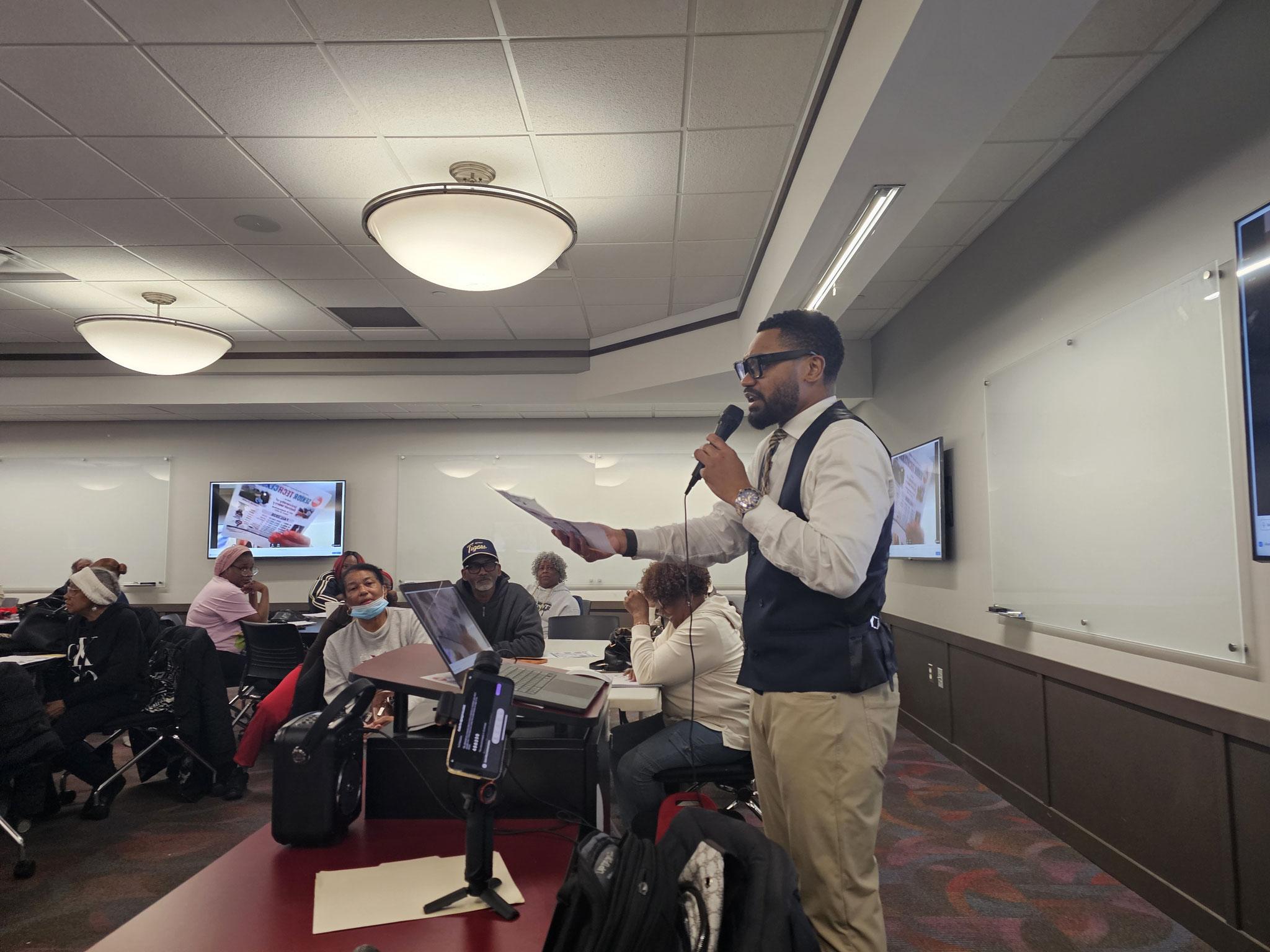

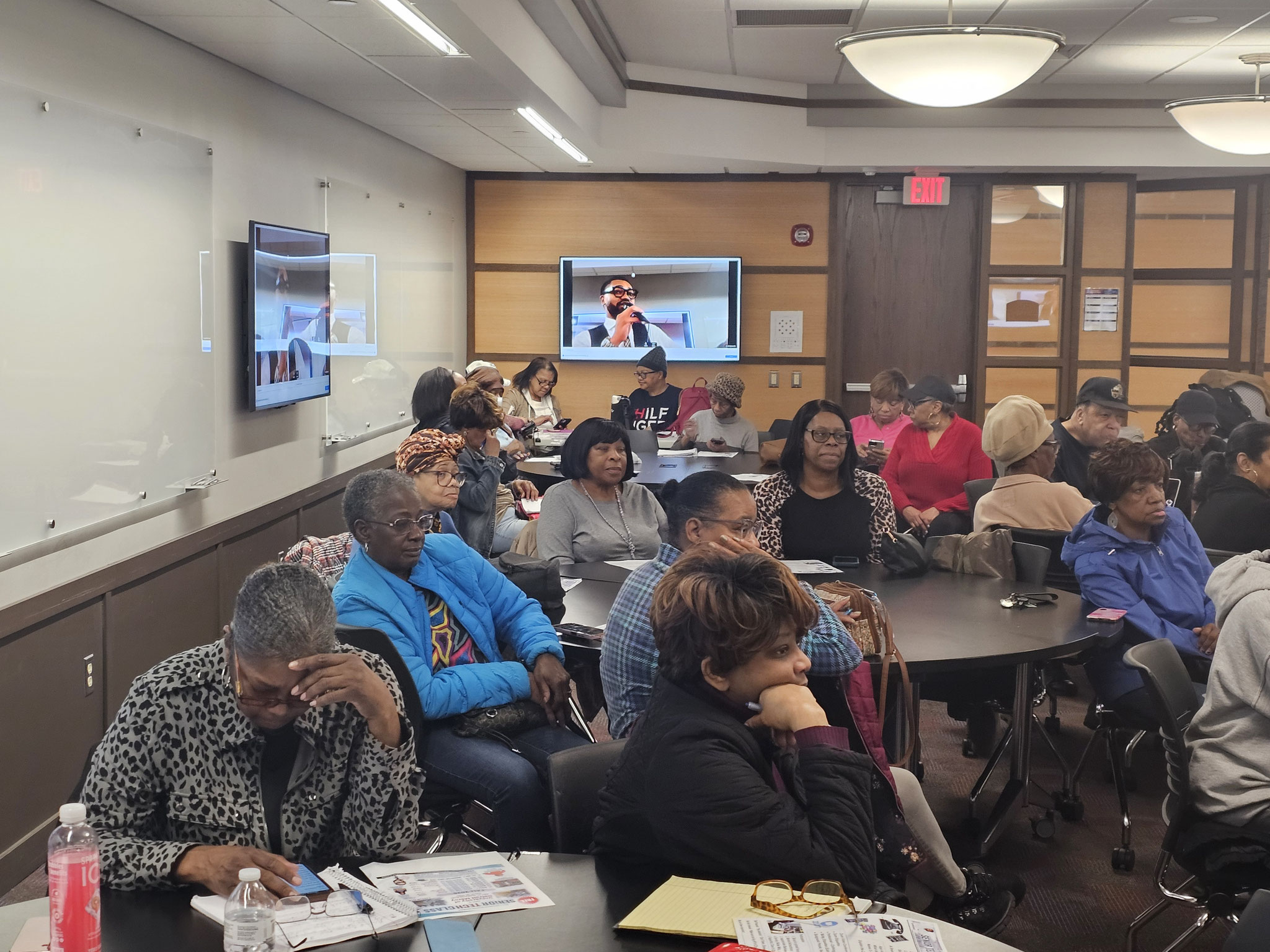
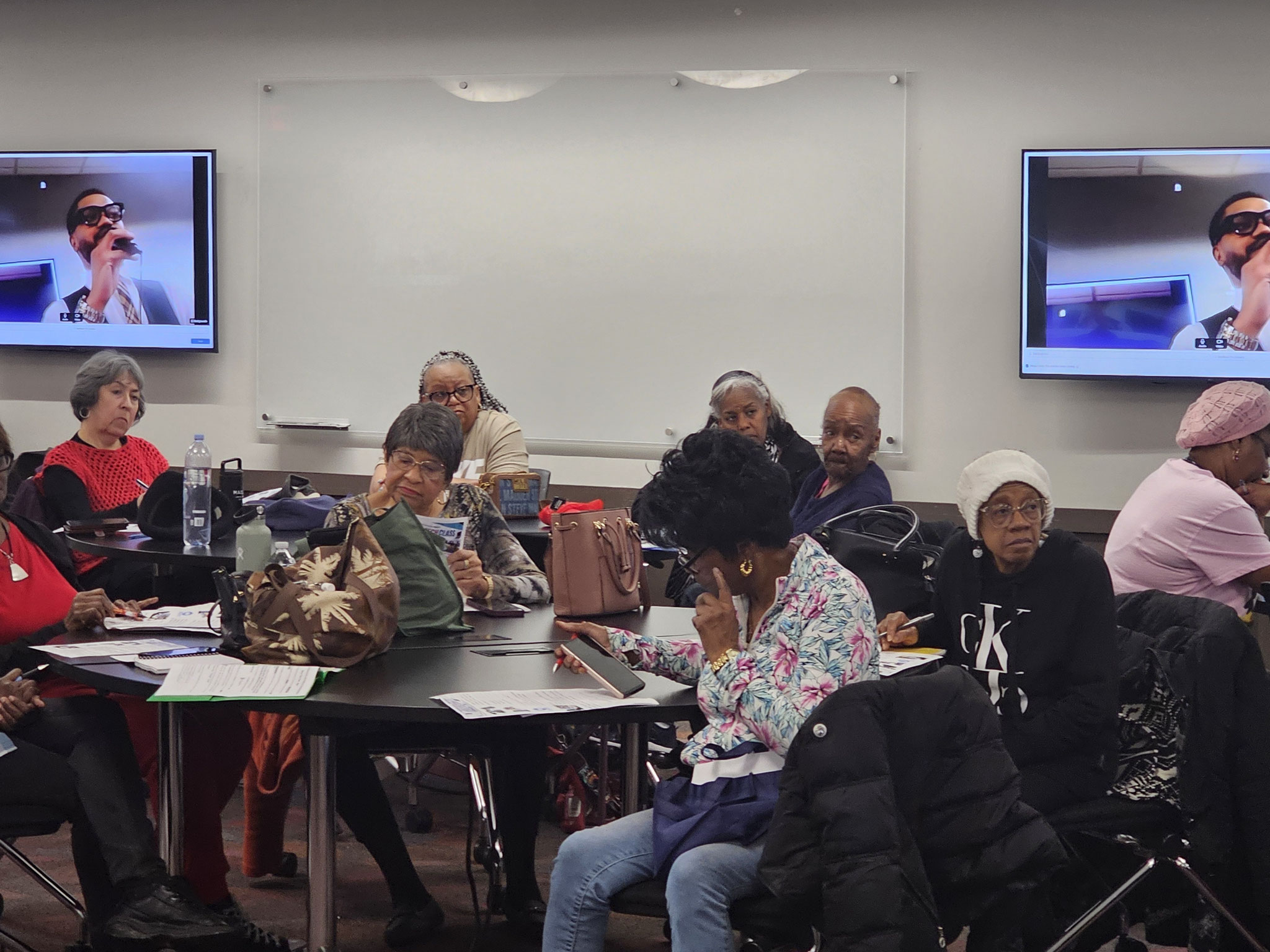
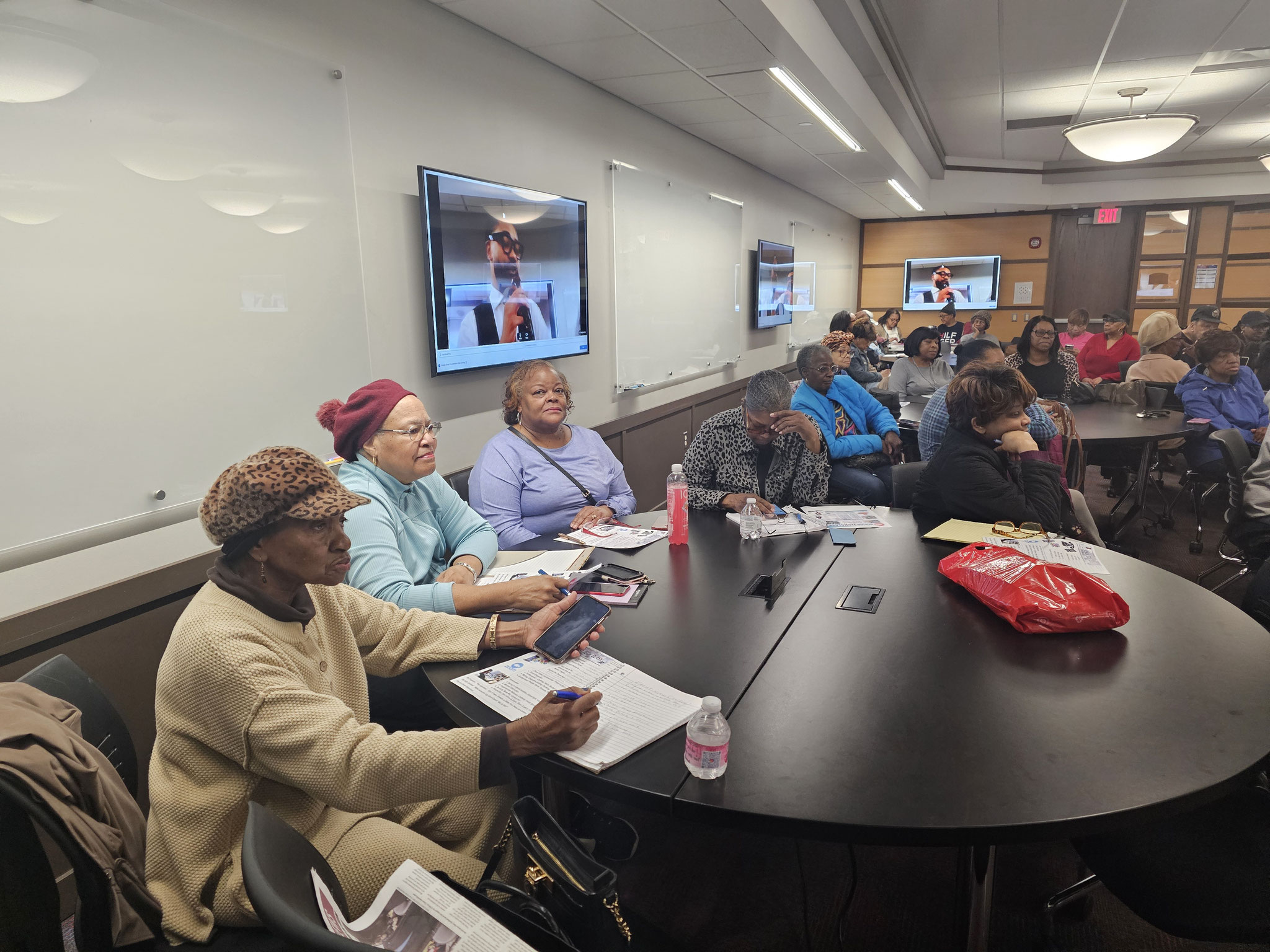
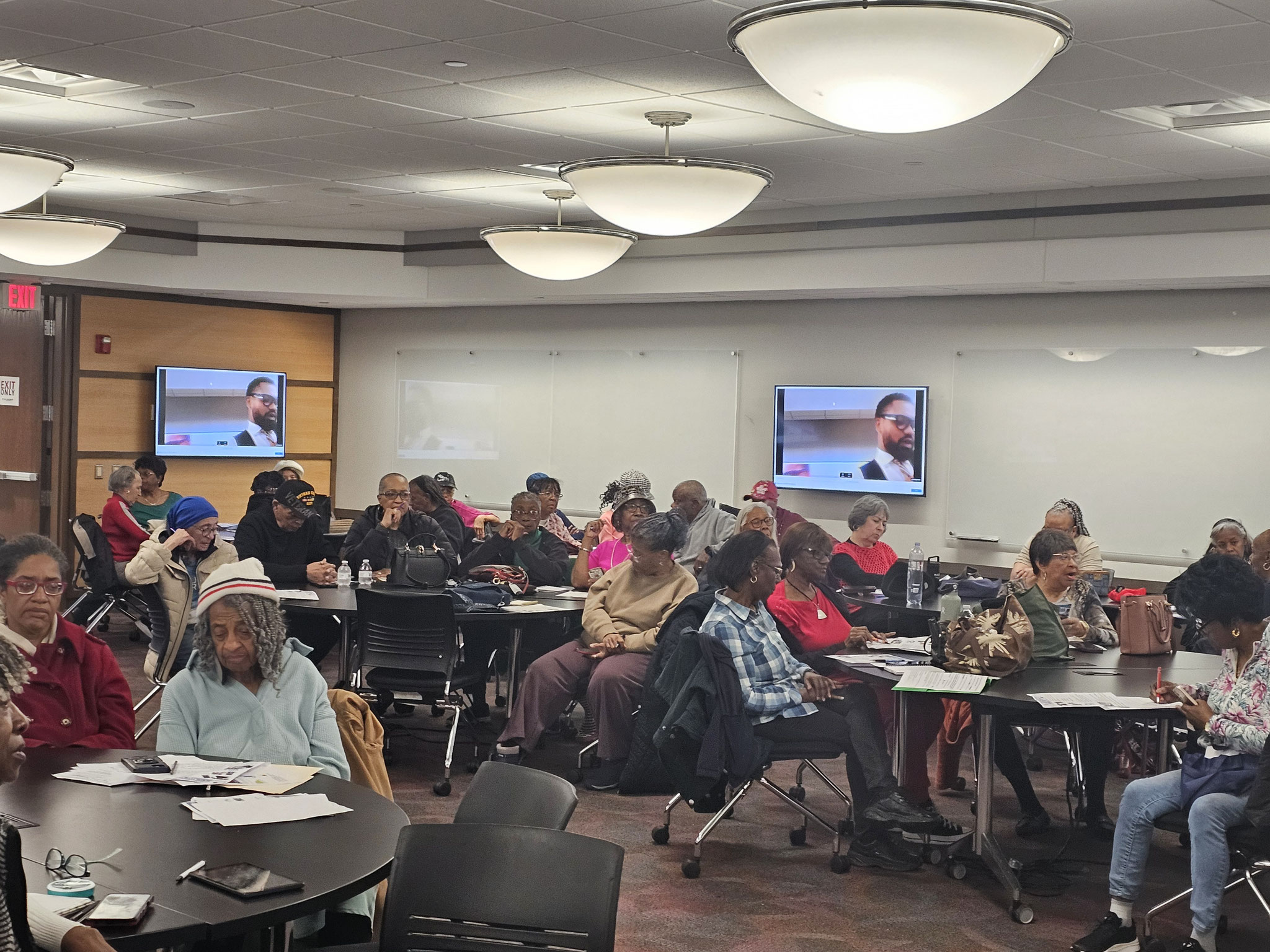
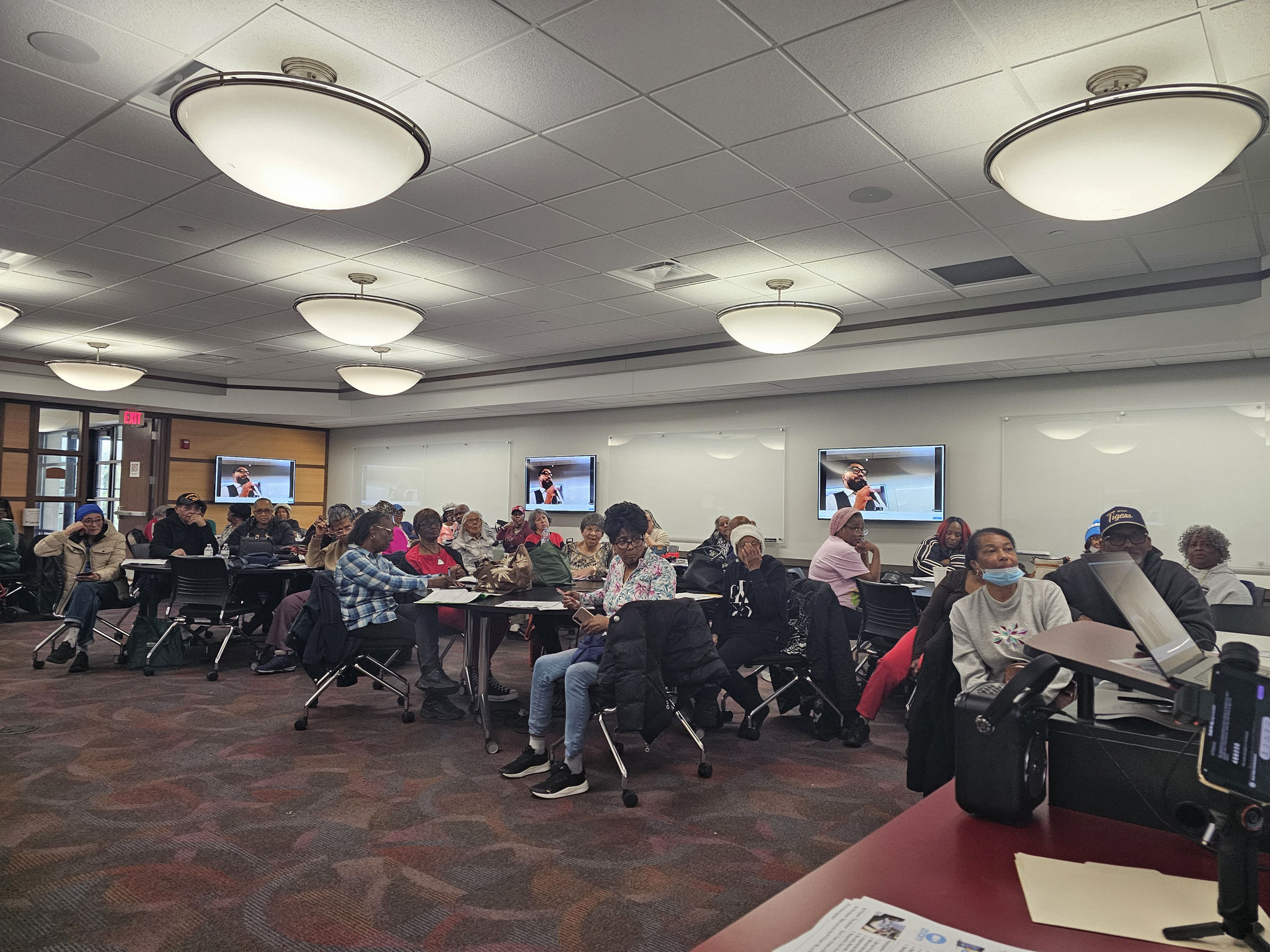
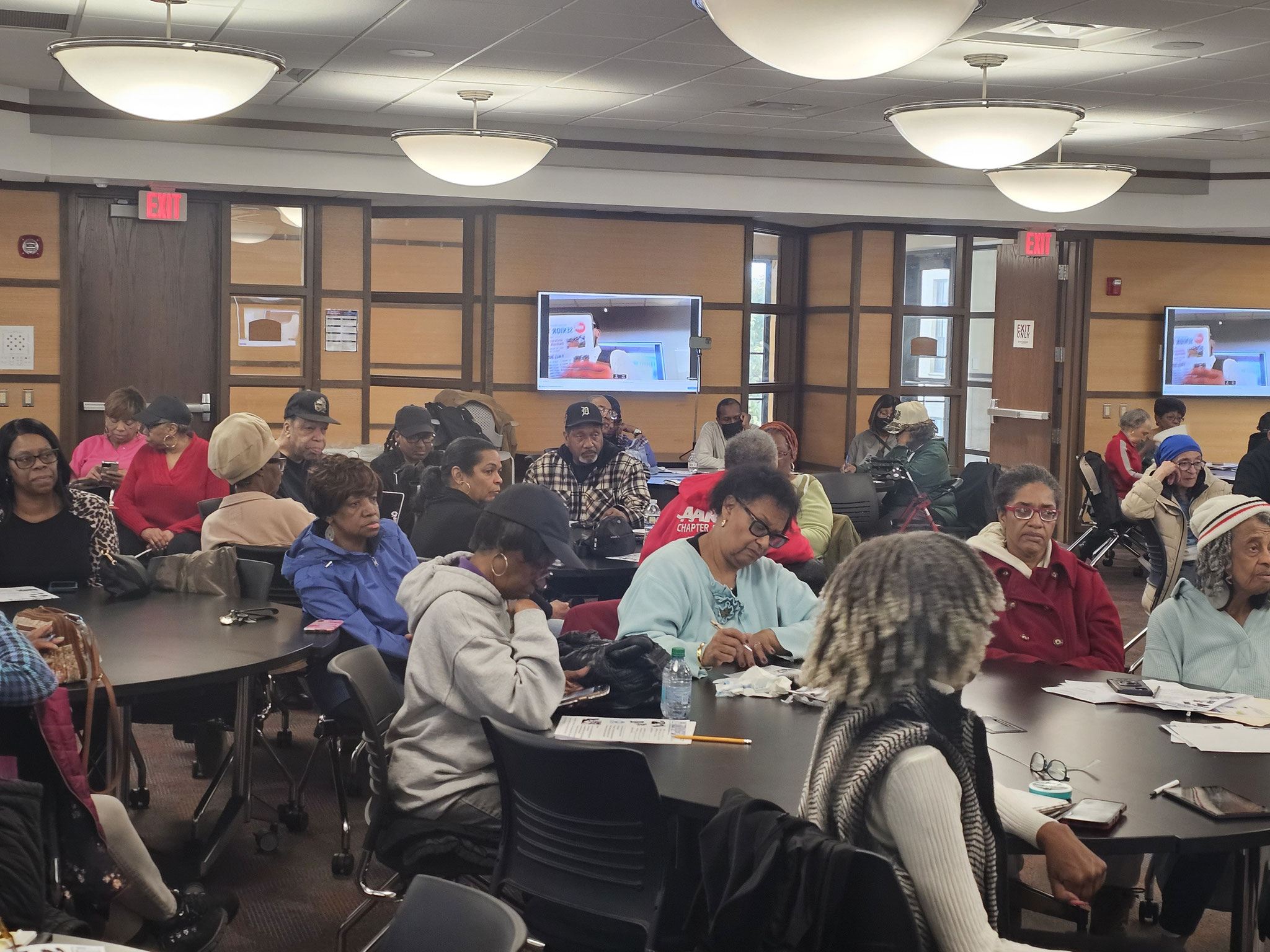


This course provided seniors with an introduction to Zoom, a widely-used and free video conferencing application that can be downloaded on computers, tablets, or smartphones to facilitate connections with family, friends, and community groups. The lesson detailed what Zoom is, its usefulness, and covered fundamental etiquette—such as selecting a quiet environment, ensuring adequate lighting, and maintaining focus during meetings.
The Senior Tech Class, focusing on Zoom, was conducted by multimedia journalist Clayton Cortez, program held at the University of Detroit Mercy. This lesson familiarizes seniors with Zoom and highlights the numerous advantages of video conferencing. Zoom can act as a "lifeline," aiding in the reduction of social isolation while promoting cognitive and emotional health. As Clayton articulates, Zoom enables seniors to remain in touch with family, engage in classes, and consult with healthcare providers—all from the comfort of their homes.
Week 2: Zoom (Hands On)
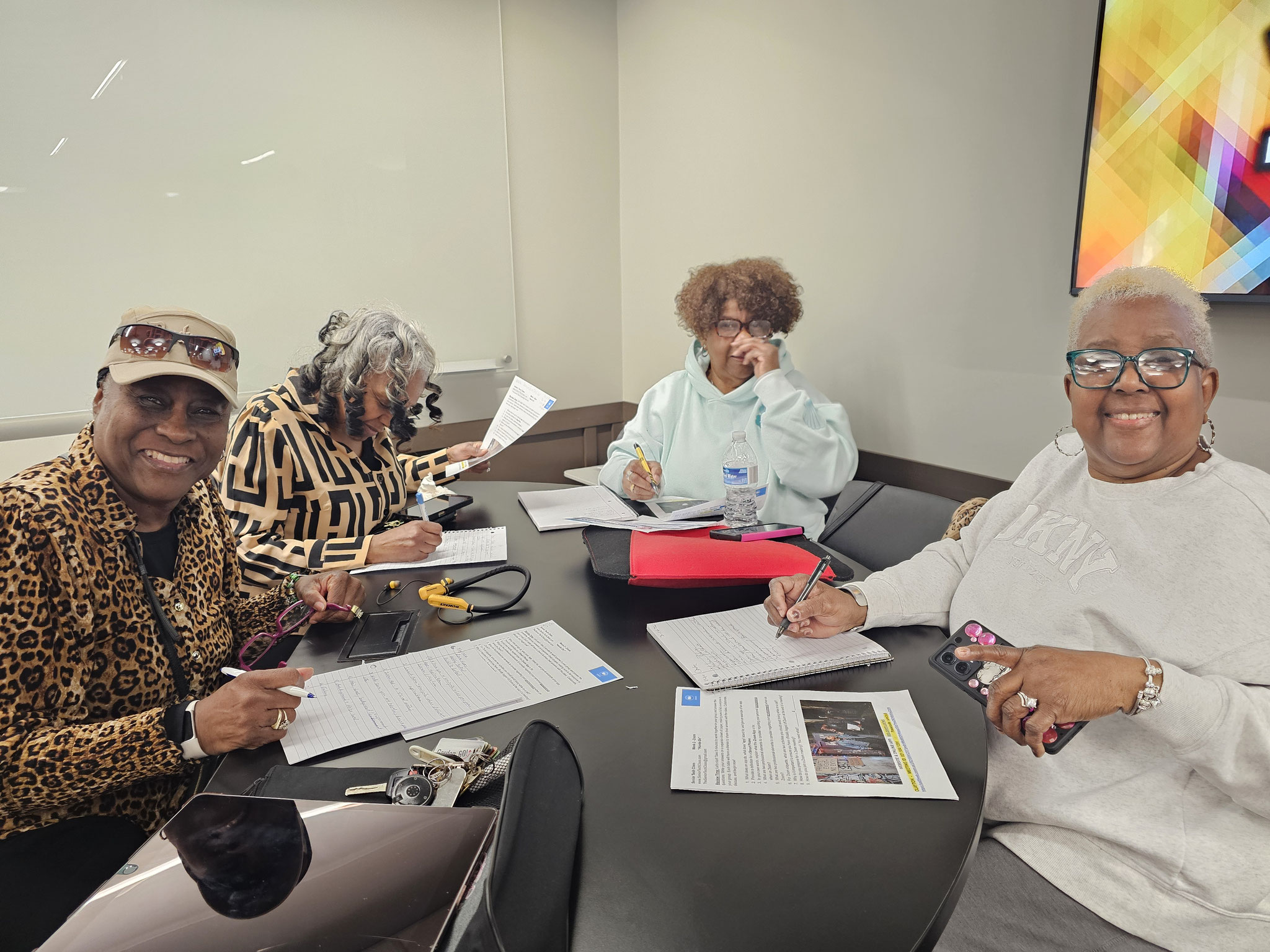
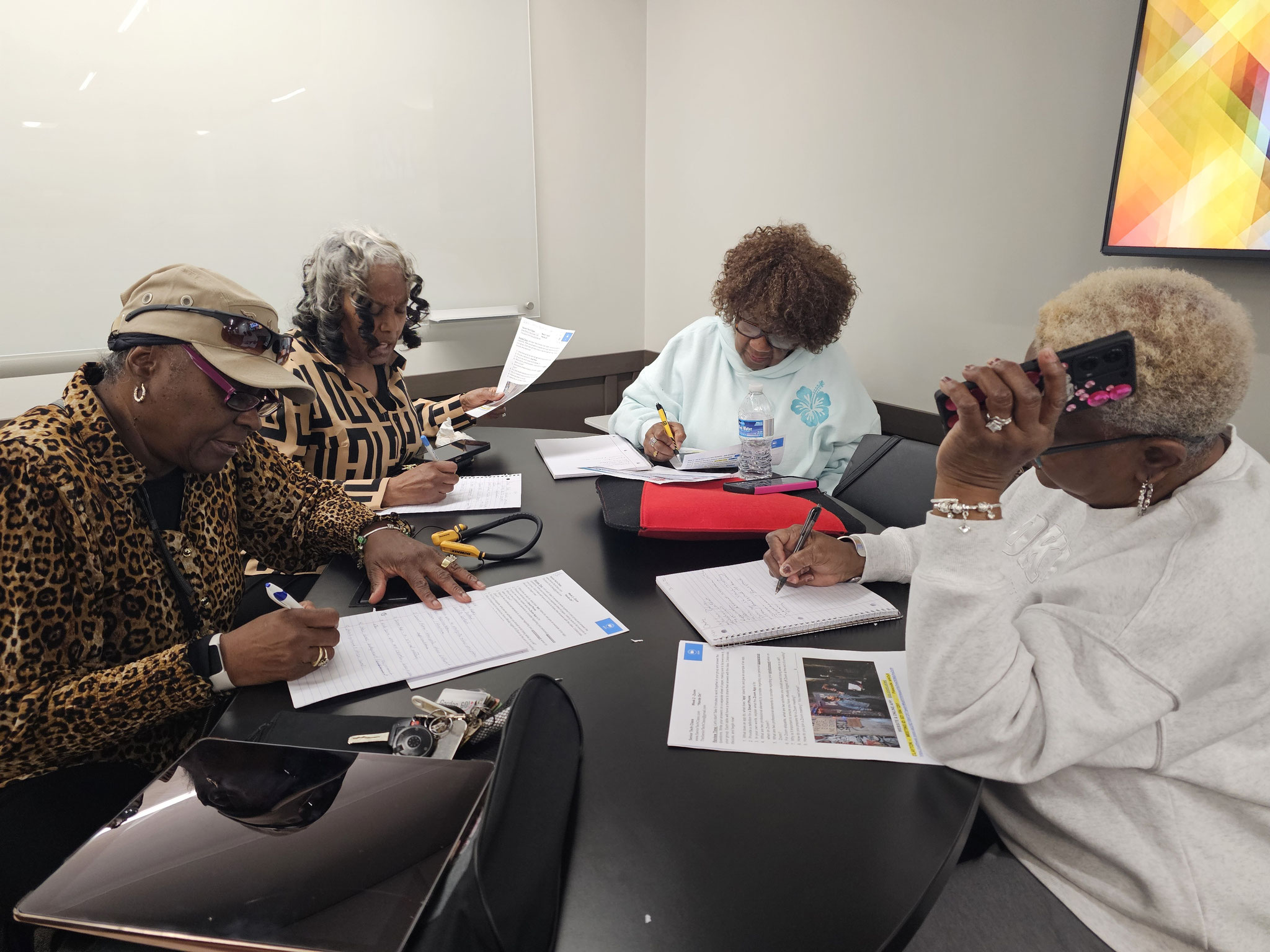
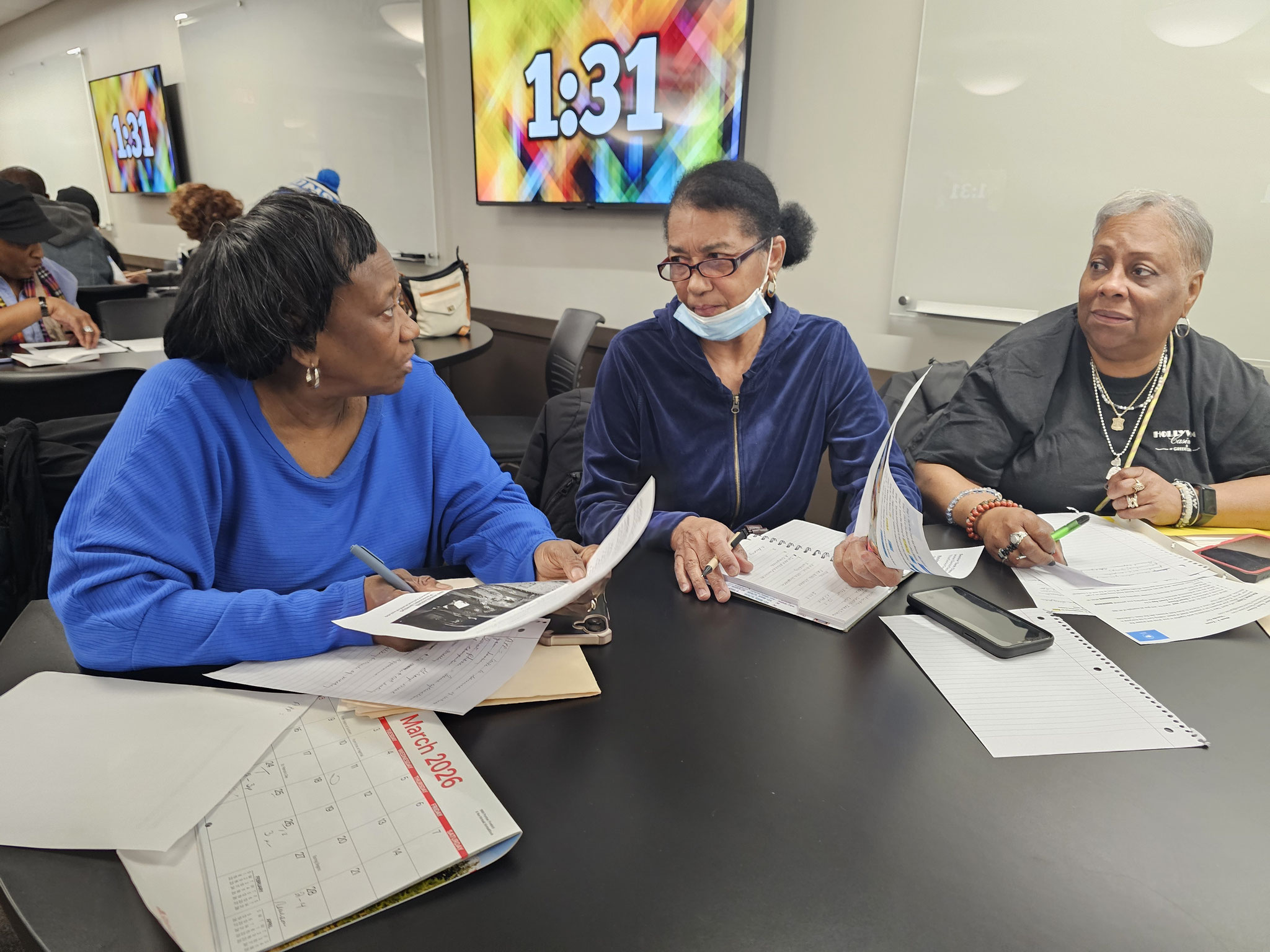
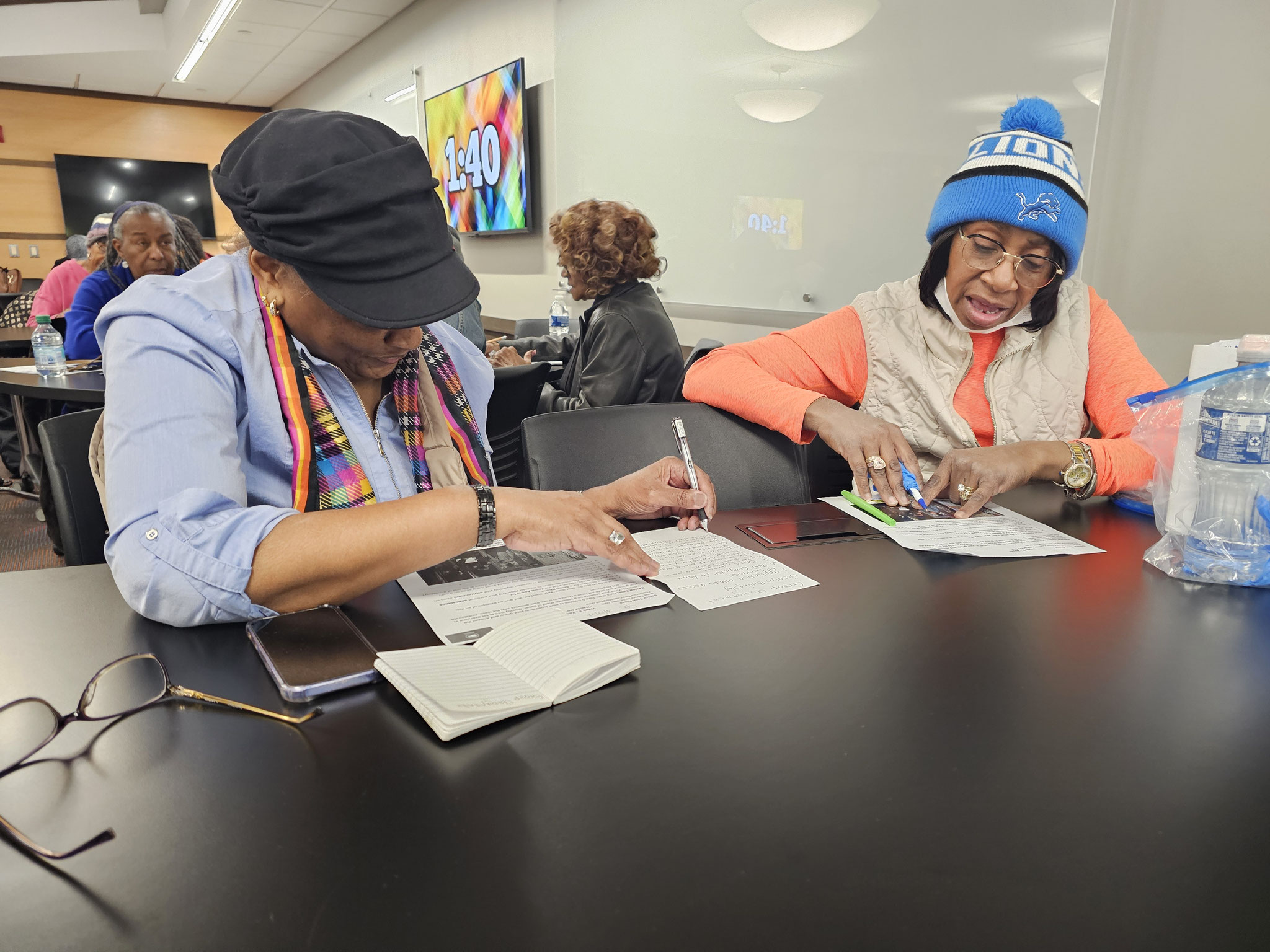
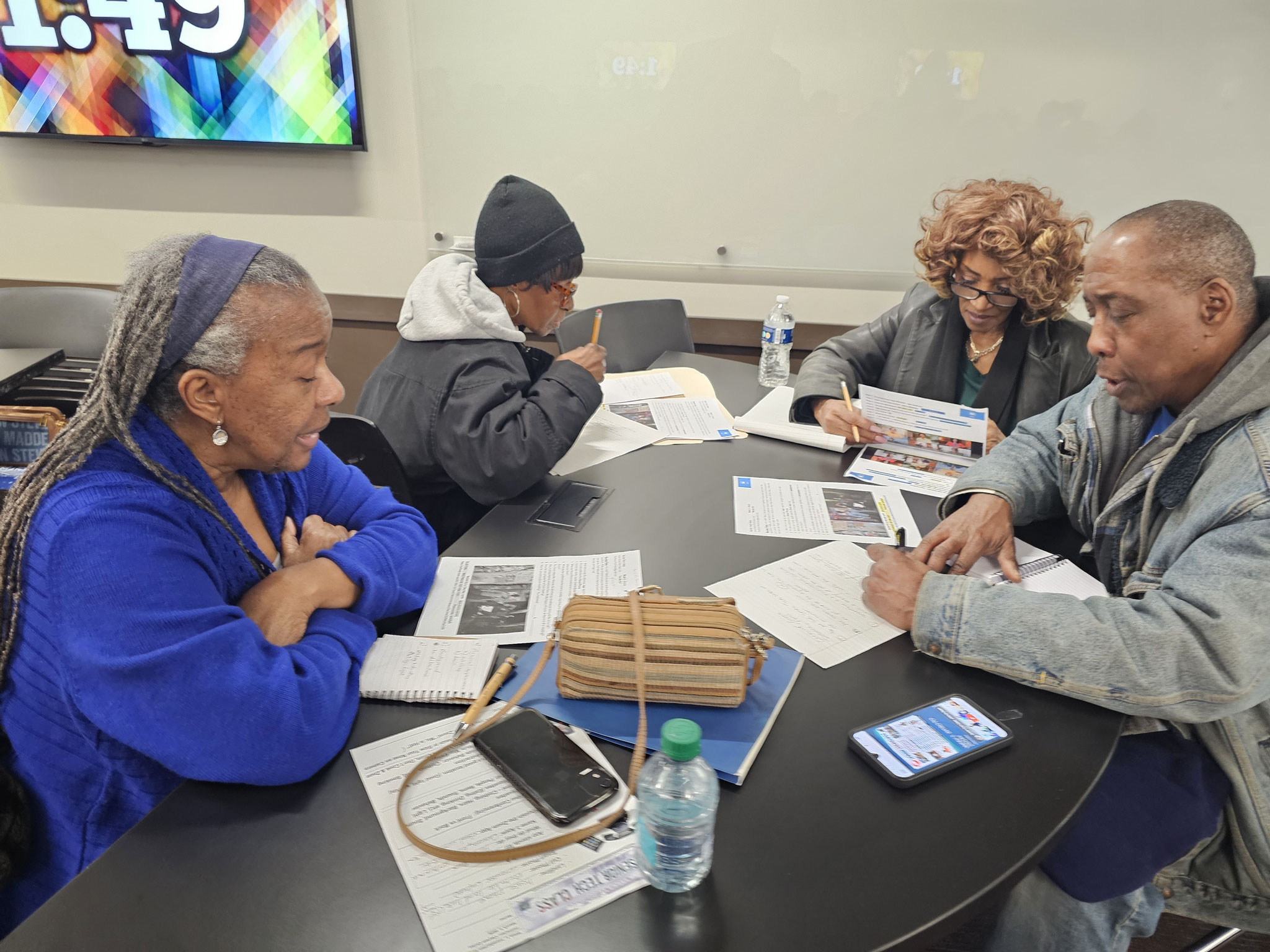
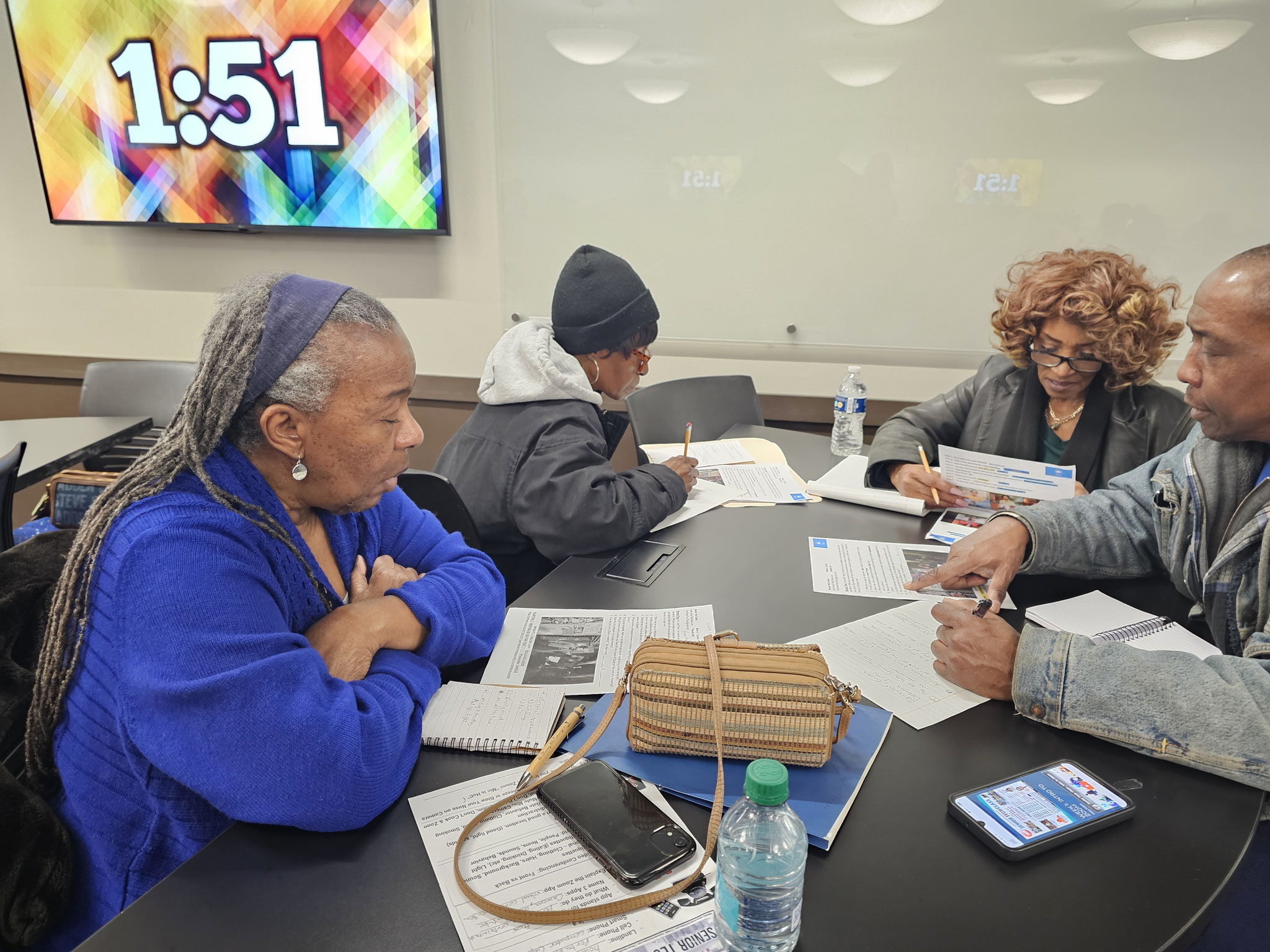
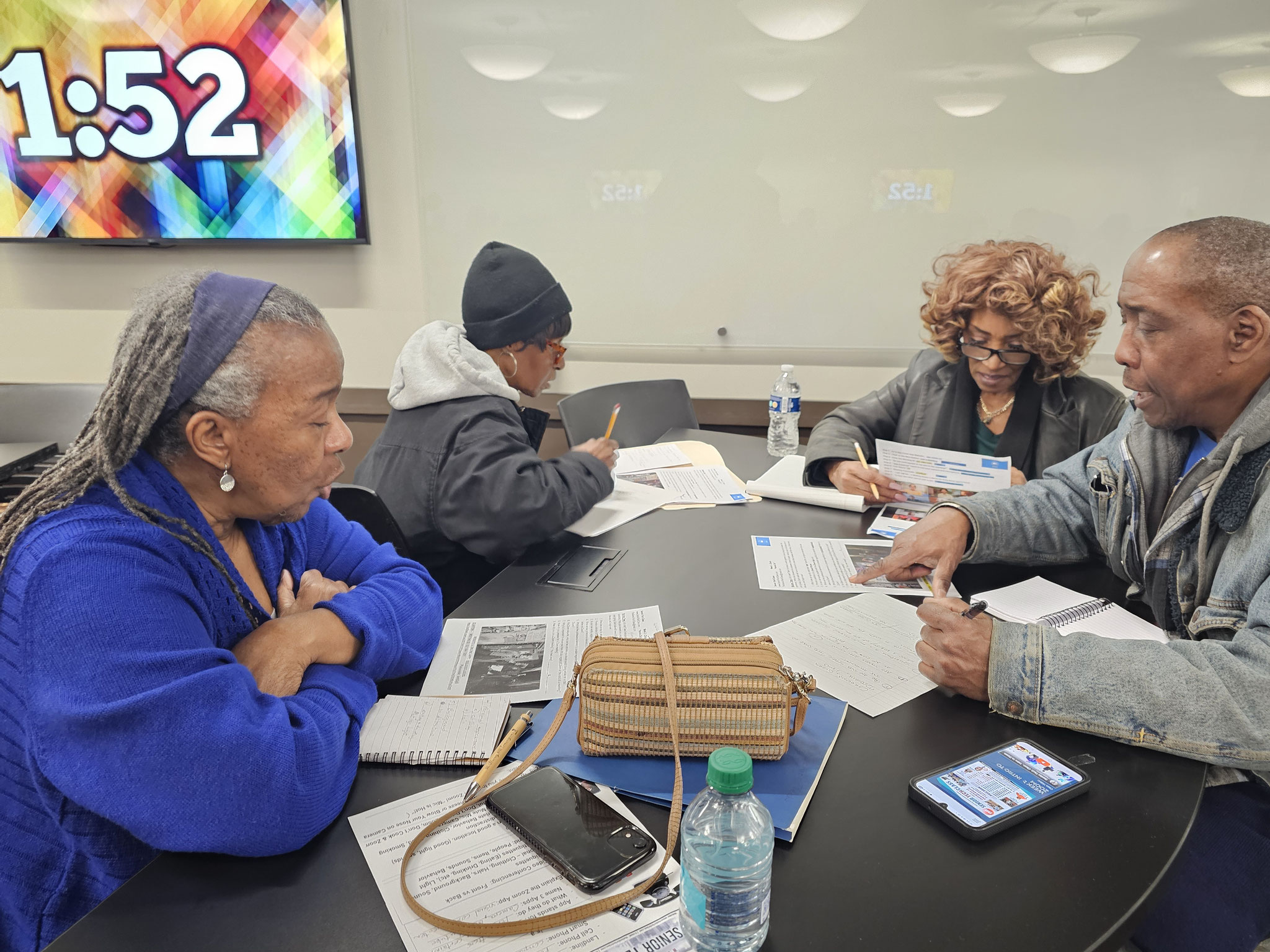
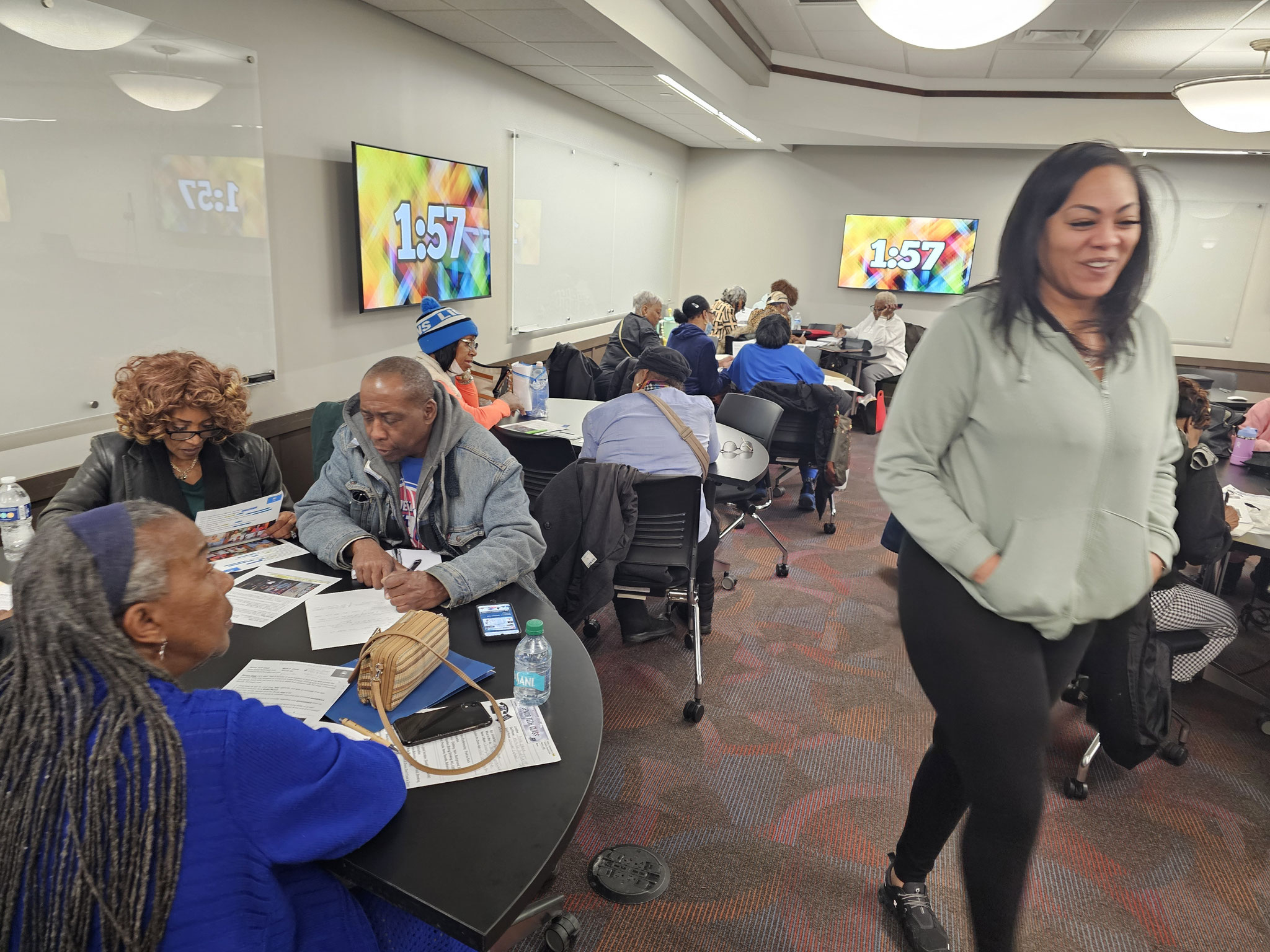
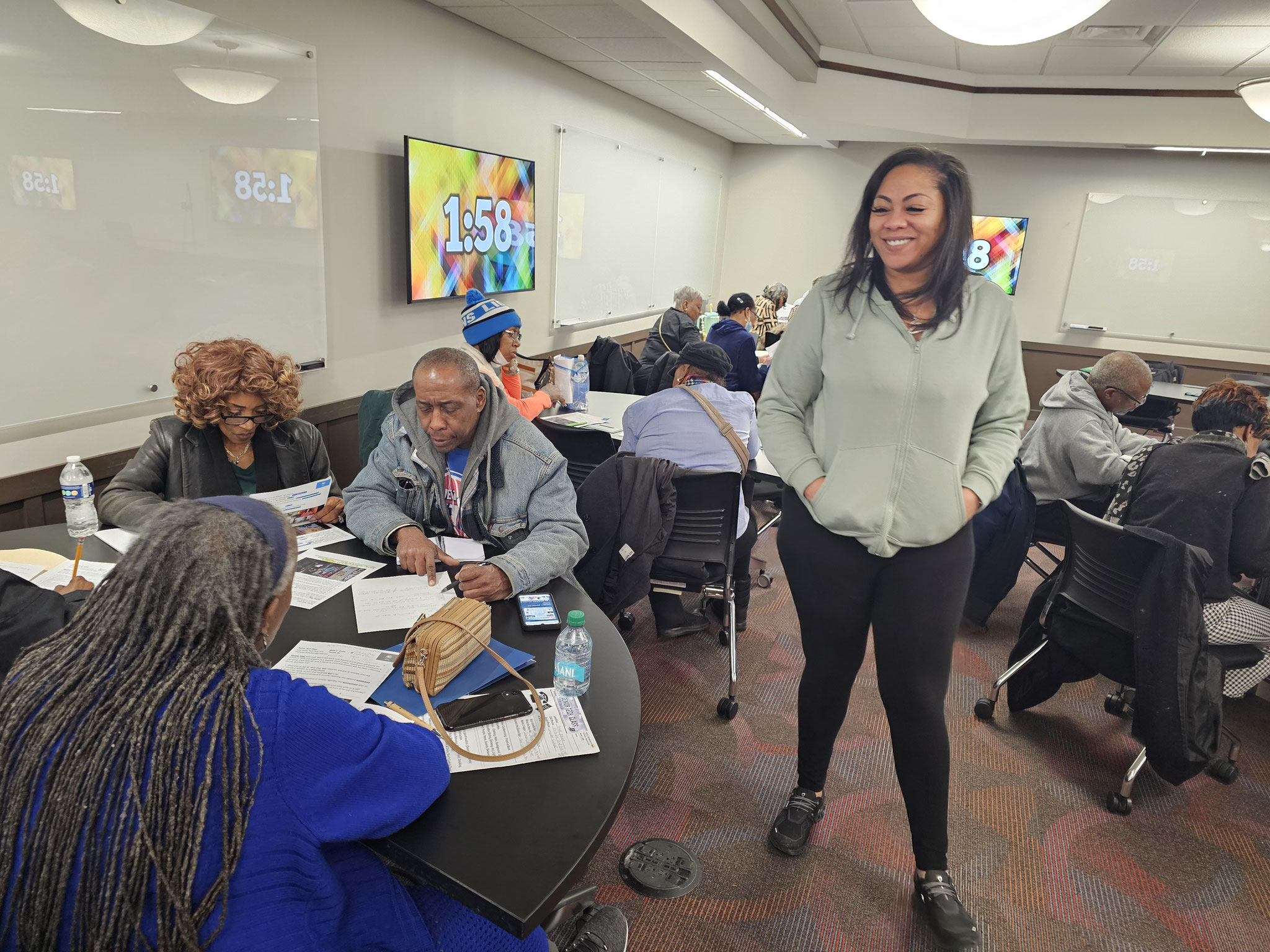
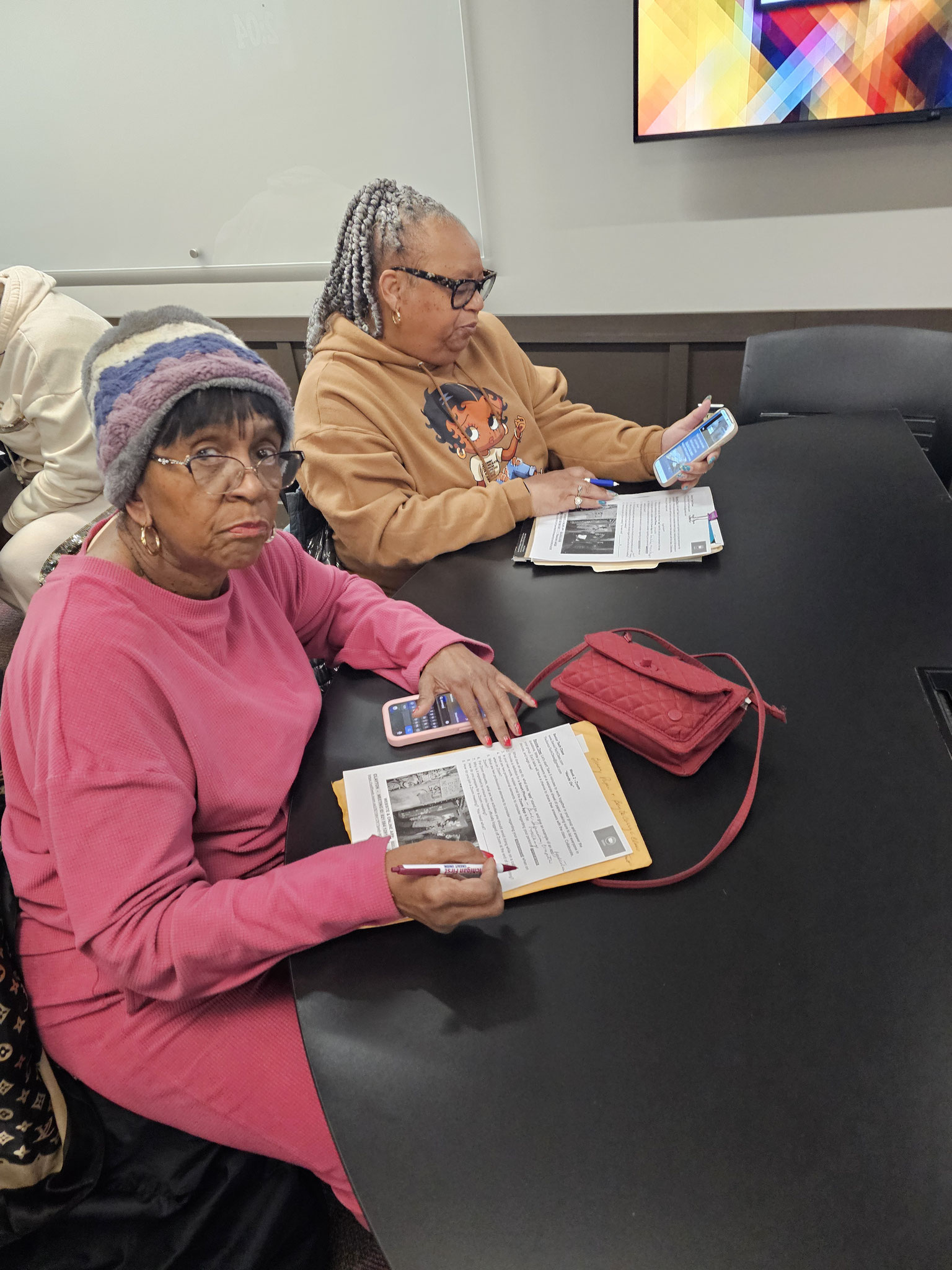
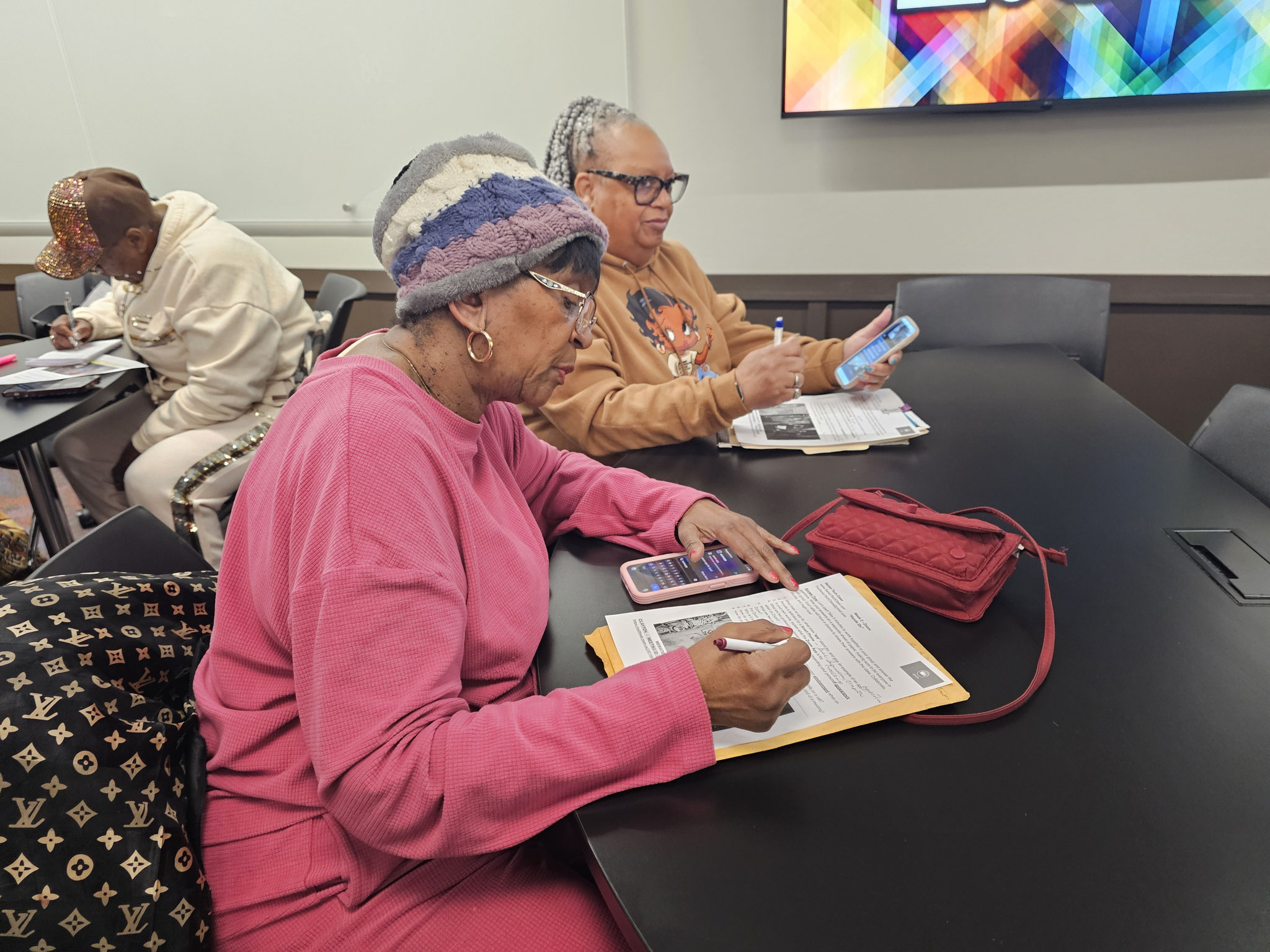
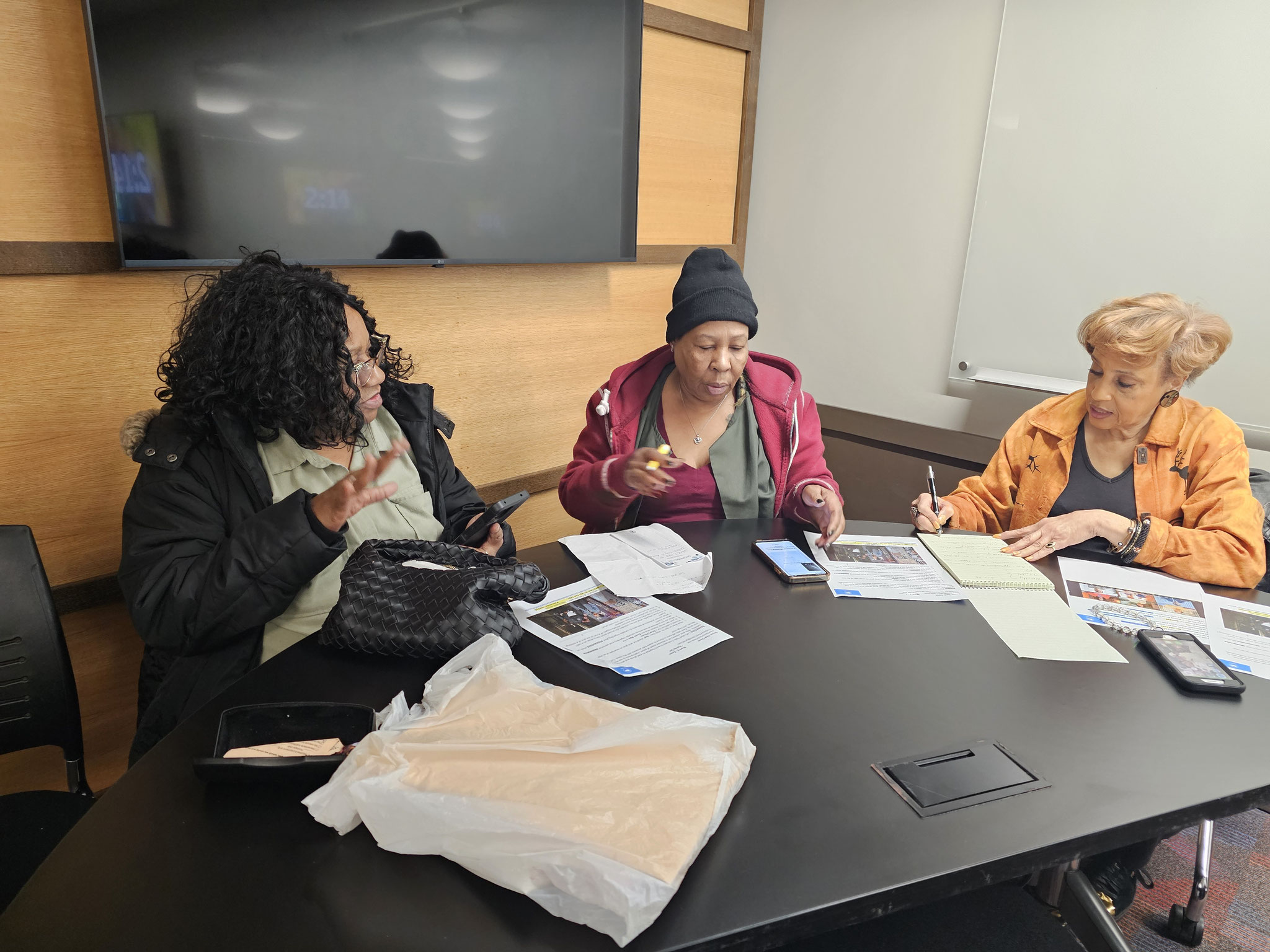
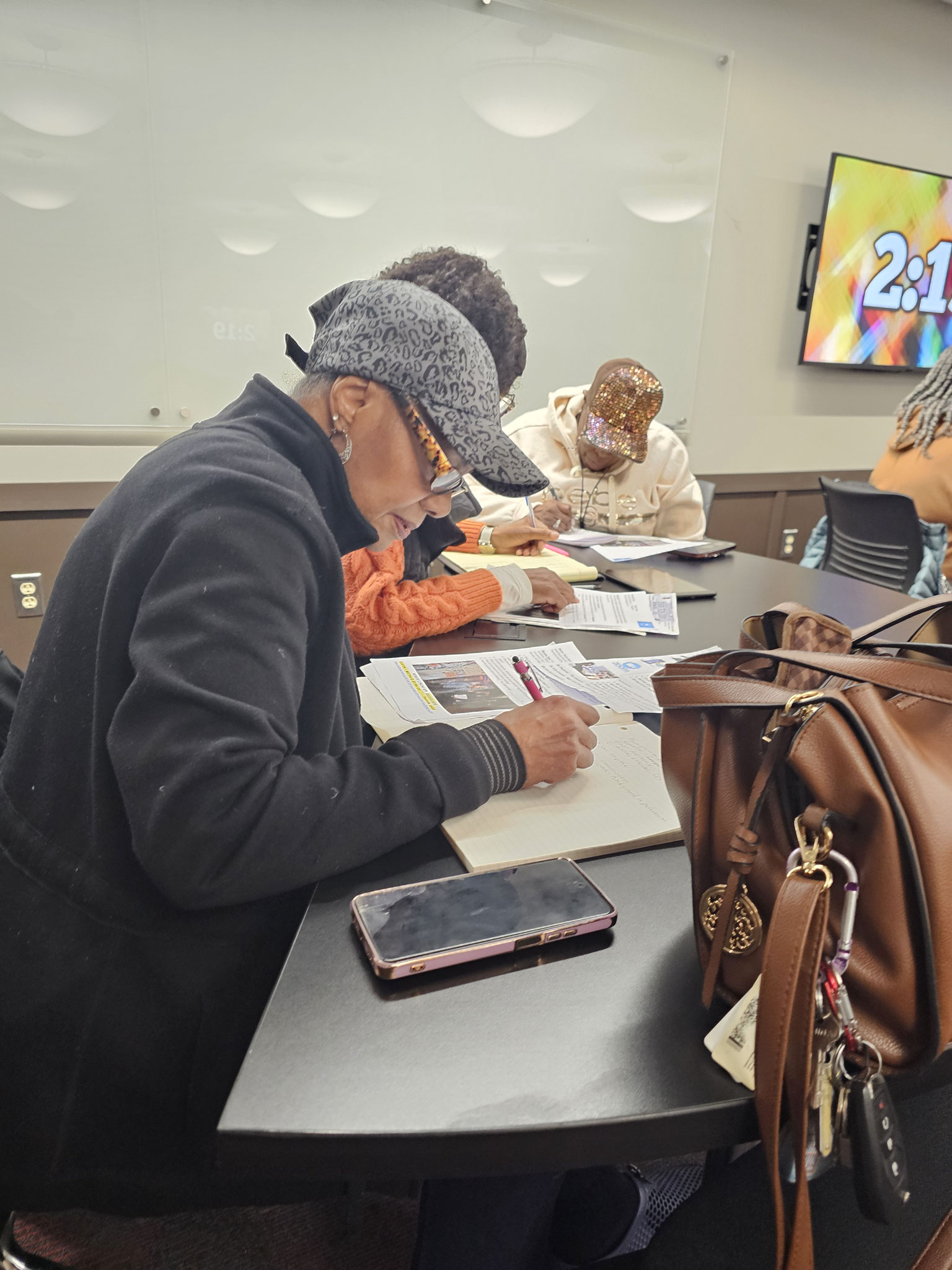
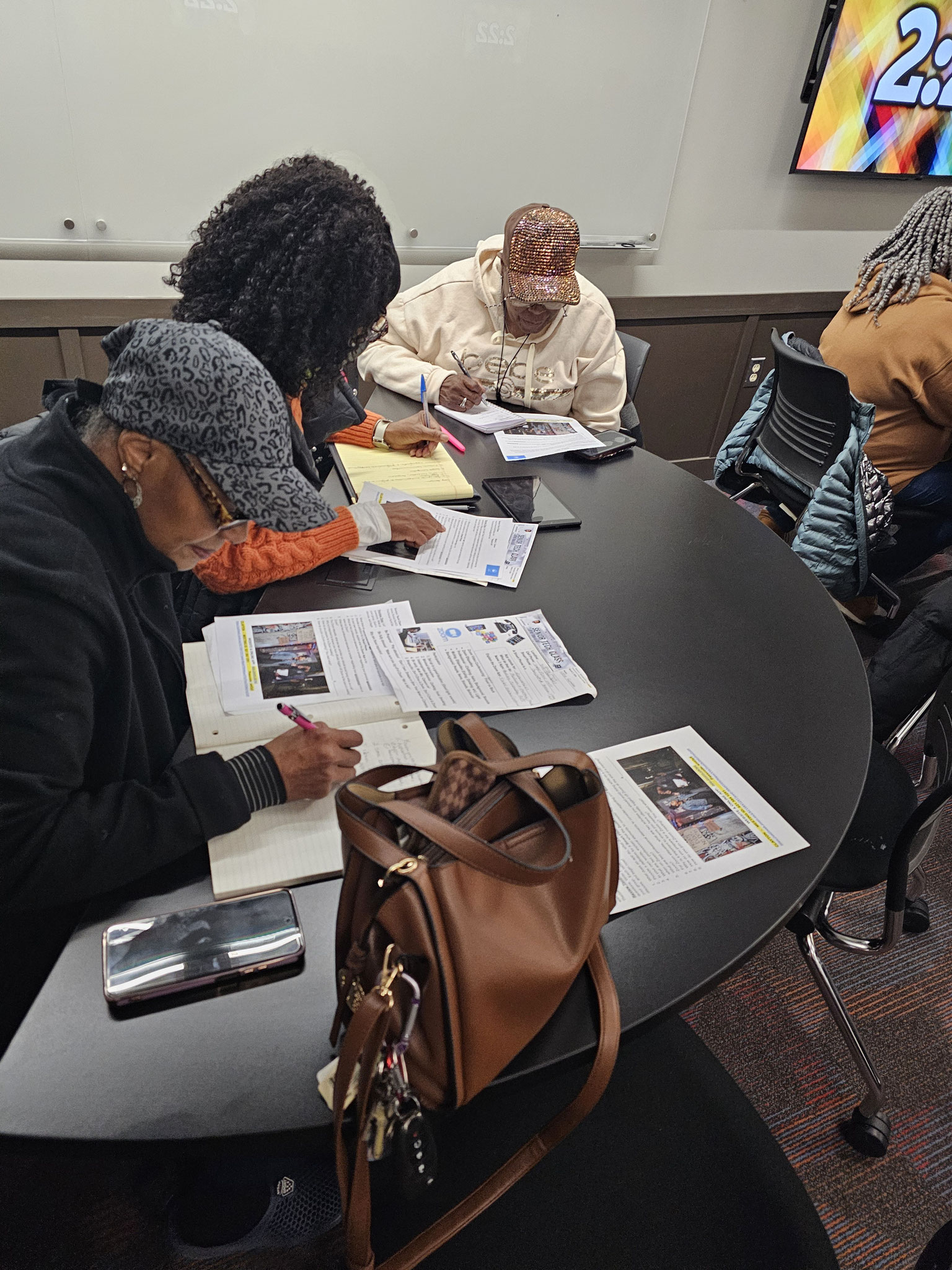
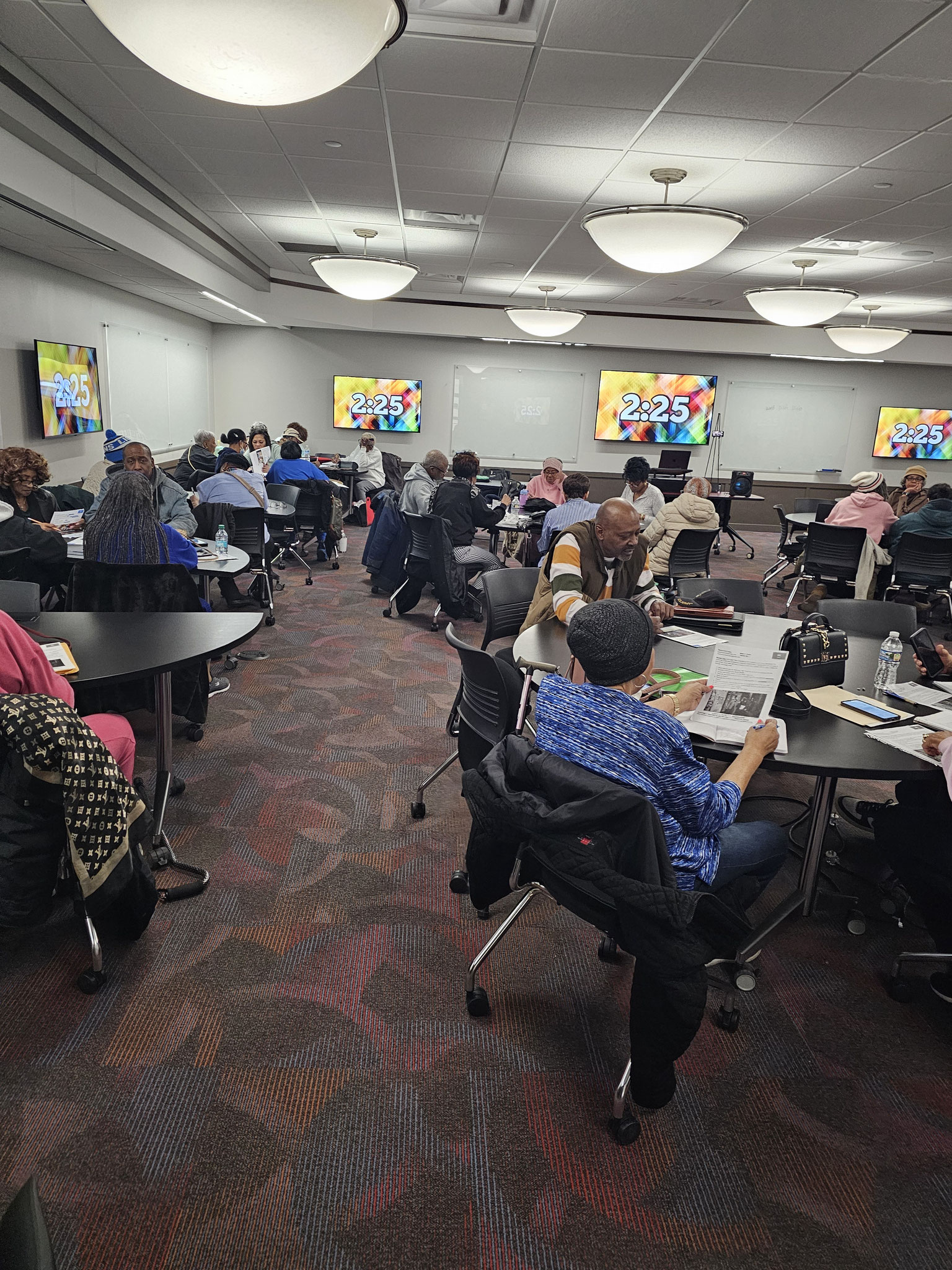
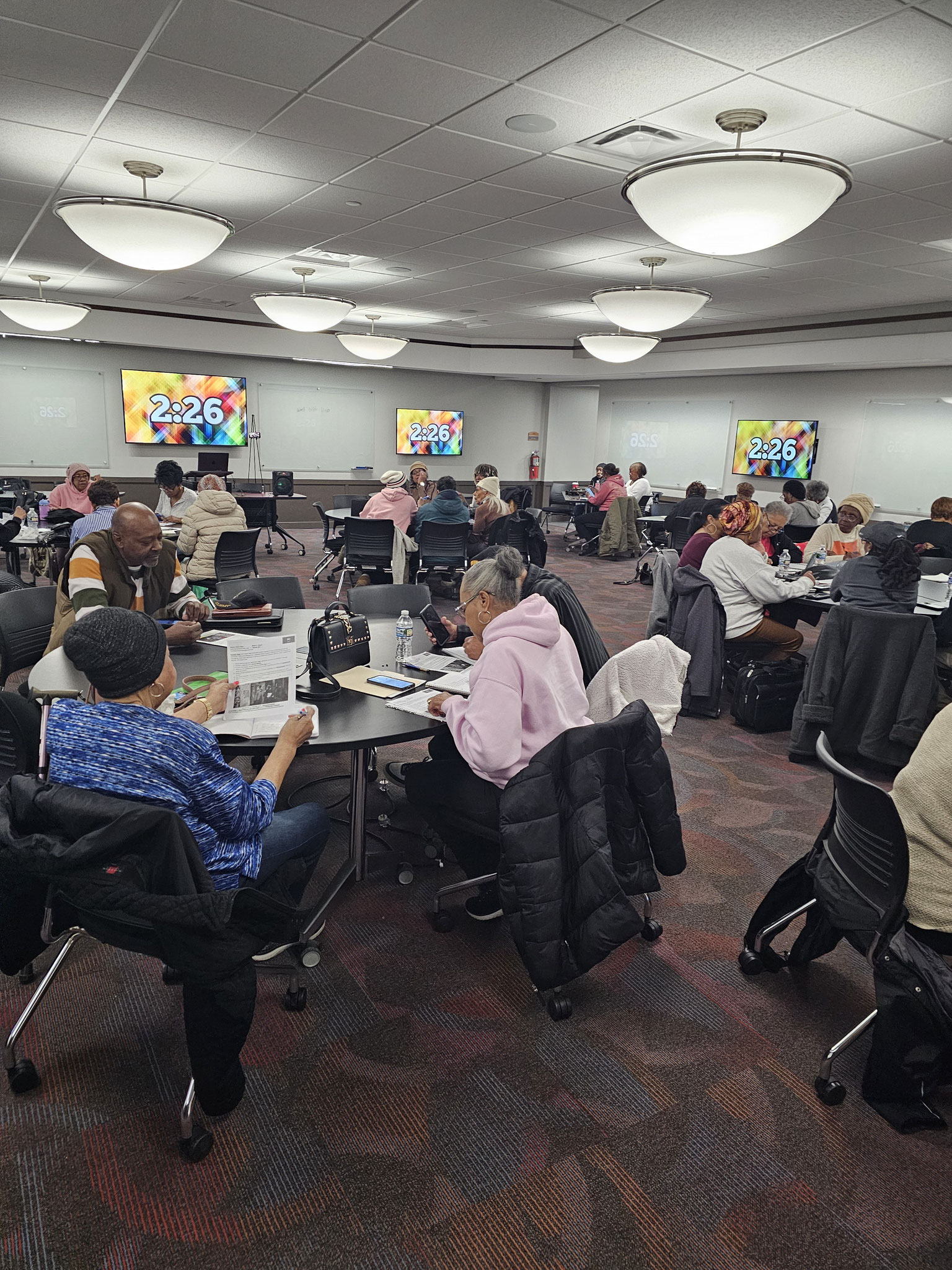
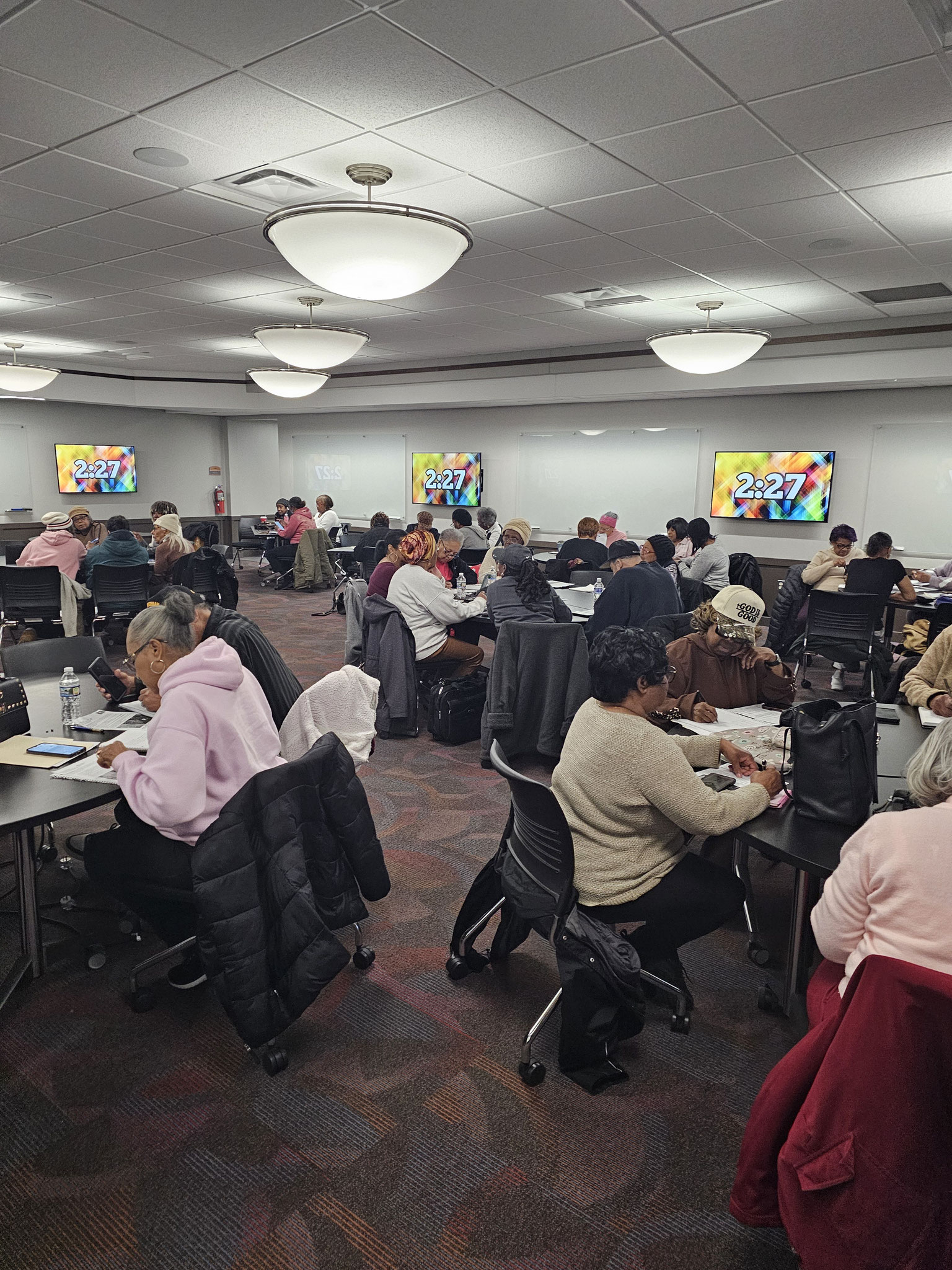
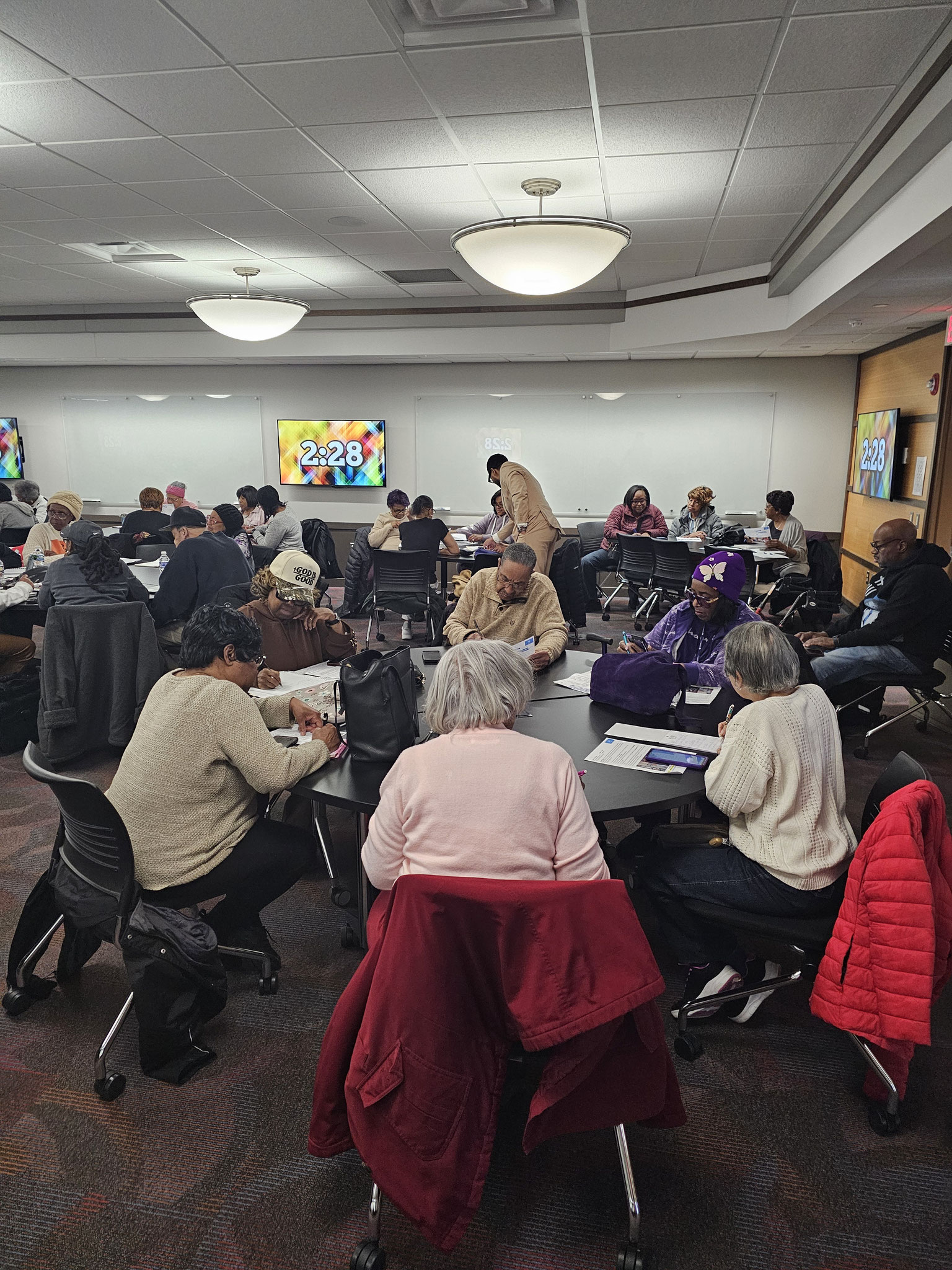
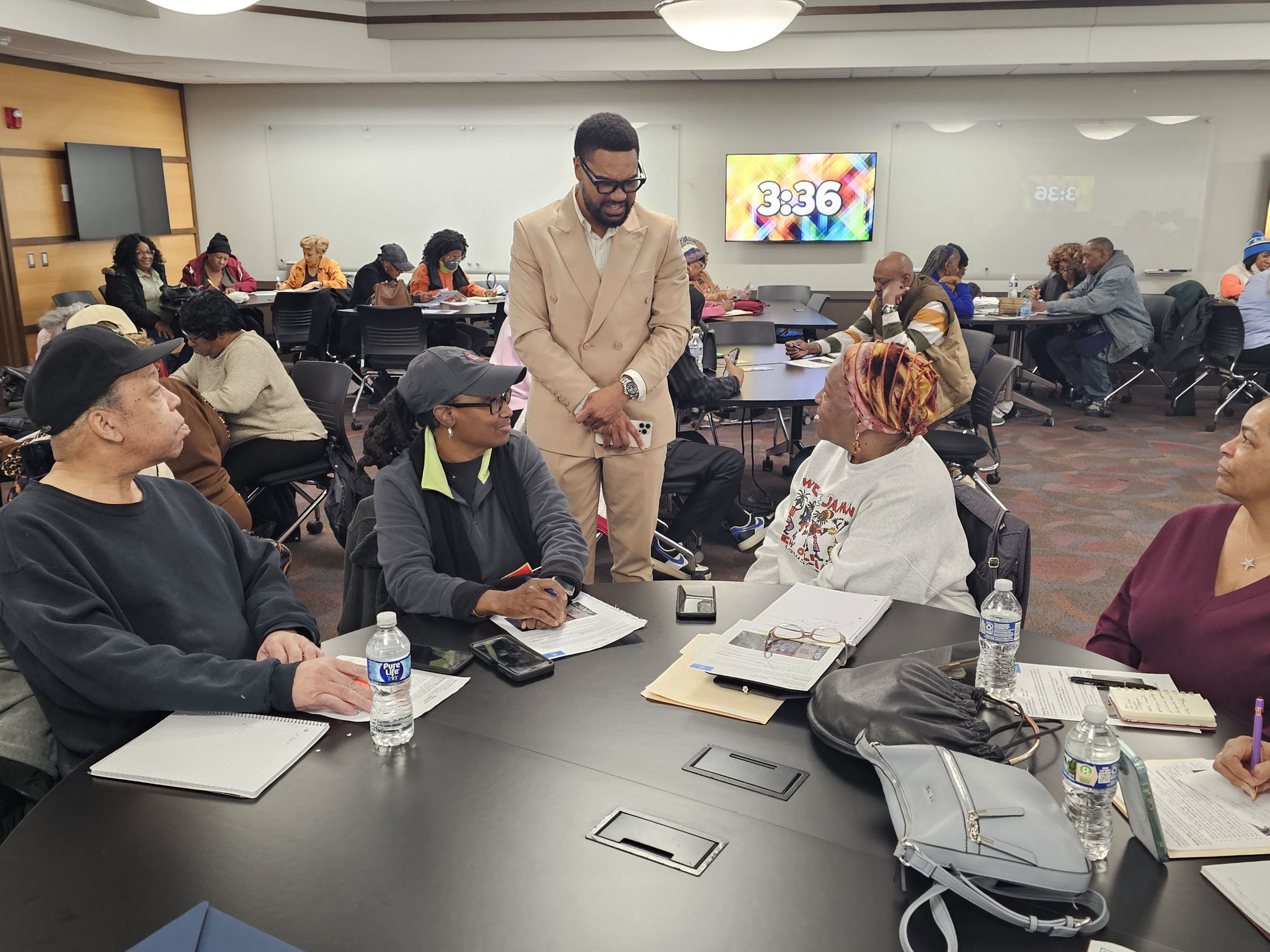
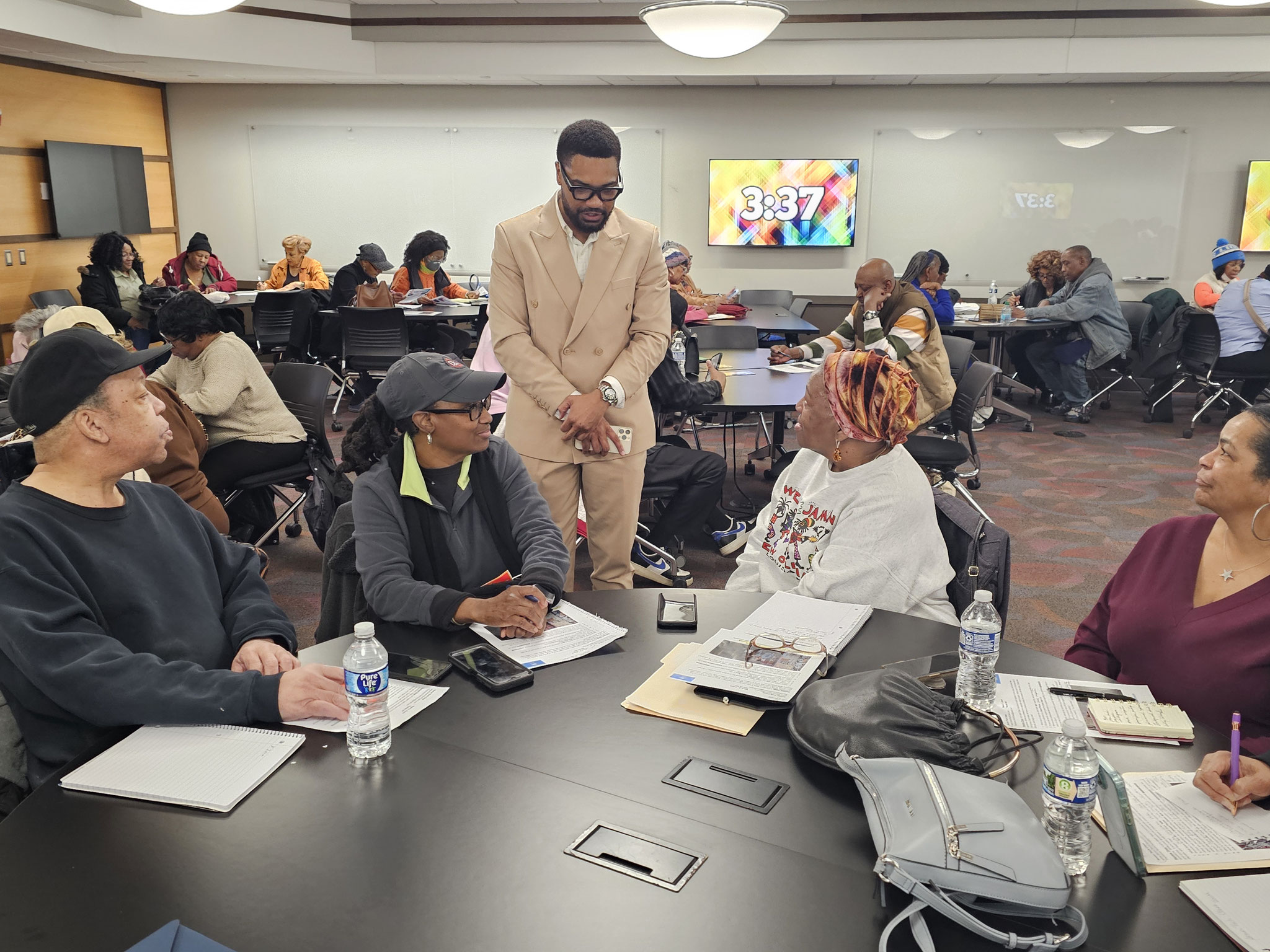
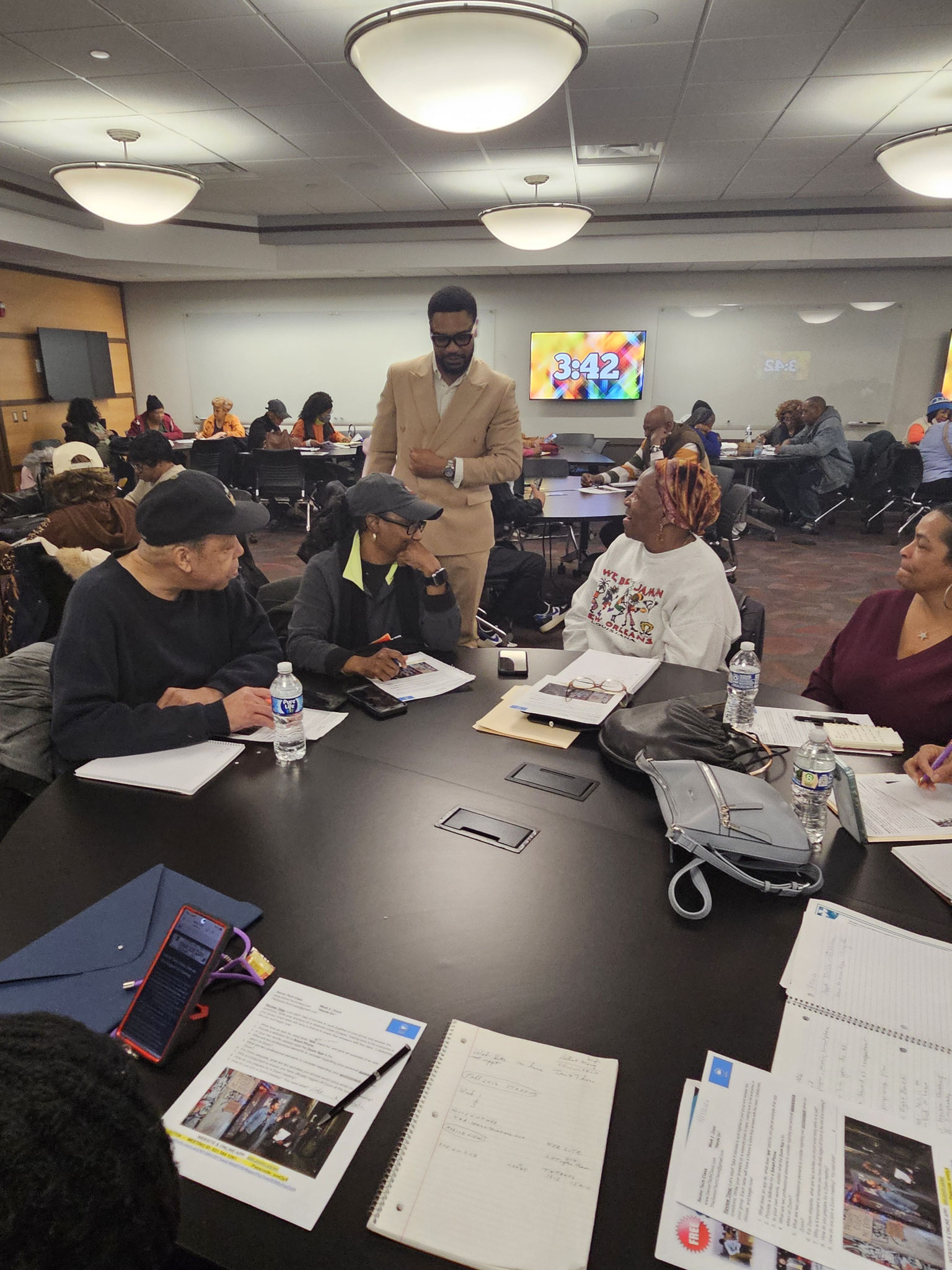
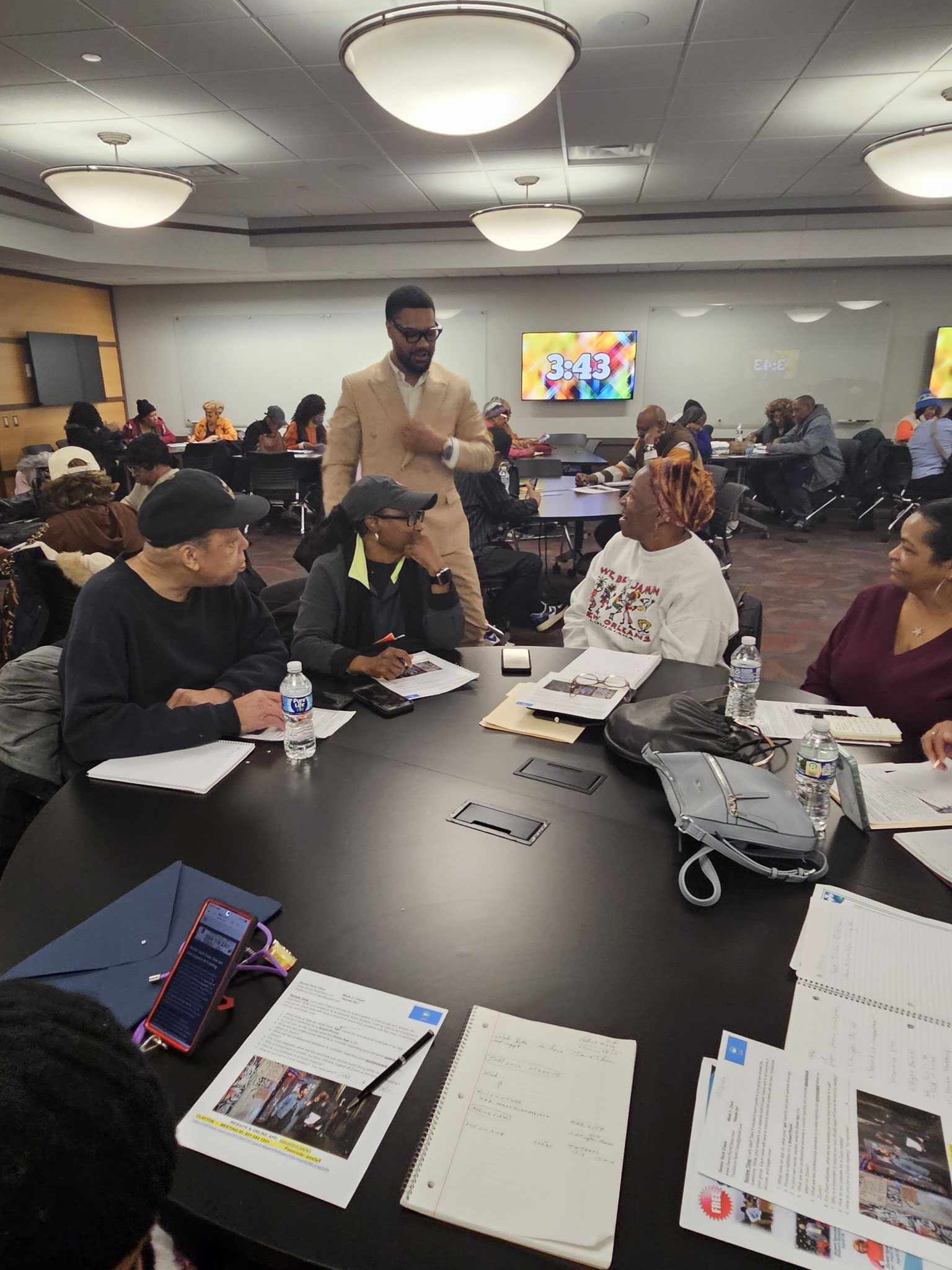
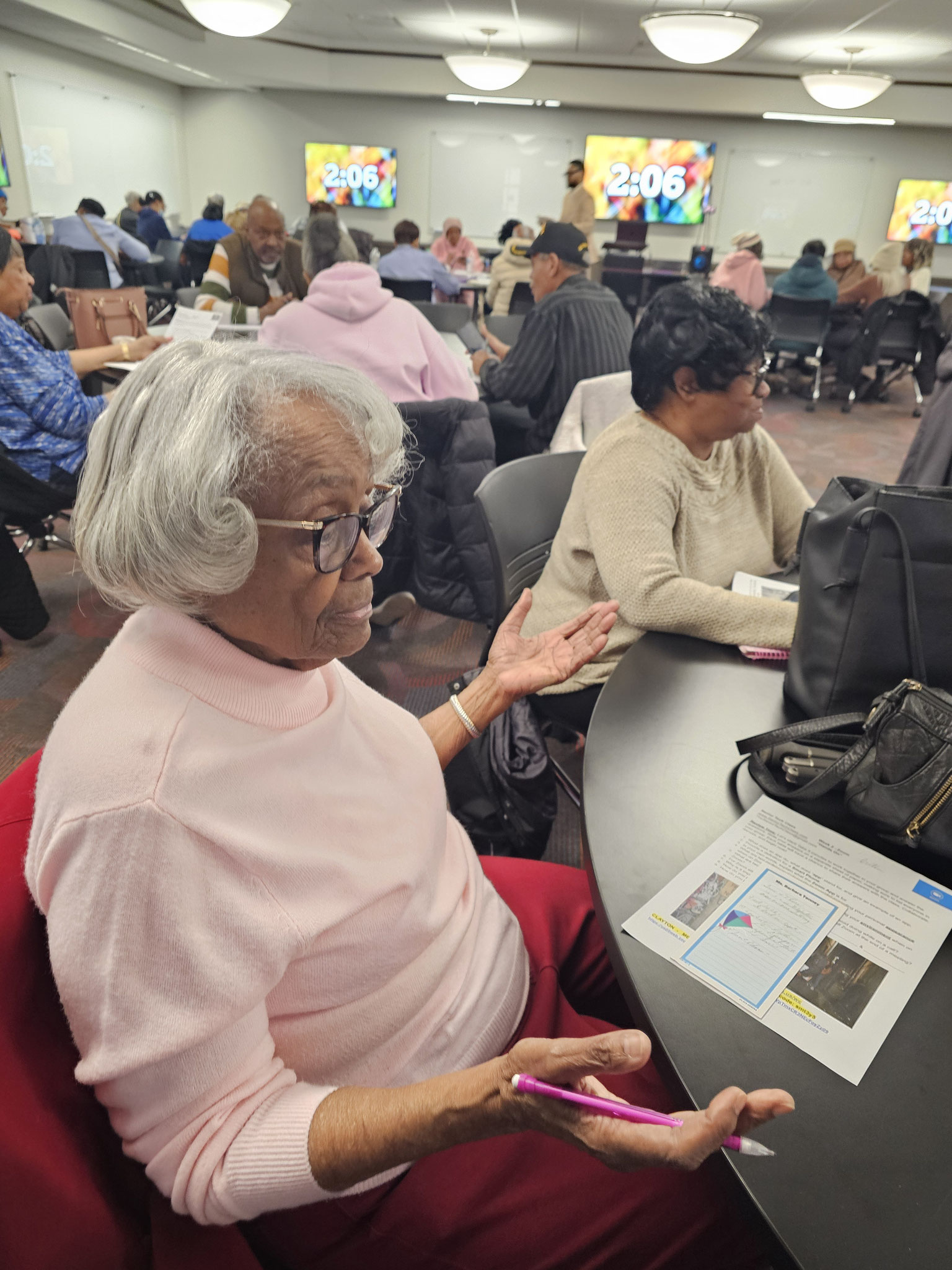
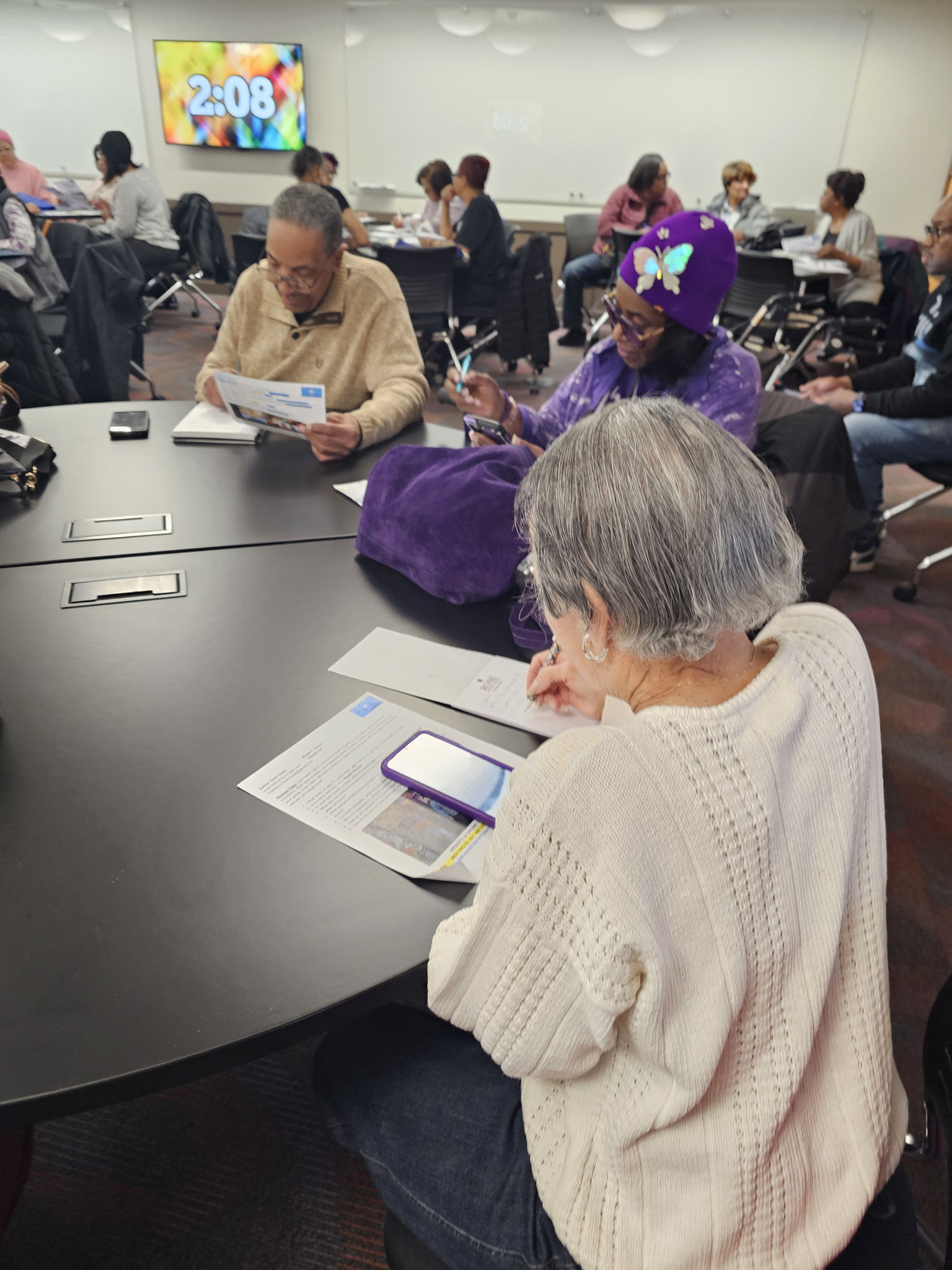
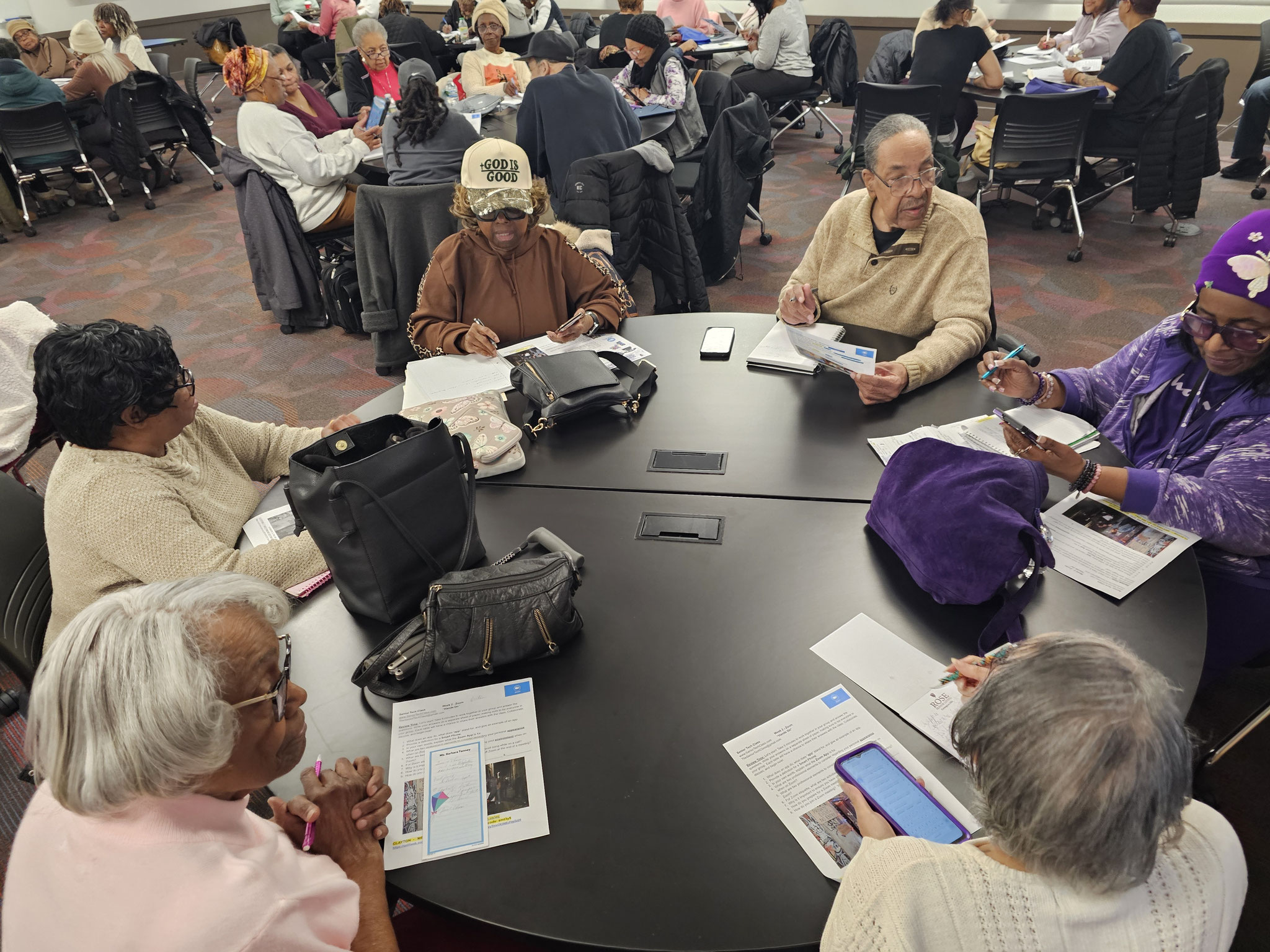
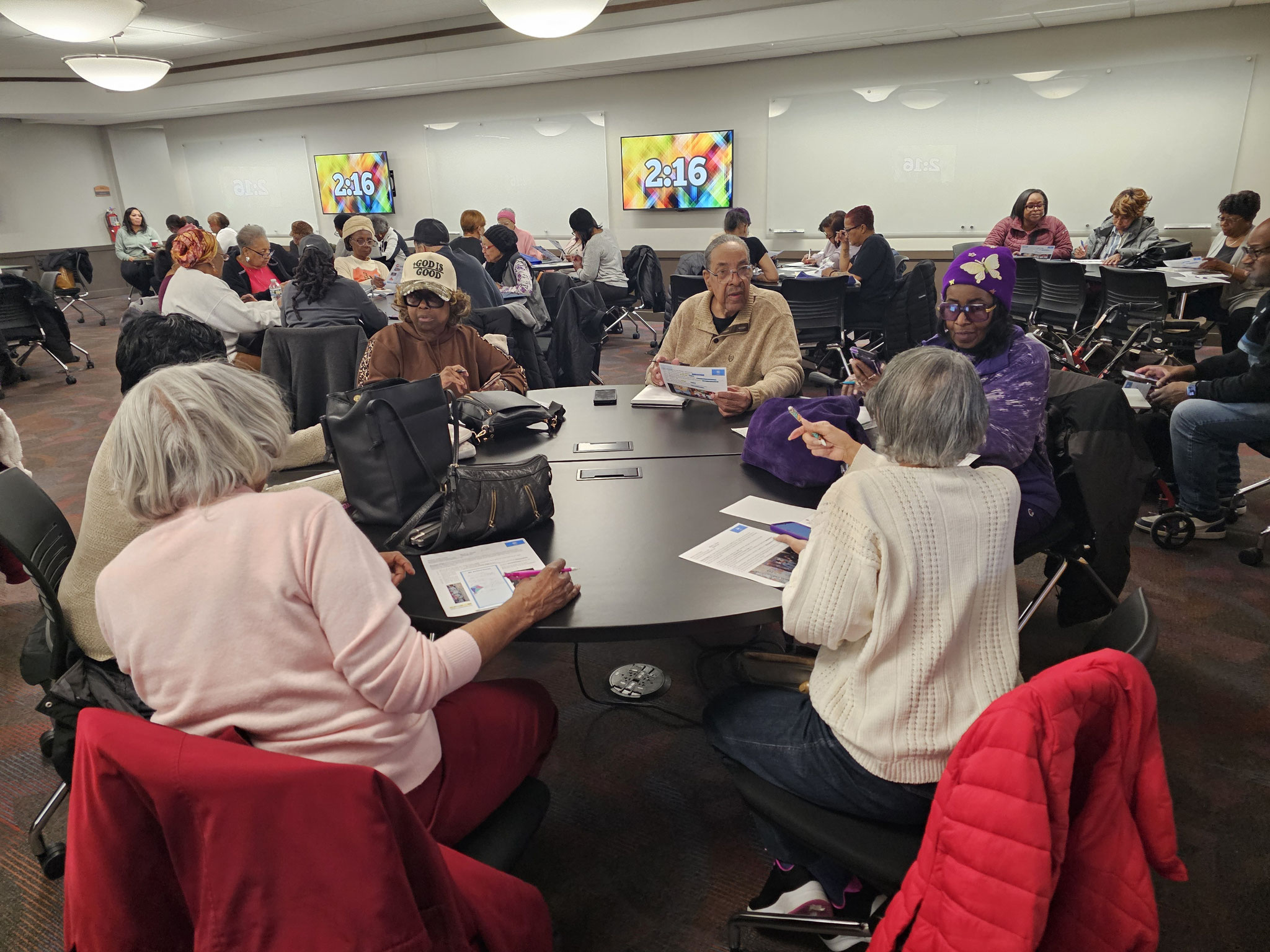
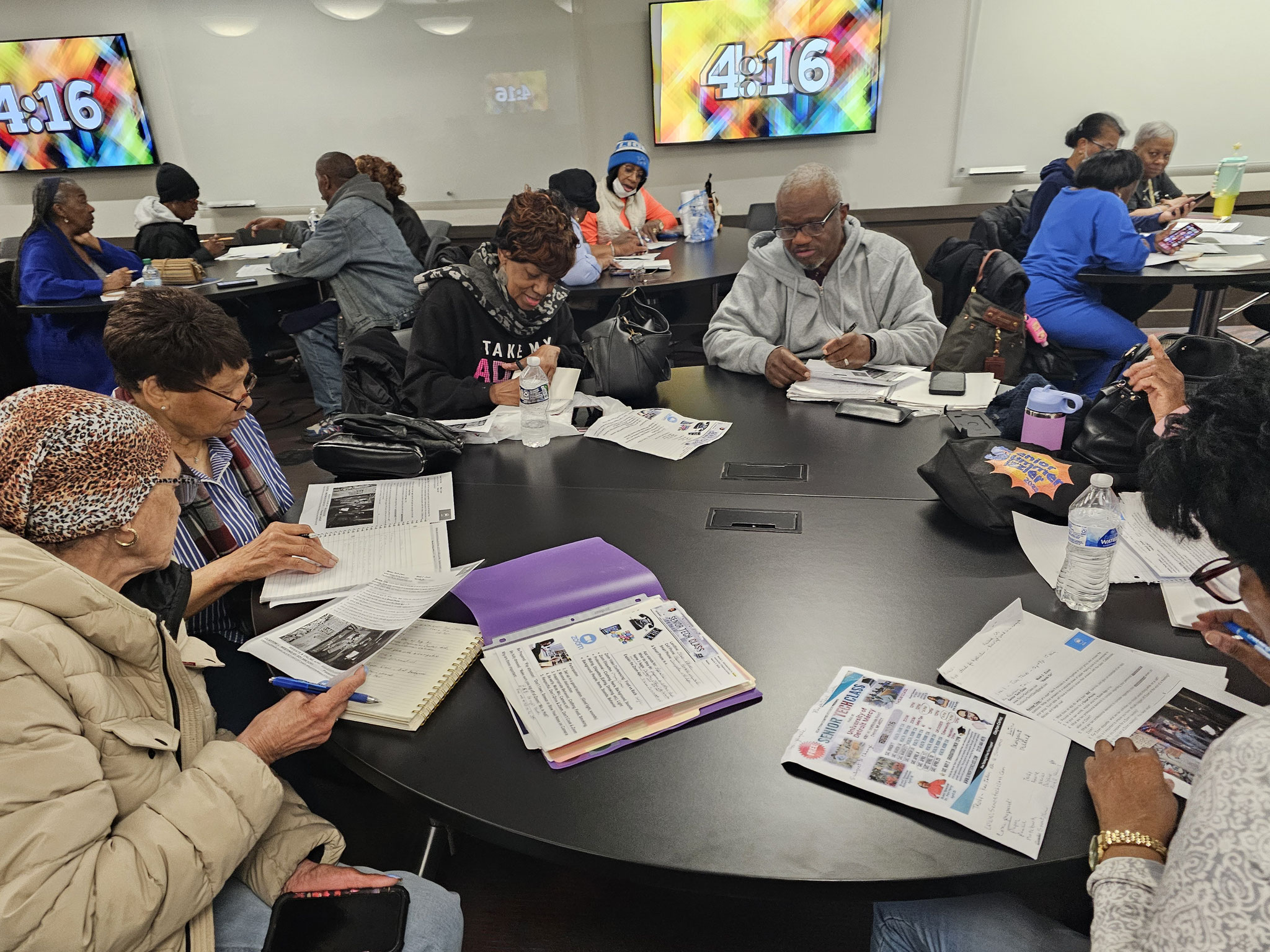
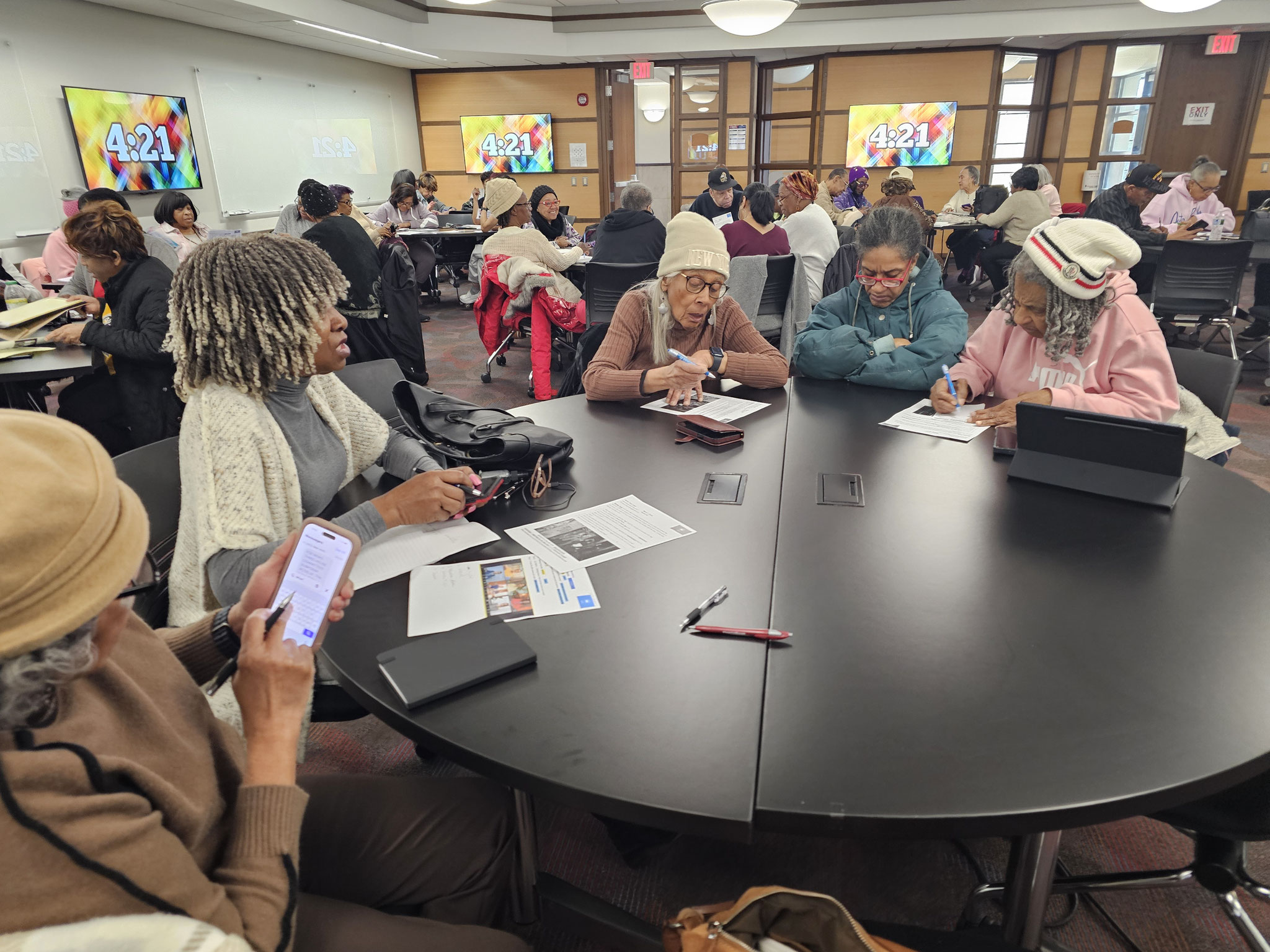
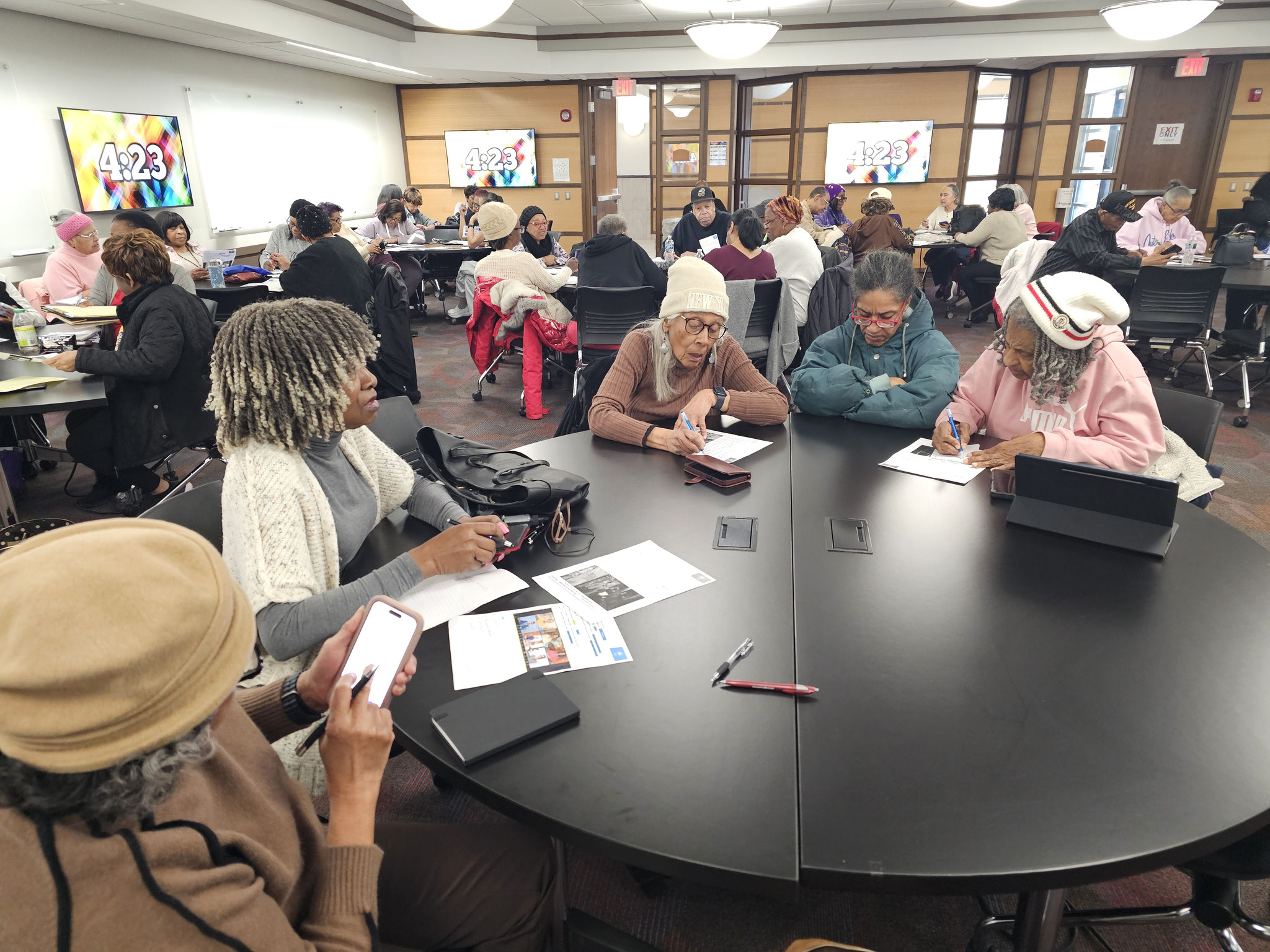


This hands-on session gave seniors the chance to learn Zoom by actually using it—not just watching. Participants followed along step by step, entering meeting IDs and passwords while working together to join live sessions. There was plenty of interaction, laughter, and teamwork as everyone helped each other navigate the process and overcome common tech hiccups.
By the end of the session, participants weren’t just familiar with Zoom—they felt confident using it on their own. Through guided activities and group practice, they built real skills in a relaxed, supportive environment. With extra resources like a video and practice assignment to take home, everyone left ready to join future online gatherings with ease.
WEEK 3: Safety Tips, UofD Police Dept
March 21, 2026
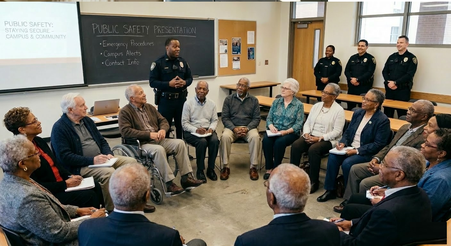
A huge thank you to the University of Detroit Mercy Public Safety Department for visiting our Senior Tech Class! Our seniors walked away with practical tips on staying alert while using technology and using tools like Blink cameras to keep their homes secure. Beyond home safety, the officers shared life-saving advice on how to respond to active shooter situations and simple ways to prevent crime, like staying off your phone while walking and always trusting your gut. This lecture was a wonderful reminder that maintaining independence goes hand-in-hand with staying vigilant. We’re now better equipped to enjoy our "golden years" safely and securely!
WEEK 4: Stay Sharp, Stay Safe - DETRPOT NPO
March 28, 2026
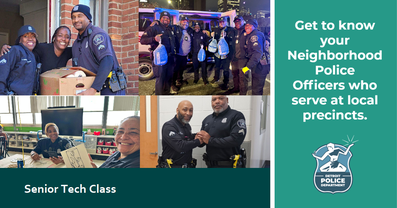

Seniors should know about and attend Neighborhood Police Officers (NPOs) meetings and lectures because these sessions provide the essential tools to stay sharp and stay safe in an ever-changing environment. By providing critical information on local safety issues, crime prevention strategies, and community resources, these interactive sessions ensure that seniors remain one step ahead of emerging threats. Attending allows residents to sharpen their situational awareness, ask direct questions, and build a vital line of communication with the officers who patrol their blocks. Whether it is identifying sophisticated scams targeting older adults, mastering traffic safety, or joining neighborhood watch programs, these meetings empower seniors to turn information into action. Staying informed through public alerts and expert lectures ensures that seniors aren't just observers in their community, but active, sharp, and secure partners in public safety.
WEEK 5: Cyber Safety for Senior Citizens
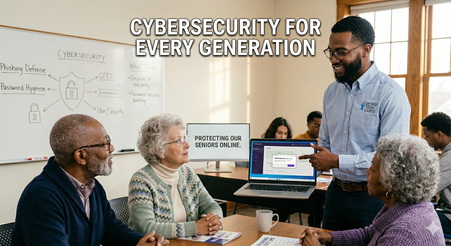
This course equipped seniors with the tools and confidence to navigate the digital world safely. Participants learned to safeguard their most sensitive information—from banking details to private passwords—against evolving online threats. Through hands-on guidance, seniors gained the skills to spot phishing scams, identify fraudulent websites, and master the art of strong password creation. The goal was to replace digital hesitation with digital literacy, ensuring every click was a smart and secure one.
WEEK 6: AI
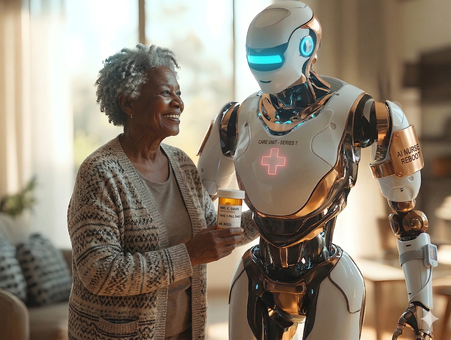
This course opened the door for seniors to explore the exciting world of Artificial Intelligence (AI) in a simple and enjoyable way. They discovered how AI can make everyday life easier—from finding directions and planning trips to getting quick answers and enjoying personalized entertainment. Through fun, hands-on activities, participants used tools like GPS, Google Gemini, and Google Assistant to see AI in action.
Step by step, seniors learned how to use voice commands and smart apps with confidence, turning technology from something confusing into something helpful and easy to use. The course focused on real-life situations, making learning practical and meaningful. By the end, participants felt more connected, independent, and comfortable using AI in their daily lives.
WEEK 7: QR CODES
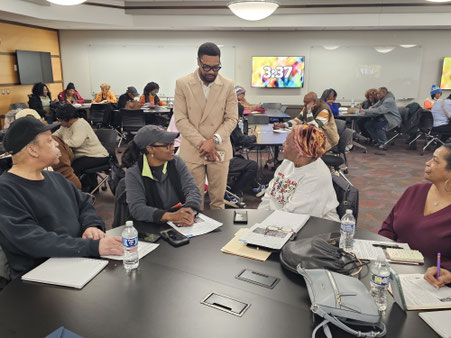
Guest Speaker: Robert Newson
This course, led by media production, social media management, and K-9 law enforcement professional Mr. Robert Newson, introduced seniors to QR codes and their everyday uses. He explained what QR codes are, how to scan them, and how to stay safe while using them.
The session included 30 minutes of lecture and 30 minutes of hands-on practice, allowing participants to try scanning QR codes on their own devices. Overall, the class helped seniors learn to use QR codes quickly, safely, and confidently, improving their comfort with everyday technology.
WEEK 8: DR. PAM PERRY

This course is led by Dr. Pam Perry, an award-winning communications and public relations professional with over 25 years of experience in marketing, journalism, and branding. She helps experts and entrepreneurs stand out by building strong, authentic brand stories that attract clients and media attention.
In this course, she focuses on teaching how to present yourself professionally online, including managing your image, behavior, and overall digital presence. A key part of her instruction is understanding online reputation—how it is built, maintained, and protected across social media and other platforms.
Dr. Pam also shares practical tips on how to communicate effectively online, avoid common mistakes, and create a positive and consistent personal or business brand. Through her guidance, participants learn how to strengthen their online presence and build credibility in a digital world.